December 2025: simpler operations
Operations get simpler after review. A document's pages can also be deleted from the viewer.
Run an operation with fewer choices to make. You no longer choose signature and filing when you pick the decision. After review, the Continue button opens a single options window: signature, then filing, which you hand to Alex or not.
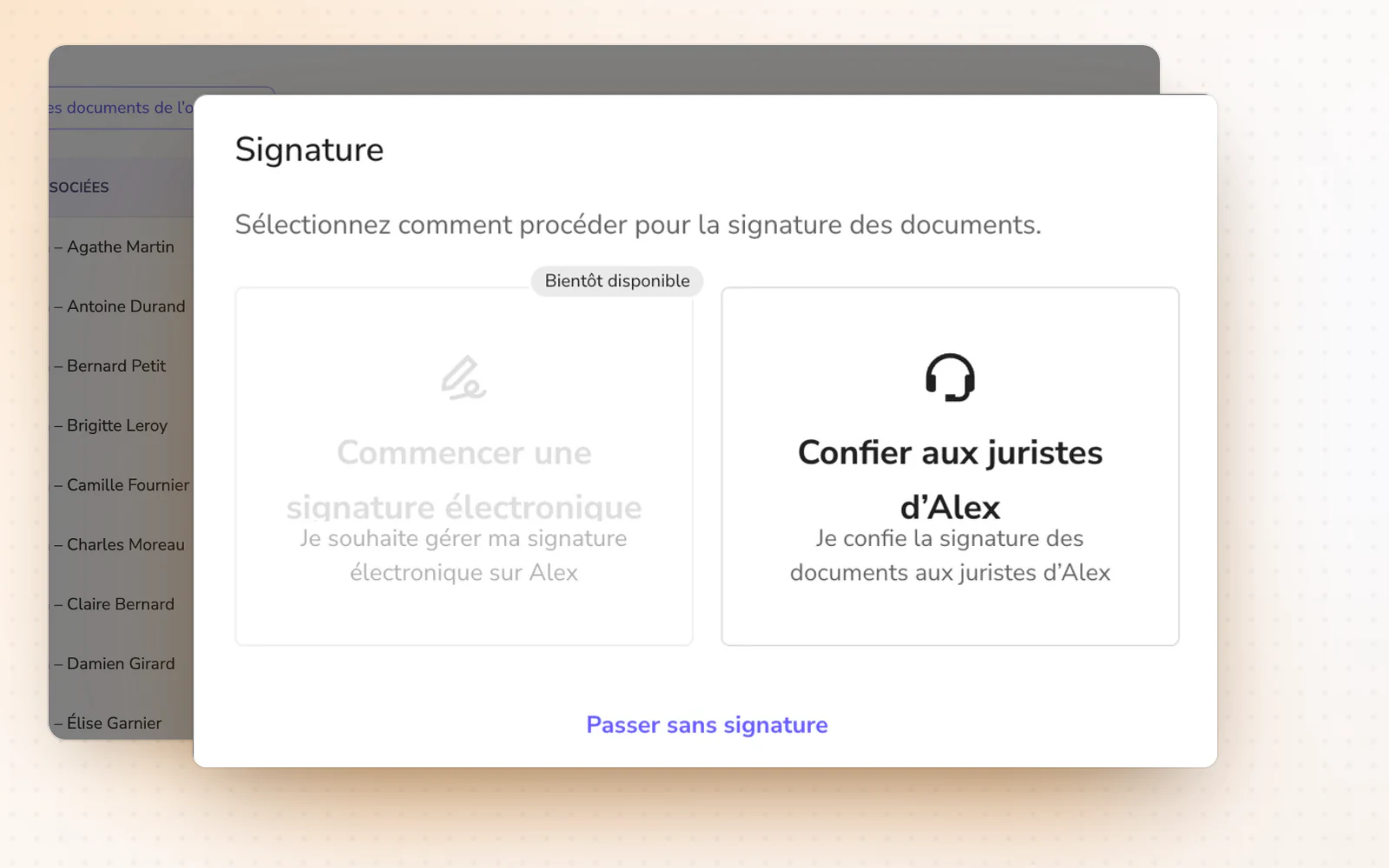
Highlight
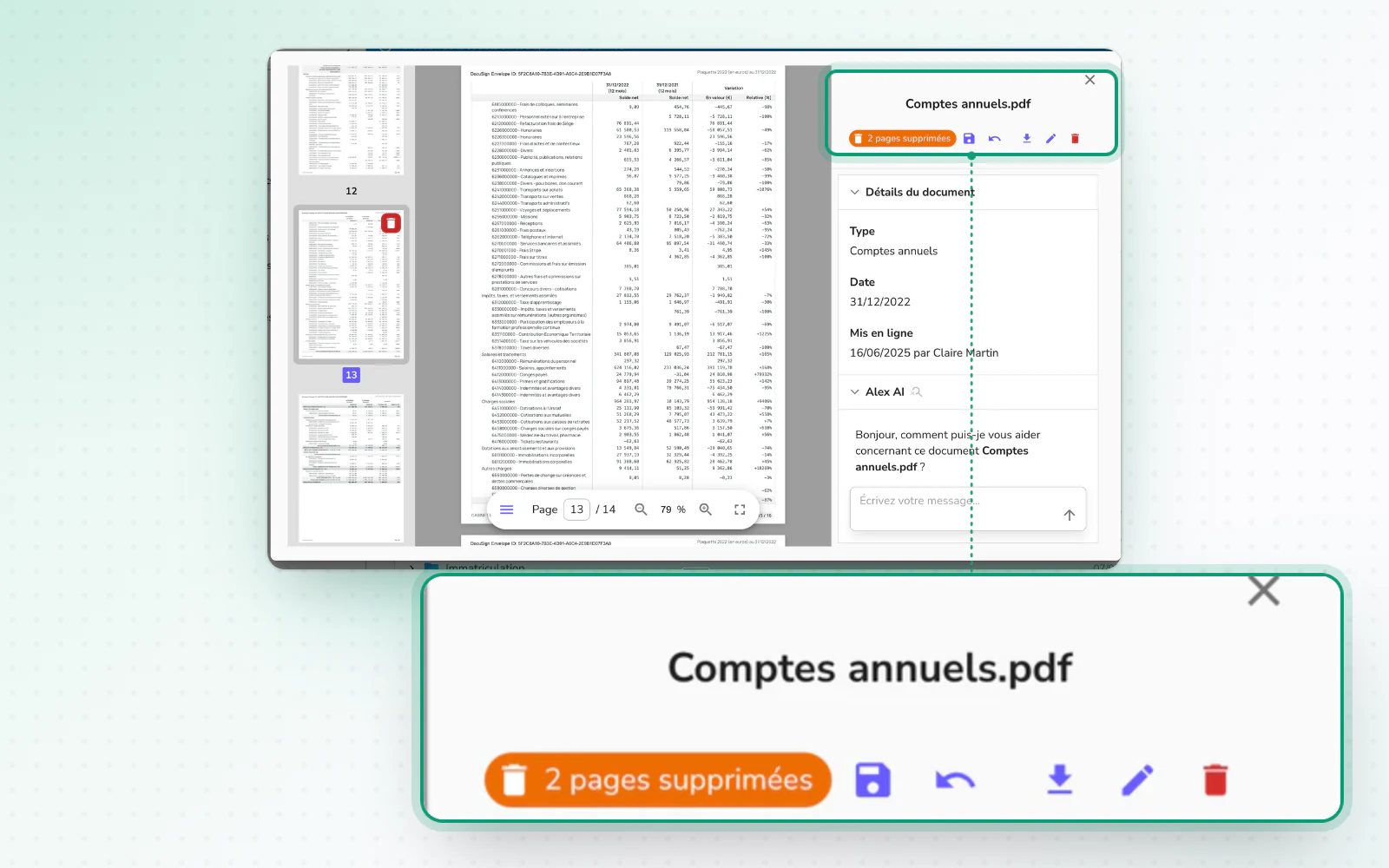
Delete pages from a document
Clean up a document without leaving the viewer. Remove pages with a click or the Delete key. Undo with the dedicated button or Cmd+Z, then save your changes.