Your product briefing

What’s new, month after month

What changes in Alex, note after note: up to two a week, with the essentials first.

RSS68 notes since January 2024

Highlights

All notes

November 2026

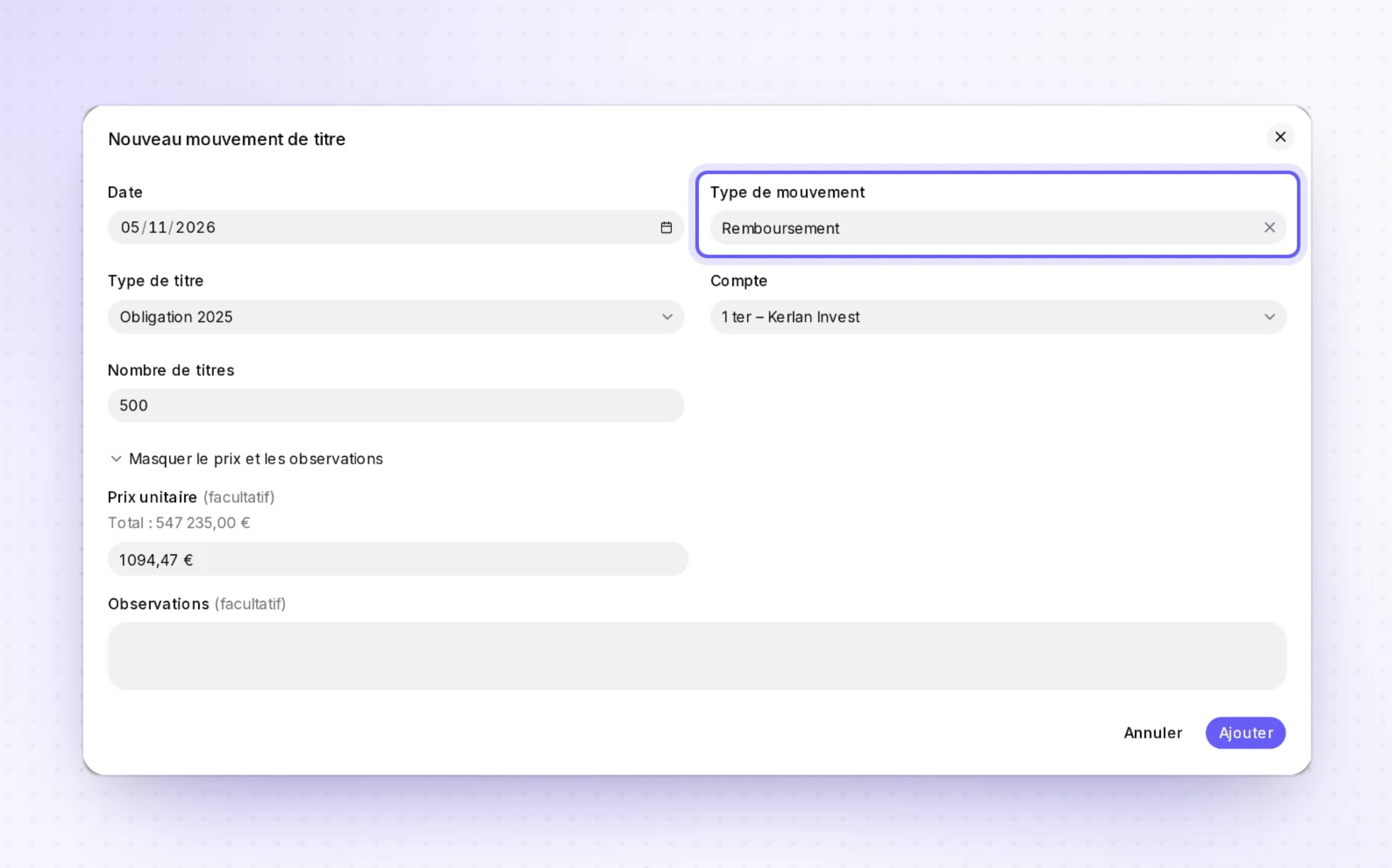
Record a bond redemption as its own movement

CapitalTemplates and draftingOperations

On the drafting side, you can create a derived snippet from a template editor without losing your unsaved changes. The movement form also shows the selected account's balance before you save.

  • A derived snippet from your templateFrom the editor of a custom template, you create a derived snippet when no copy exists yet, and its editor opens in a new tab. If a copy already exists, that one opens, without creating another. Your original template stays open with your unsaved changes, so there is nothing to redo when you come back. It all happens in Templates and drafting, from the template editor.
+ 6 improvements · 3 fixes
October 2026

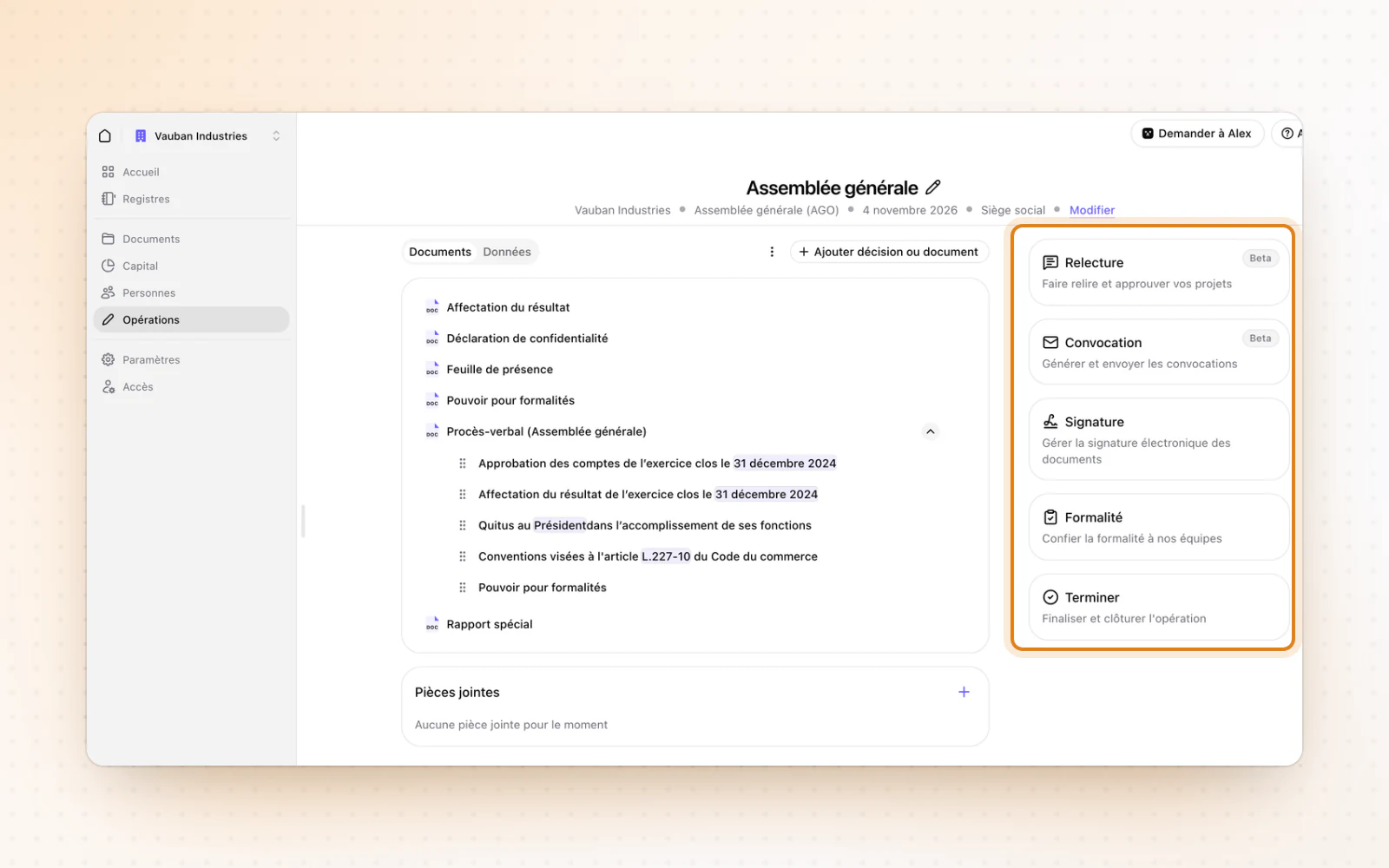
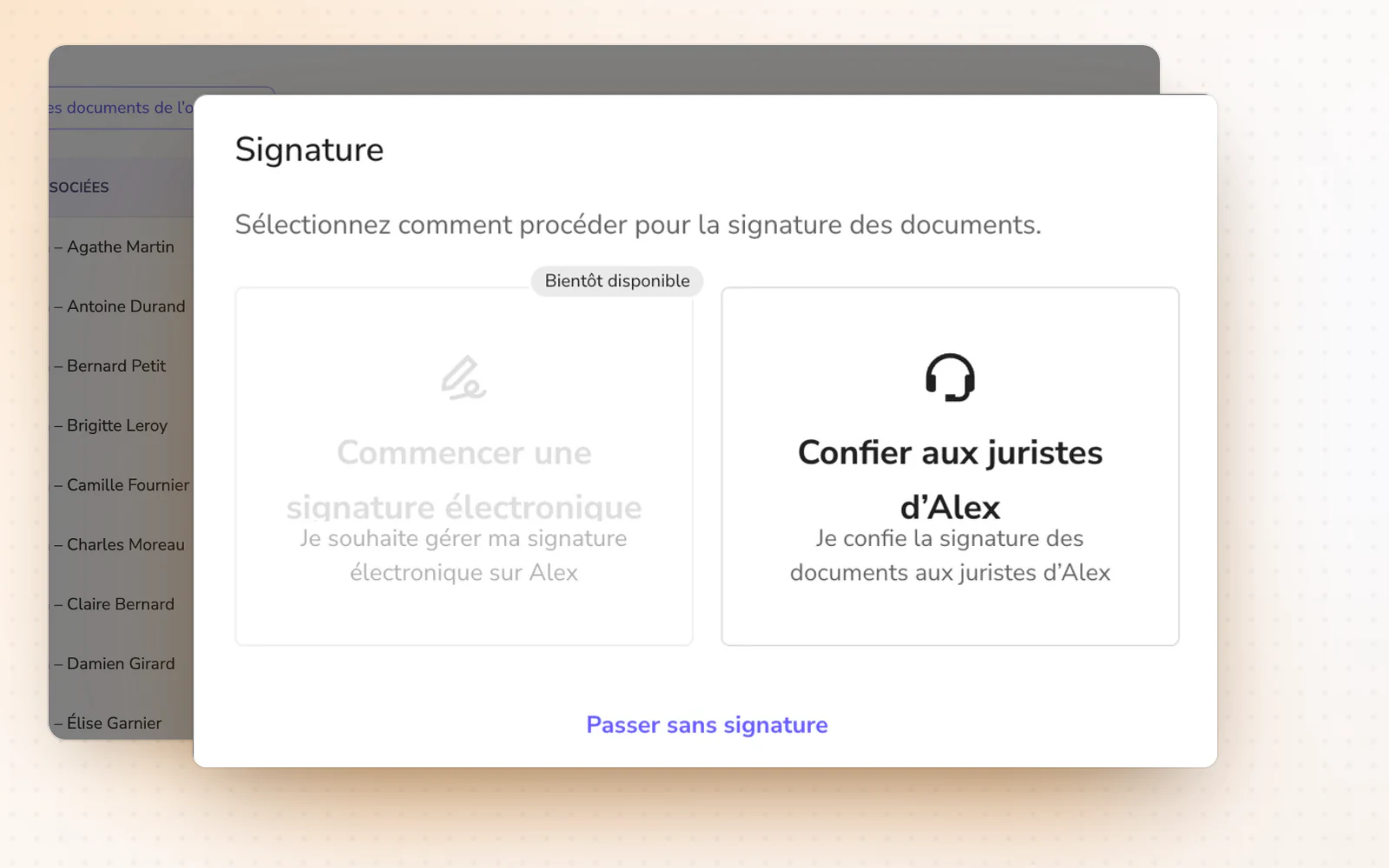
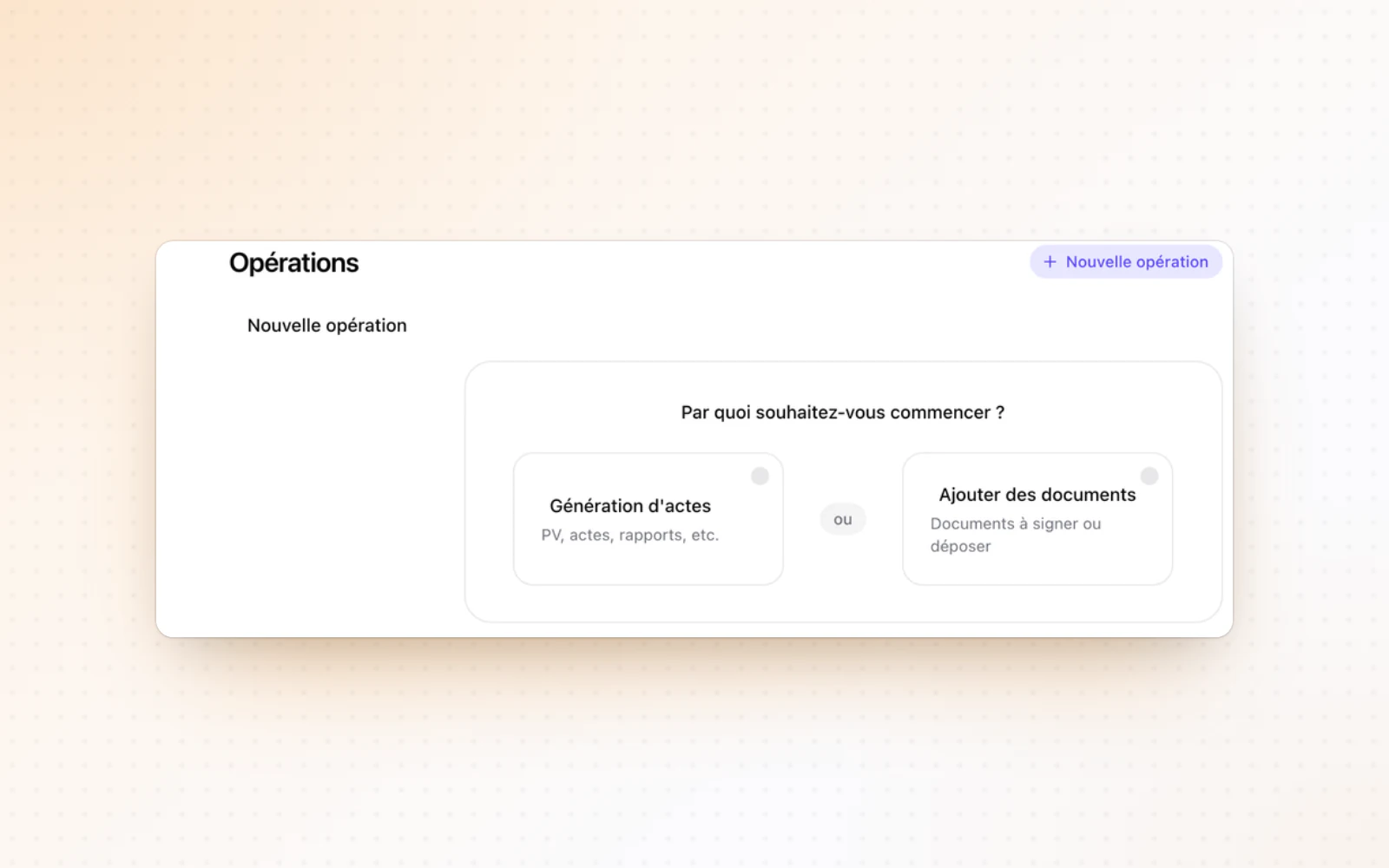
An operation to get your files signed

OperationsDocumentsCompanies

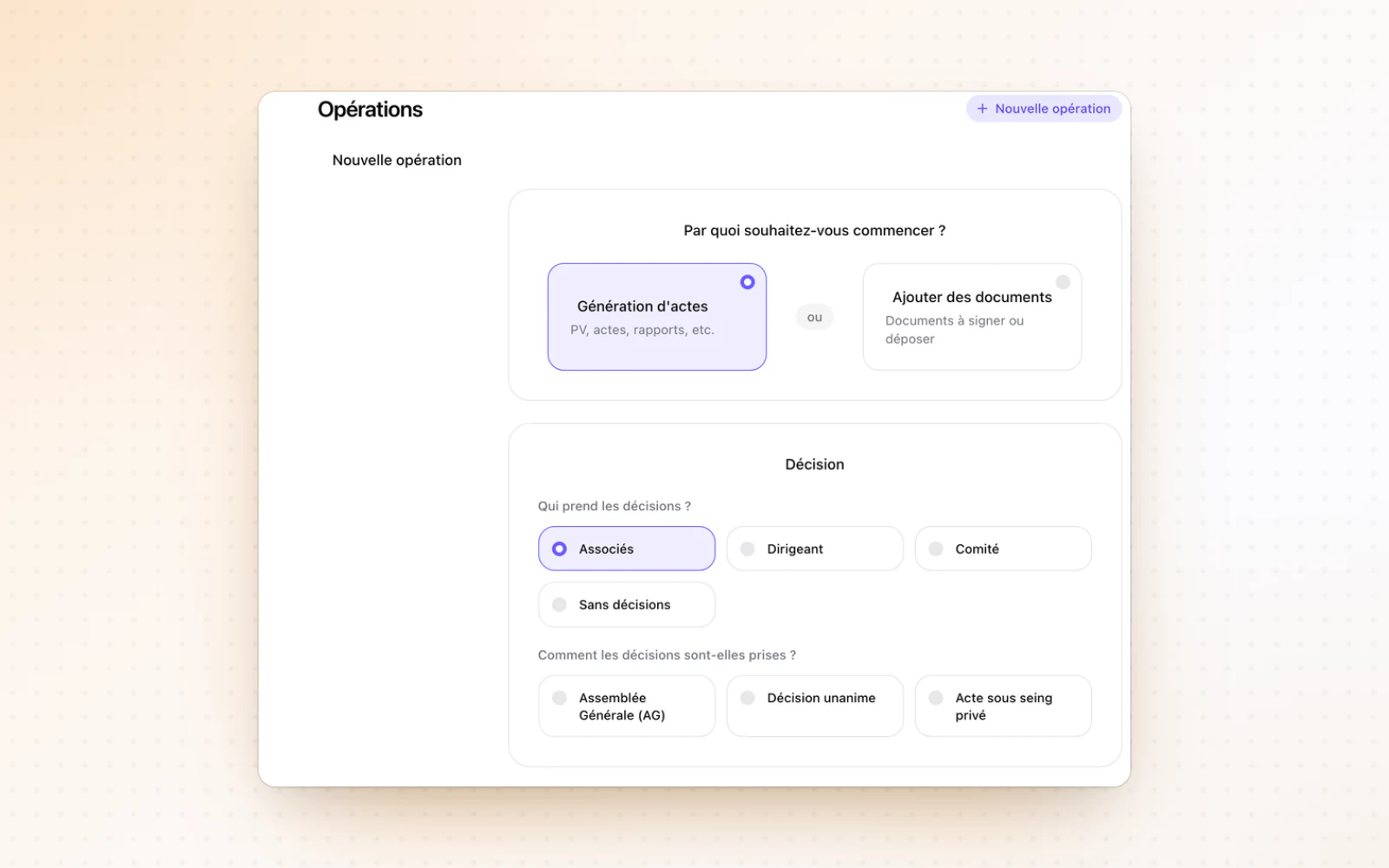
Start an operation from plain files to get them signed. Your actions in Documents can also be undone and redone.

  • Undo and redo in DocumentsTake back a mistake in Documents. A rename, a move, an upload, a deletion or a pin can be undone and redone. Progress shows while it runs.
  • An Equity badgeSpot a company whose equity has fallen below half its capital. An Equity badge appears on the company page when the latest INPI filing decides to continue trading with equity below half the share capital. It gives the details, the source and a link to the deed.
+ 8 improvements · 2 fixes

Follow your filings, step by step

OperationsDocumentsLegal registers

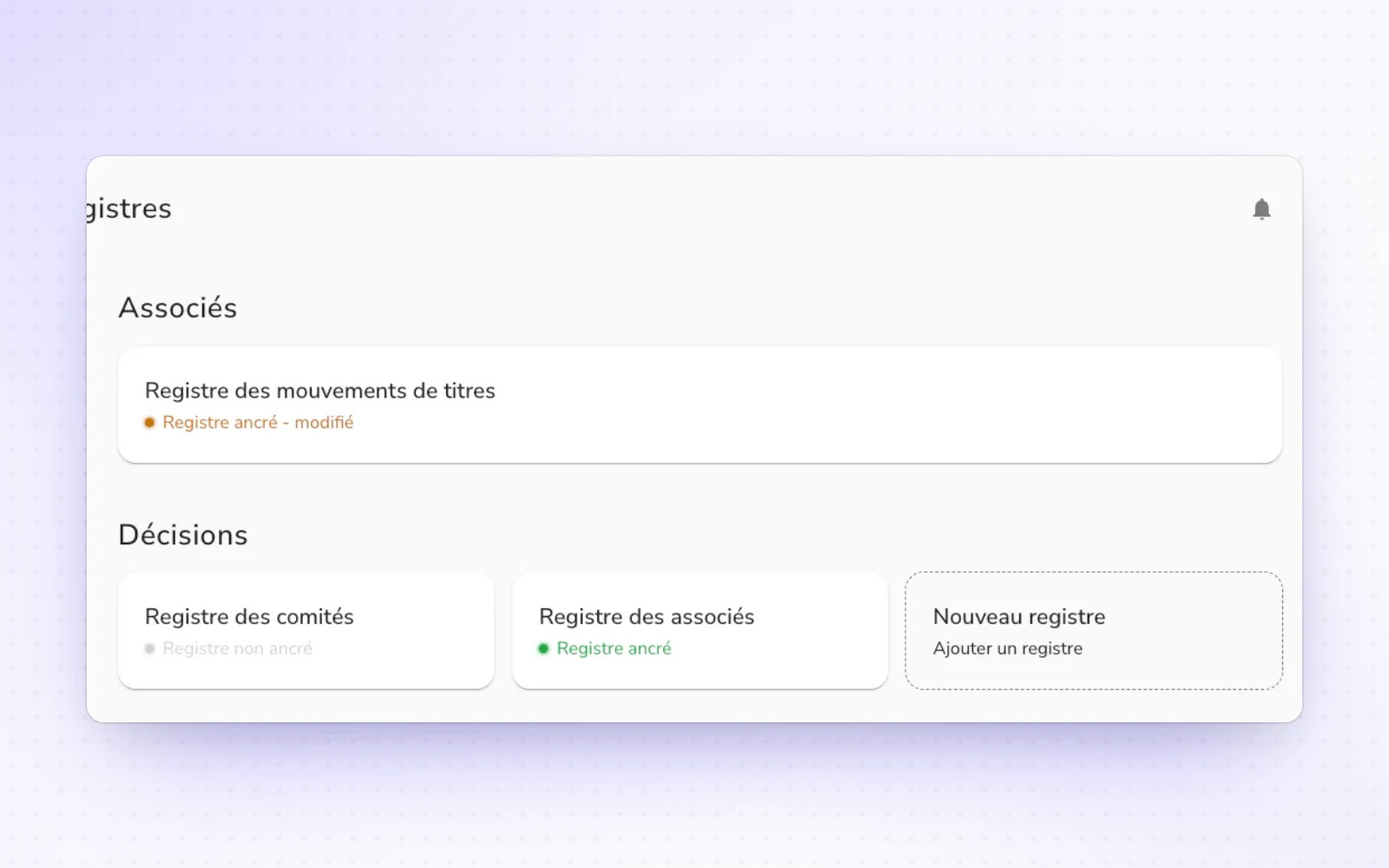
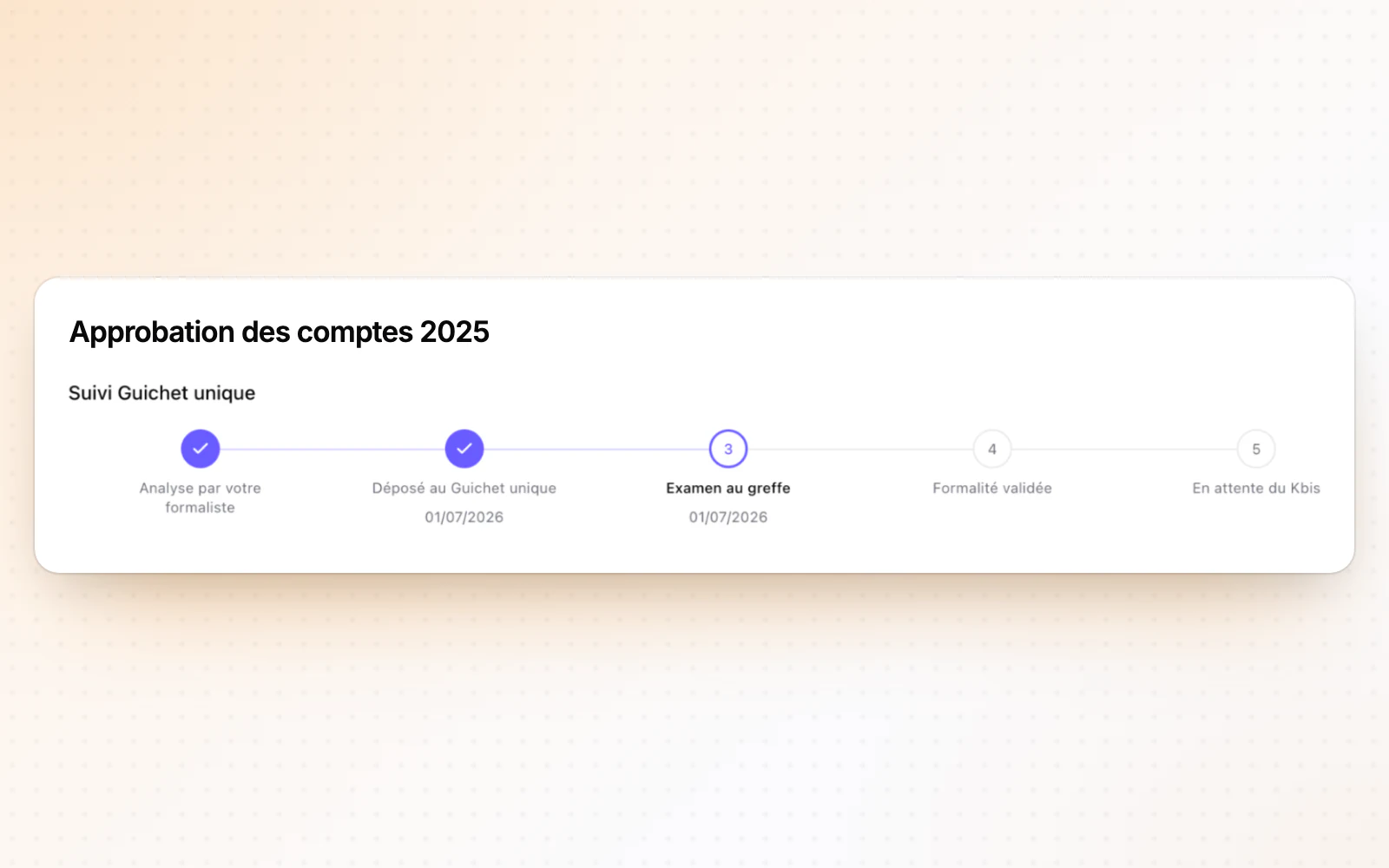
Follow every step of your filings at the Guichet unique, up to the Kbis. You can also pin your key documents and see all your registers on one page.

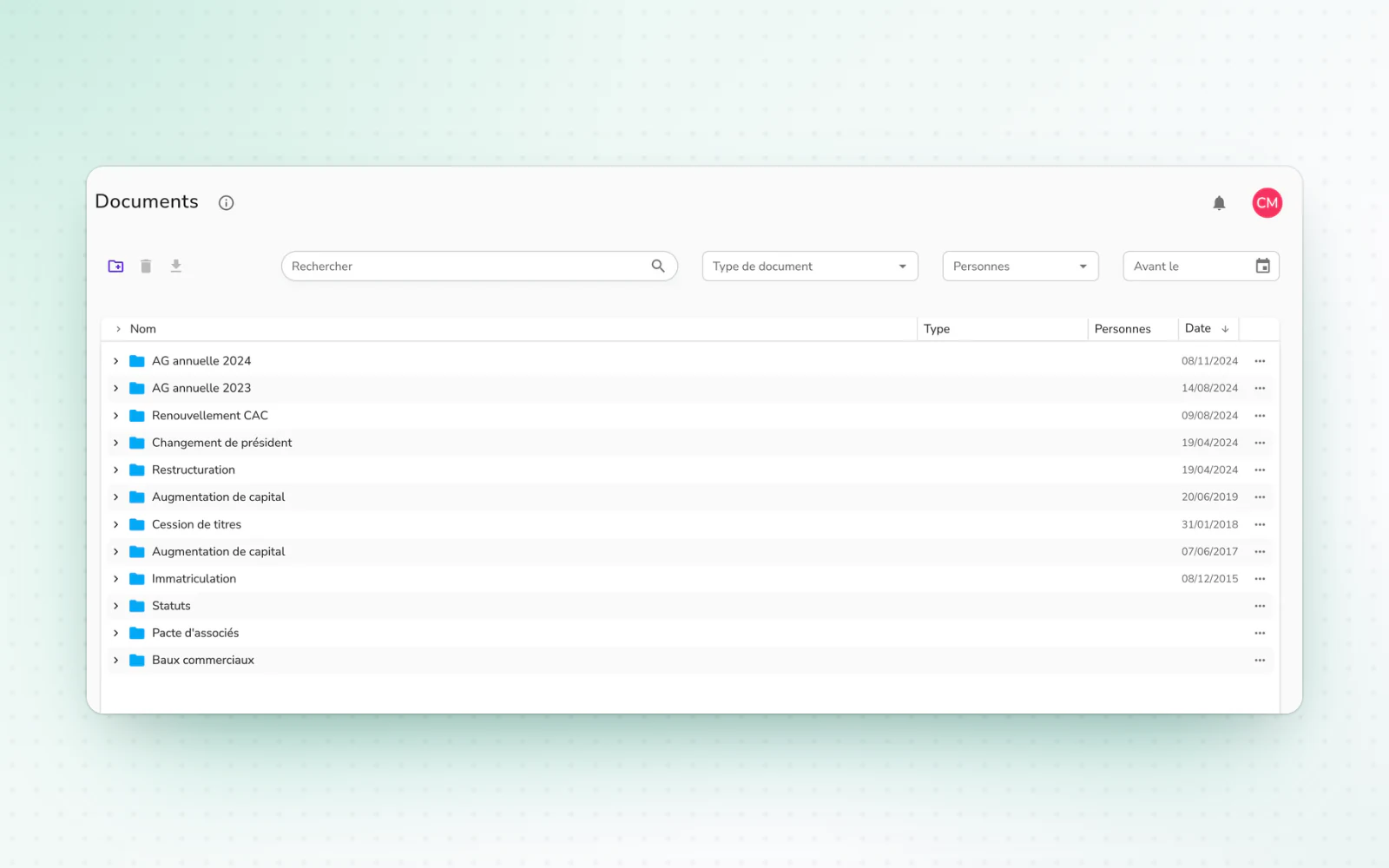
  • A fuller Documents spaceKeep your key documents close at hand. Pin a document for the whole company and find it in the Pinned menu. Download every document or a folder as a ZIP with its structure, and let uploads carry on in the background while you move around. Read the document storage guide
  • All your registers on one pageBrowse your registers without changing page. All your registers fit on one page, with a resizable list. The one you pick shows right next to it.
+ 4 improvements

Open data differences, fully redesigned

CompaniesCapitalOperations

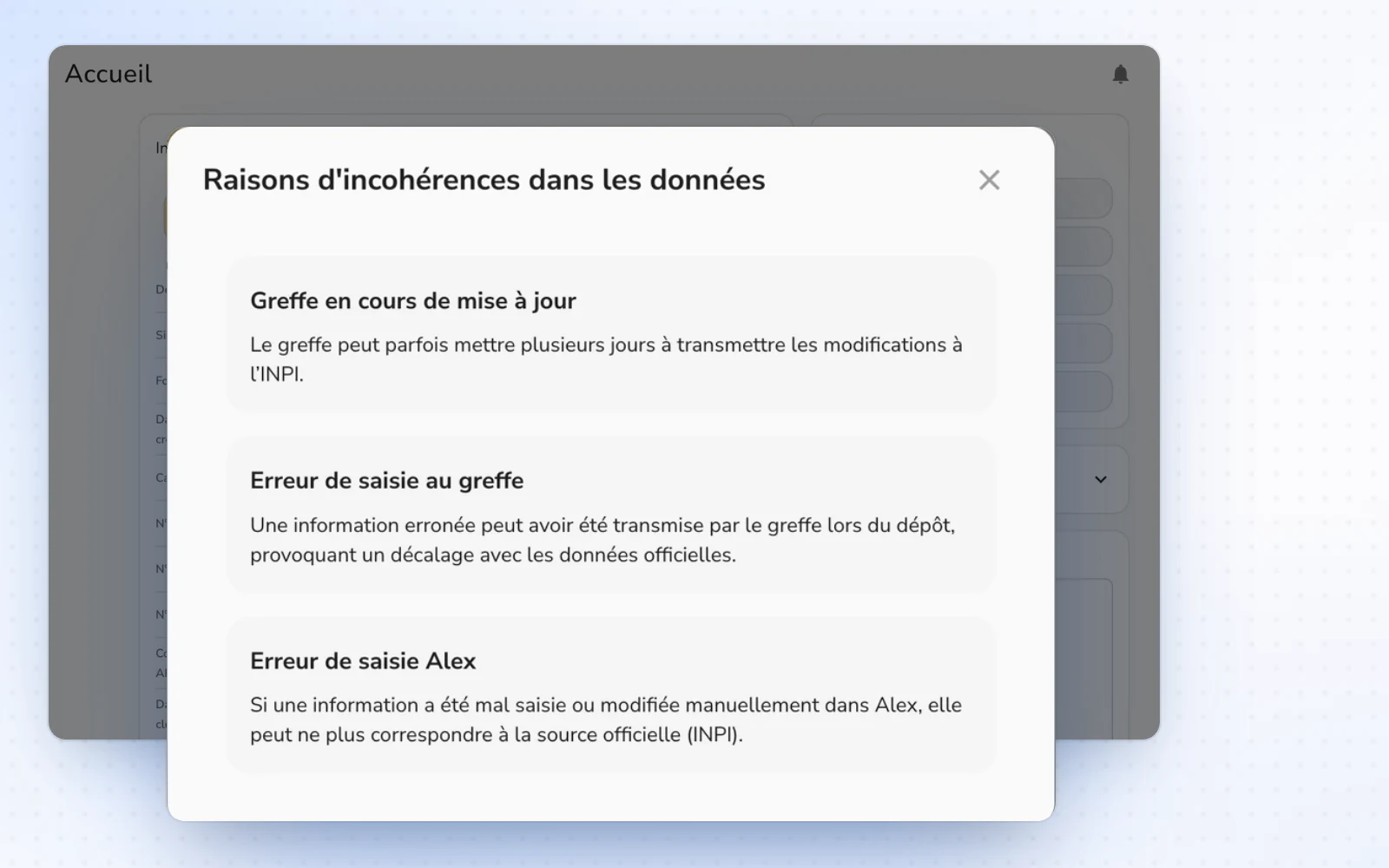
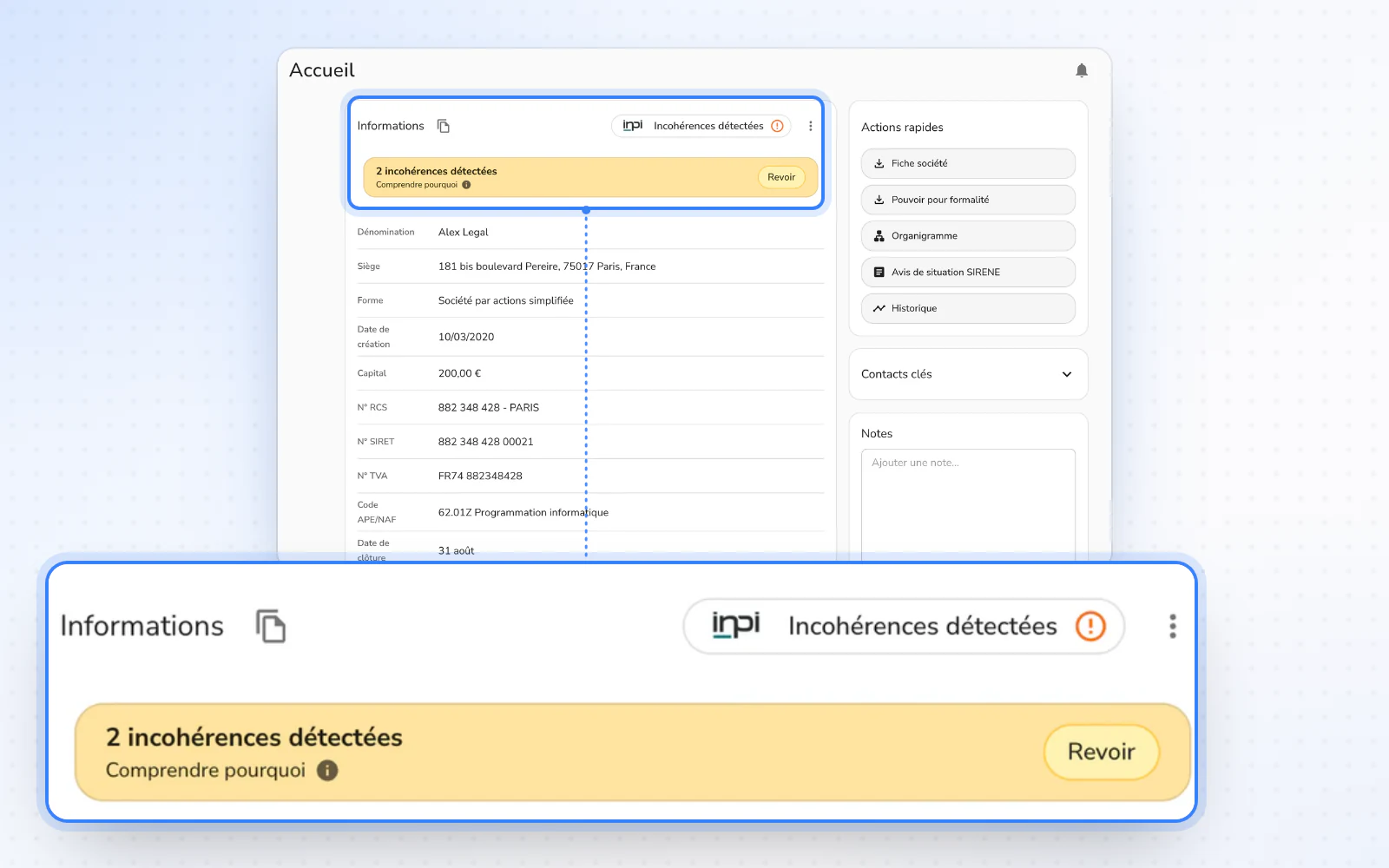
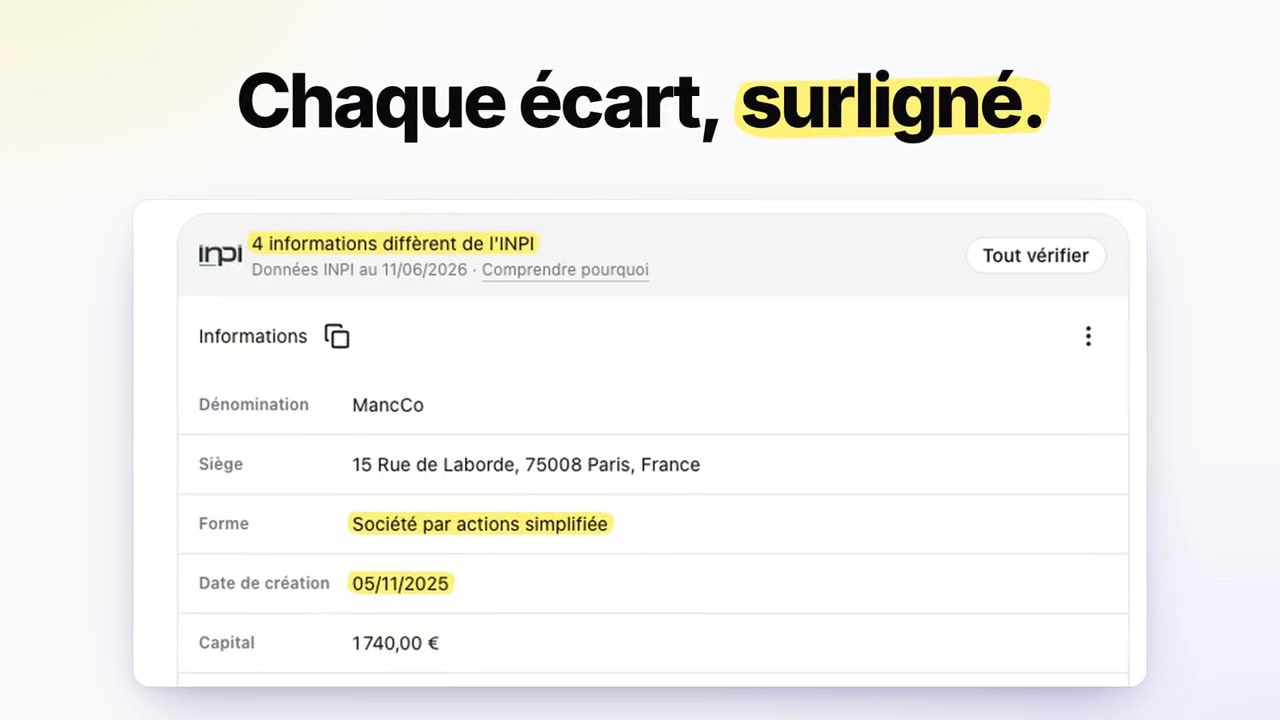
Open data differences are reviewed in a single window. Every shareholder also gets a page, and operations move into a table.

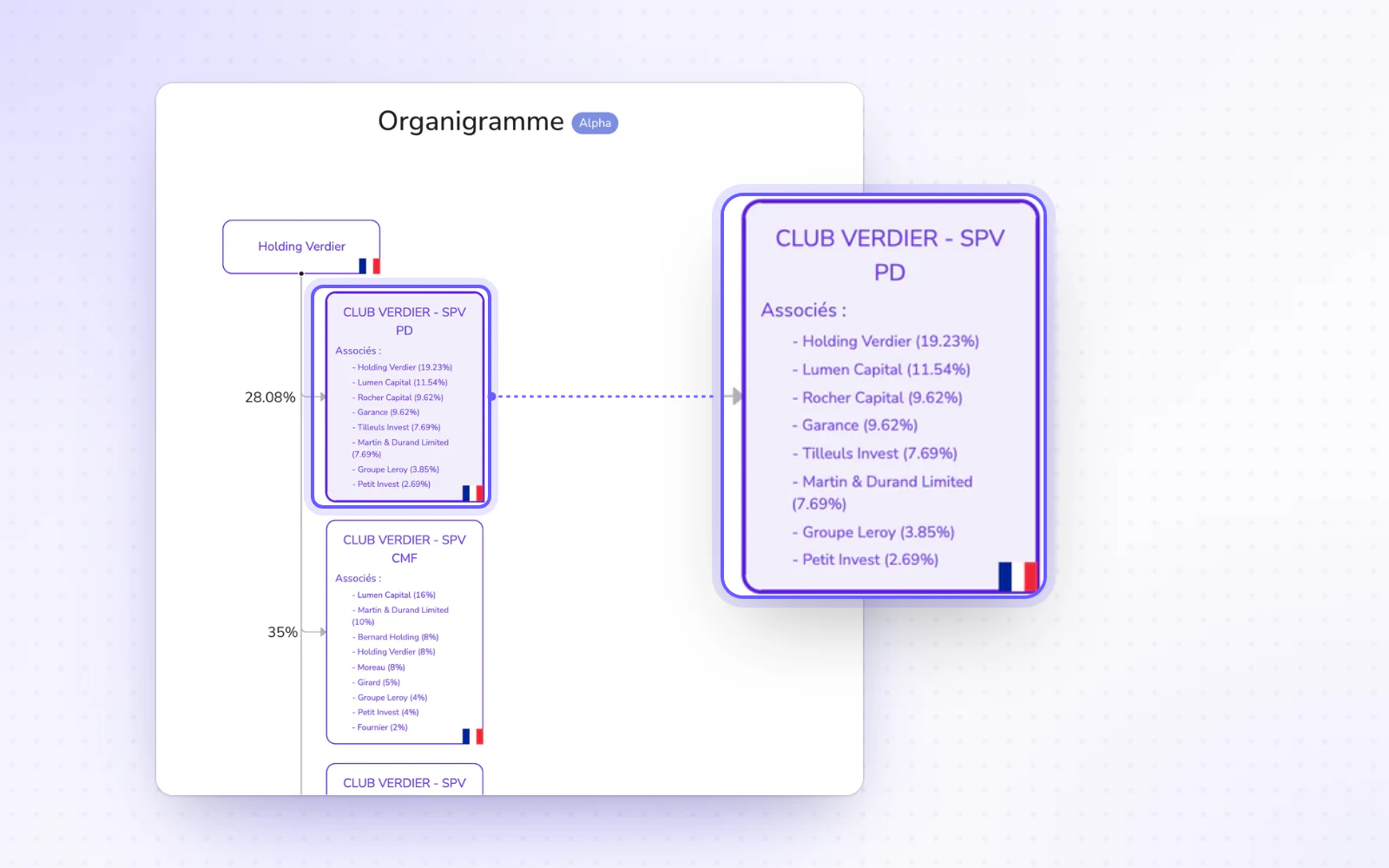
  • A page for every shareholderEverything about a shareholder fits on one page. Find their movements grouped by share class, their stake before and after dilution, and PDF and Excel exports. A user who is only a shareholder lands straight on their holdings. Read the share ownership guide
  • Your operations in a tableScan a company's operations at a glance. They now show in a table, and one click opens their preview. The New operation button moves to the top of the page, and past operations join the Done column.
+ 6 improvements

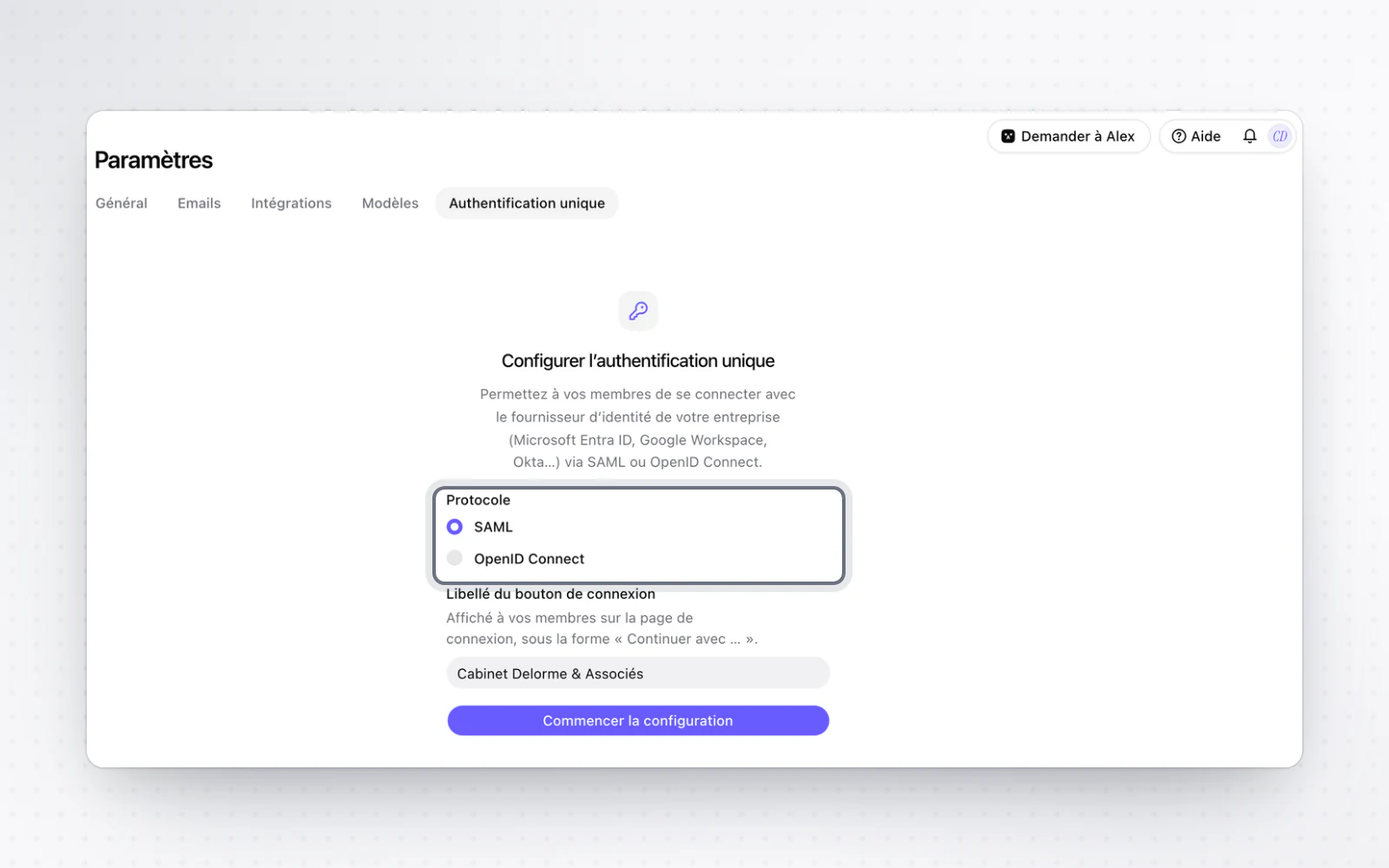
Set up single sign-on (SSO) yourself

Organisation and access

Organisation owners set up SSO themselves, and your members sign in through your identity provider. SSO remains a paid option.

  • Your members go through your identity providerYour members sign in with your organisation's account. On the sign-in page, an email address on a verified domain is offered to continue with your organisation straight away. You can also require SSO: password, Google or Microsoft sign-ins are then refused for those domains, and existing accounts simply carry on with SSO.

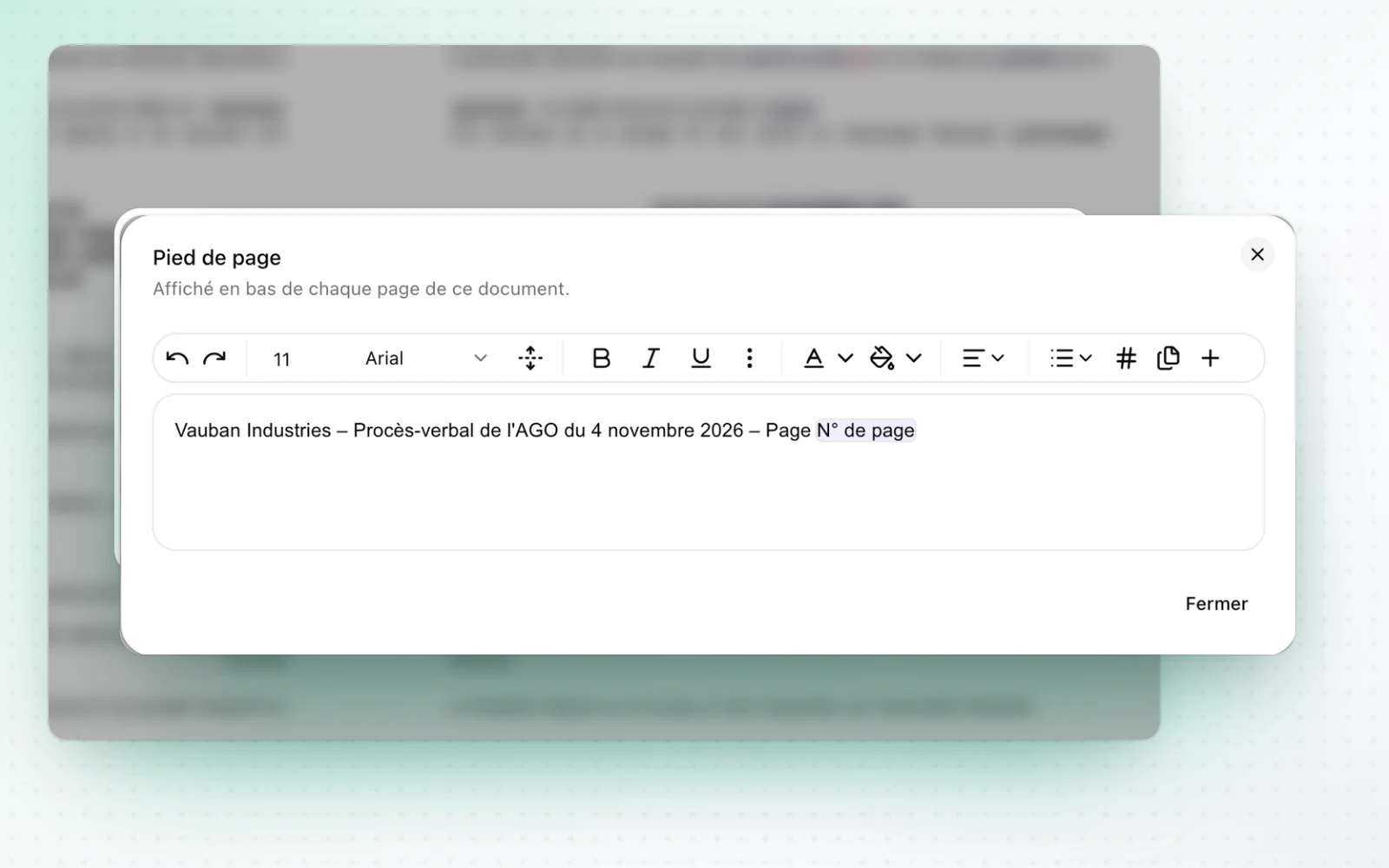
A numbered footer for your documents

Templates and drafting

Your templates and drafts gain a numbered footer. A Membership share type is also added for member organisations.

+ 3 improvements

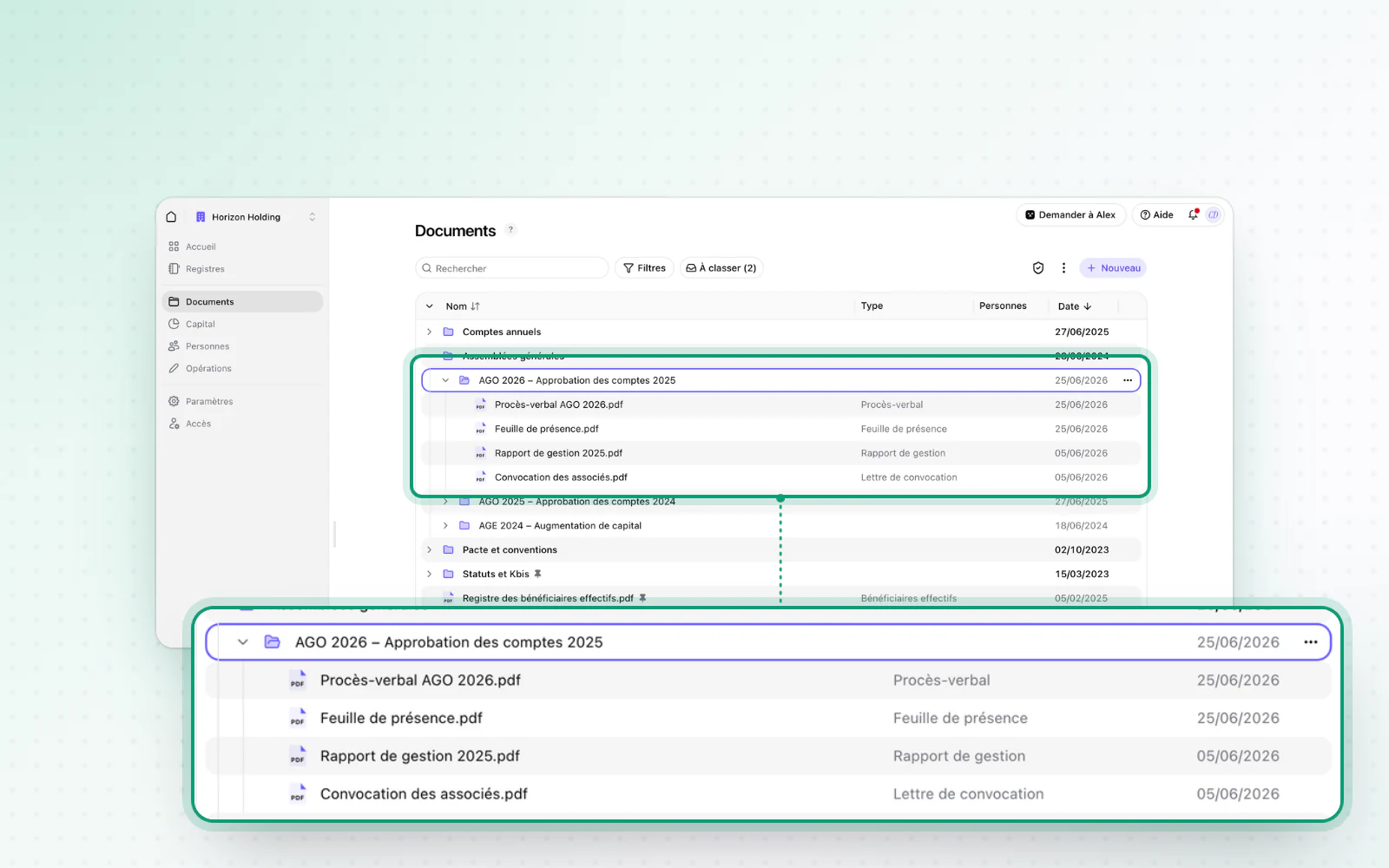
A new explorer for your documents

DocumentsOrganisation and access

The Documents page moves to a new explorer. The sign-in form also loads much faster.

  • Faster sign-inSign in within seconds. The sign-in form now loads in one to two seconds instead of about nine. After confirming your email address, you no longer need to sign out and back in.
+ 2 improvements · 2 fixes

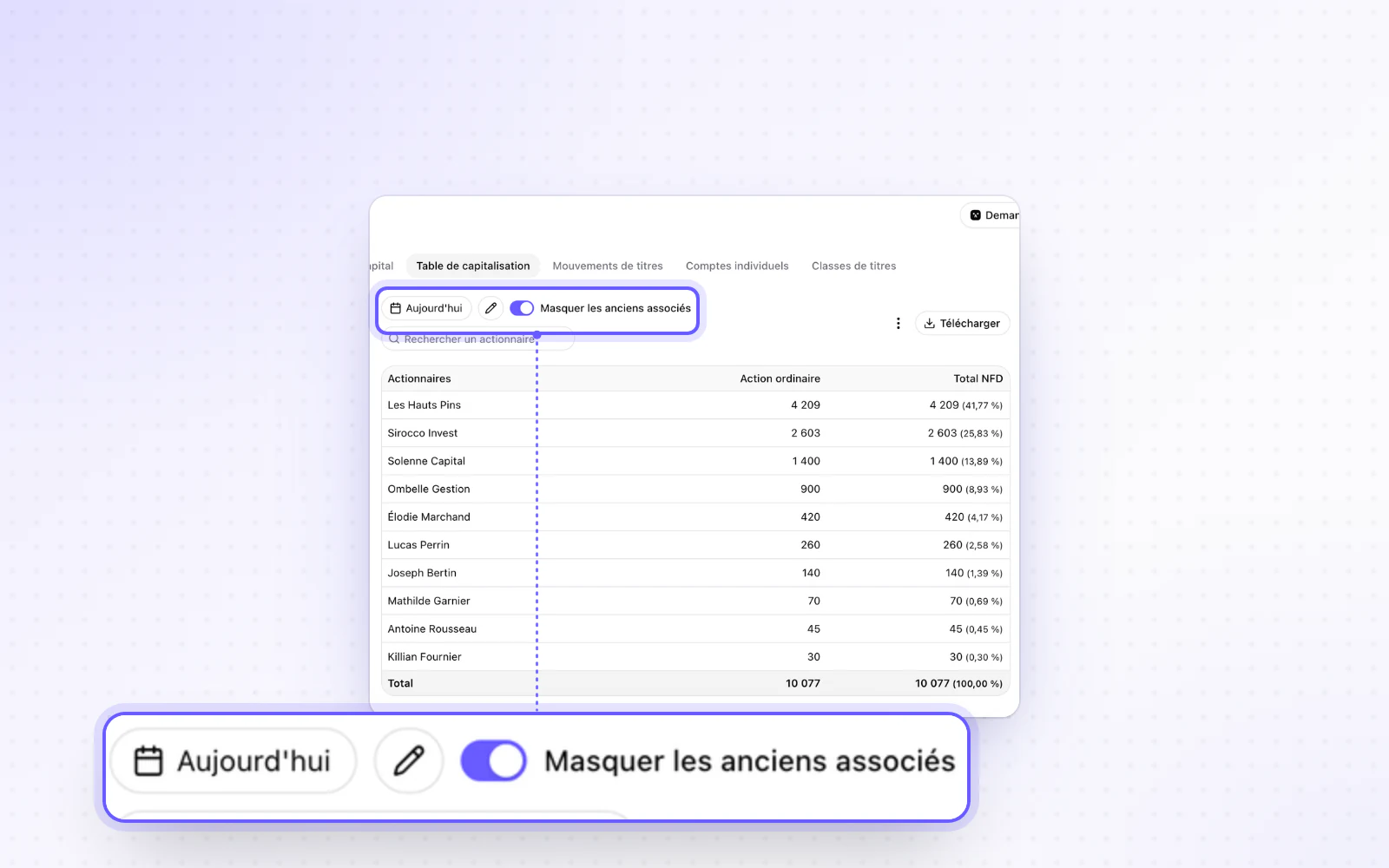
Your capital, easier to read

CapitalOrganisation and access

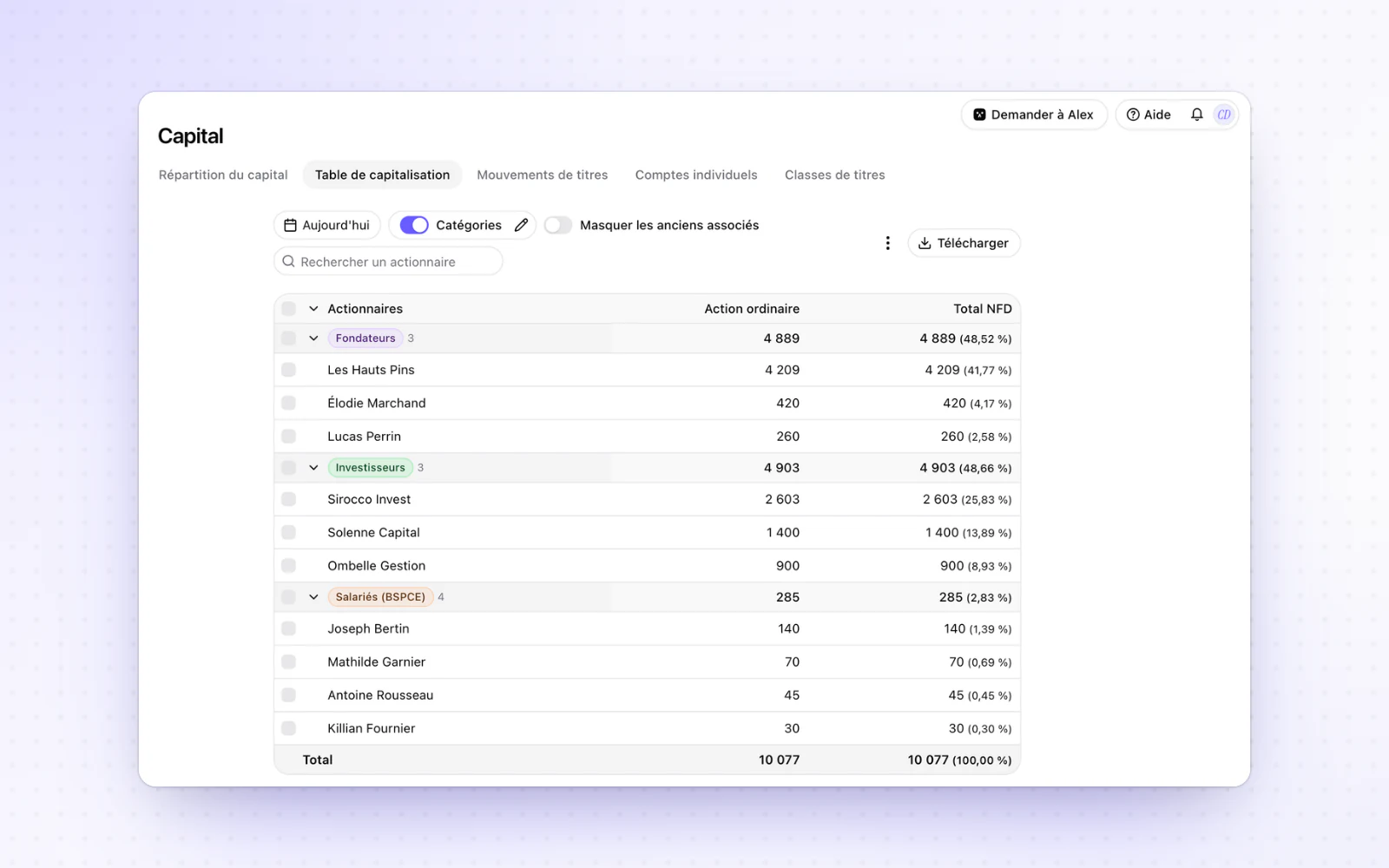
The capital breakdown reads better, with small stakes grouped and former shareholders hidden. Your groups can also manage their own companies.

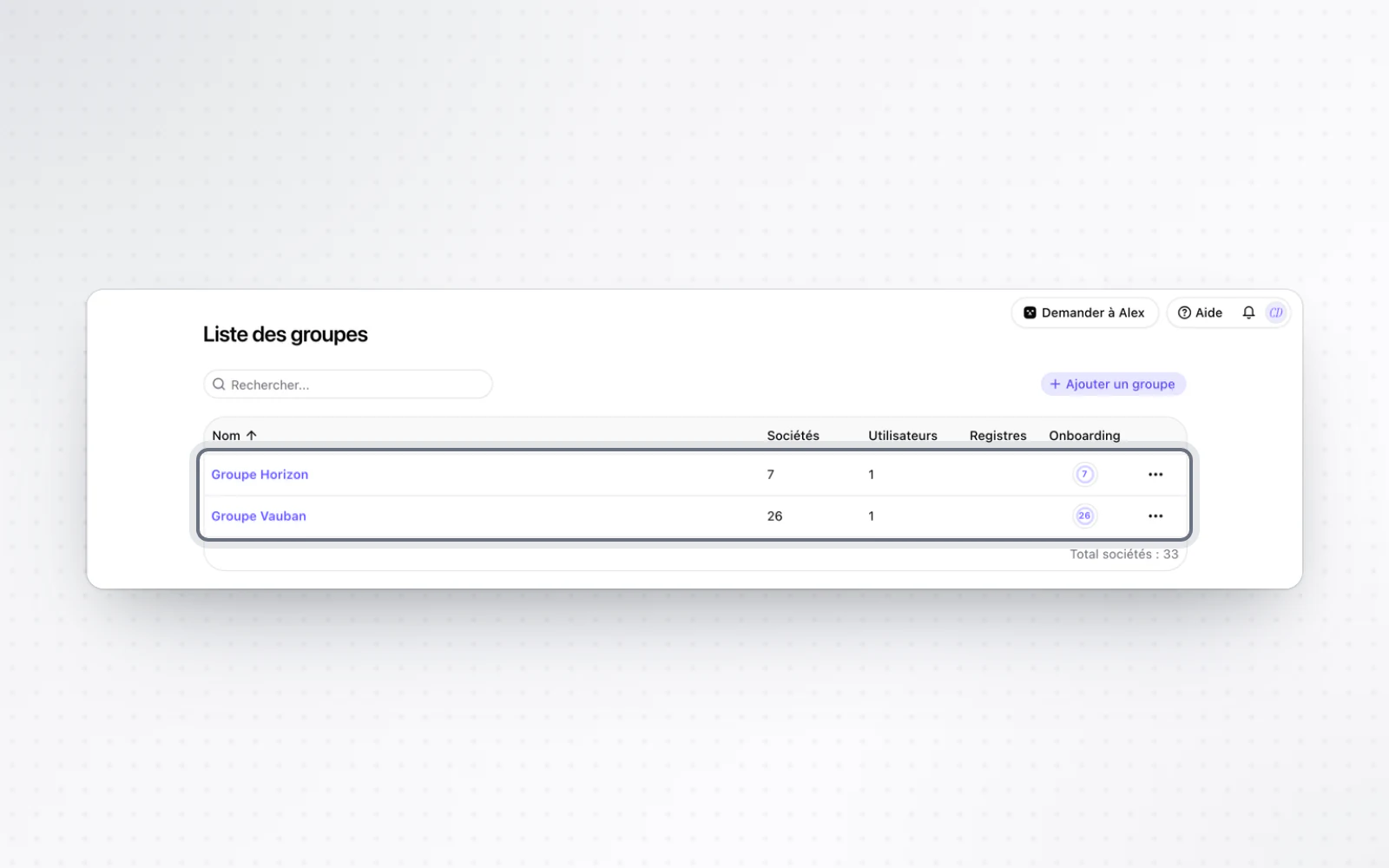
  • Your groups manage their companiesLet your groups add their own companies. An organisation setting lets a group's admins and editors add or register companies in their group. Without it, adding a company takes editor access to the organisation. Read the workspace management guide
+ 4 improvements · 1 fix

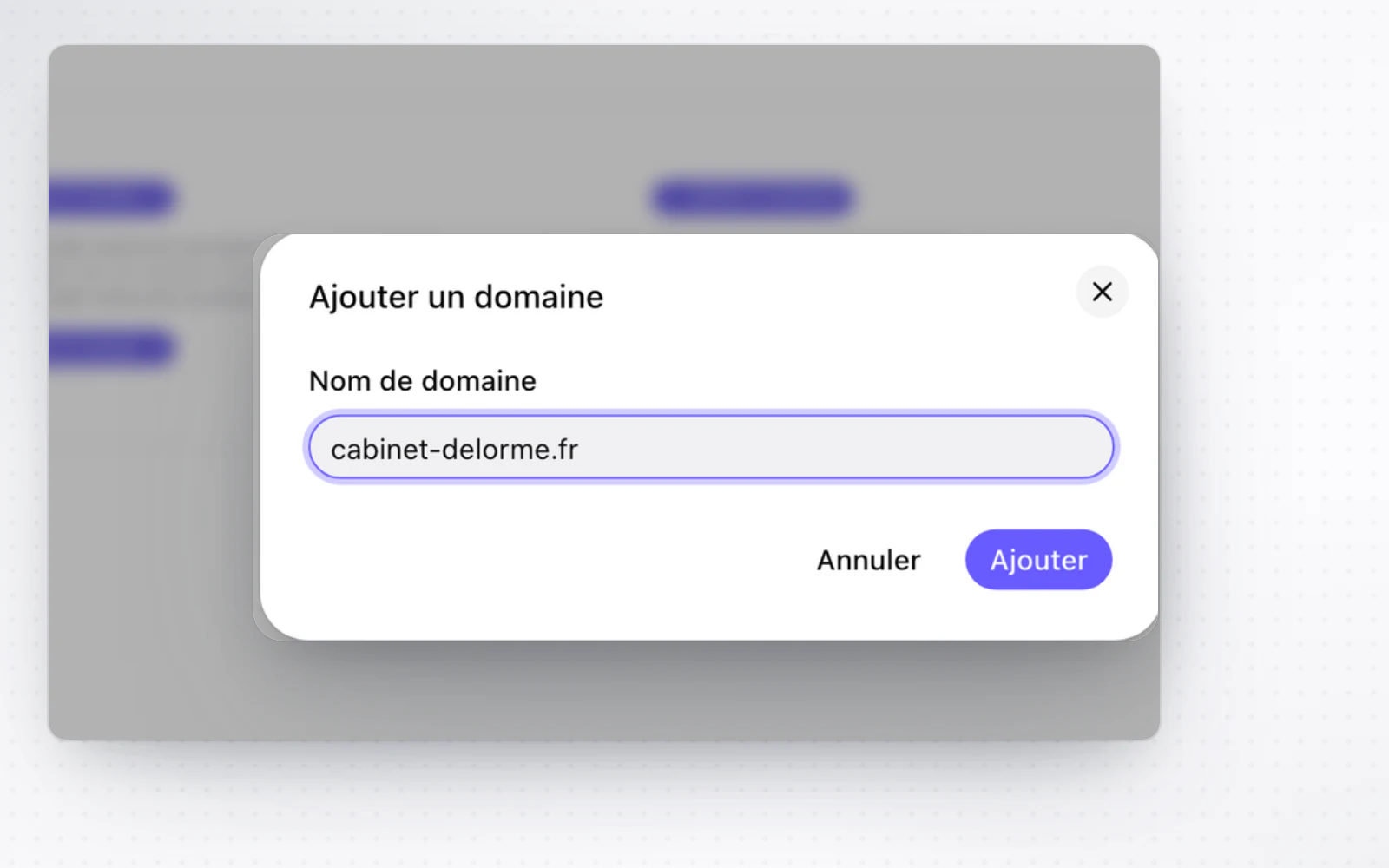
A custom domain for sending your notices of meeting

Organisation and accessOperations

Register your firm's domain and send notices of meeting from your own addresses instead of Alex's.

  • Notices of meeting sent in your nameYour notices of meeting now go out from your address. Once the domain is verified, admins declare senders: a name and an address on that domain. When you send a notice of meeting, pick one of them, and the email goes out from your address instead of Alex's. The preview and the send window show the chosen sender. Read the general meetings guide

Your investor categories, managed in place

CapitalPeople and mandates

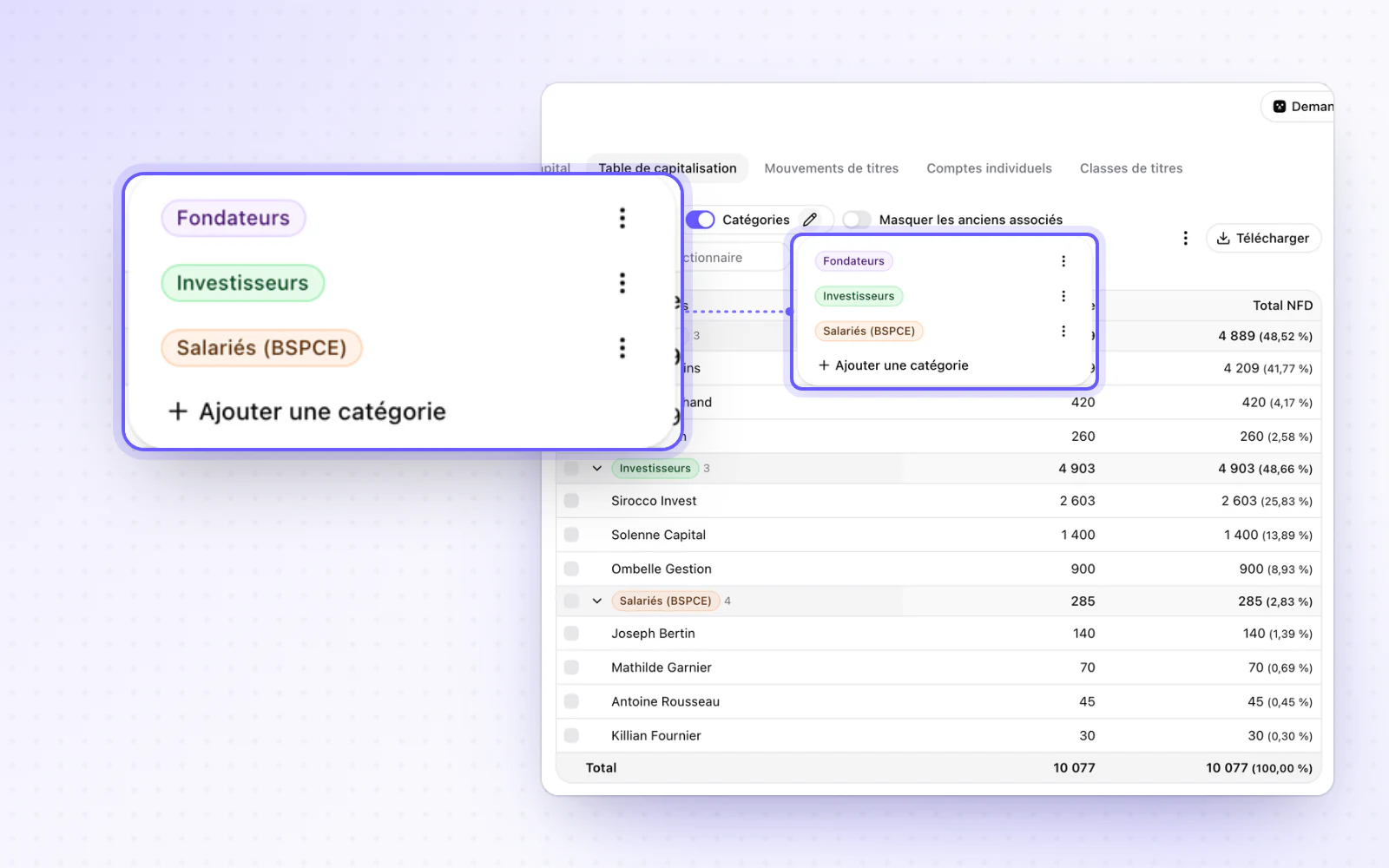
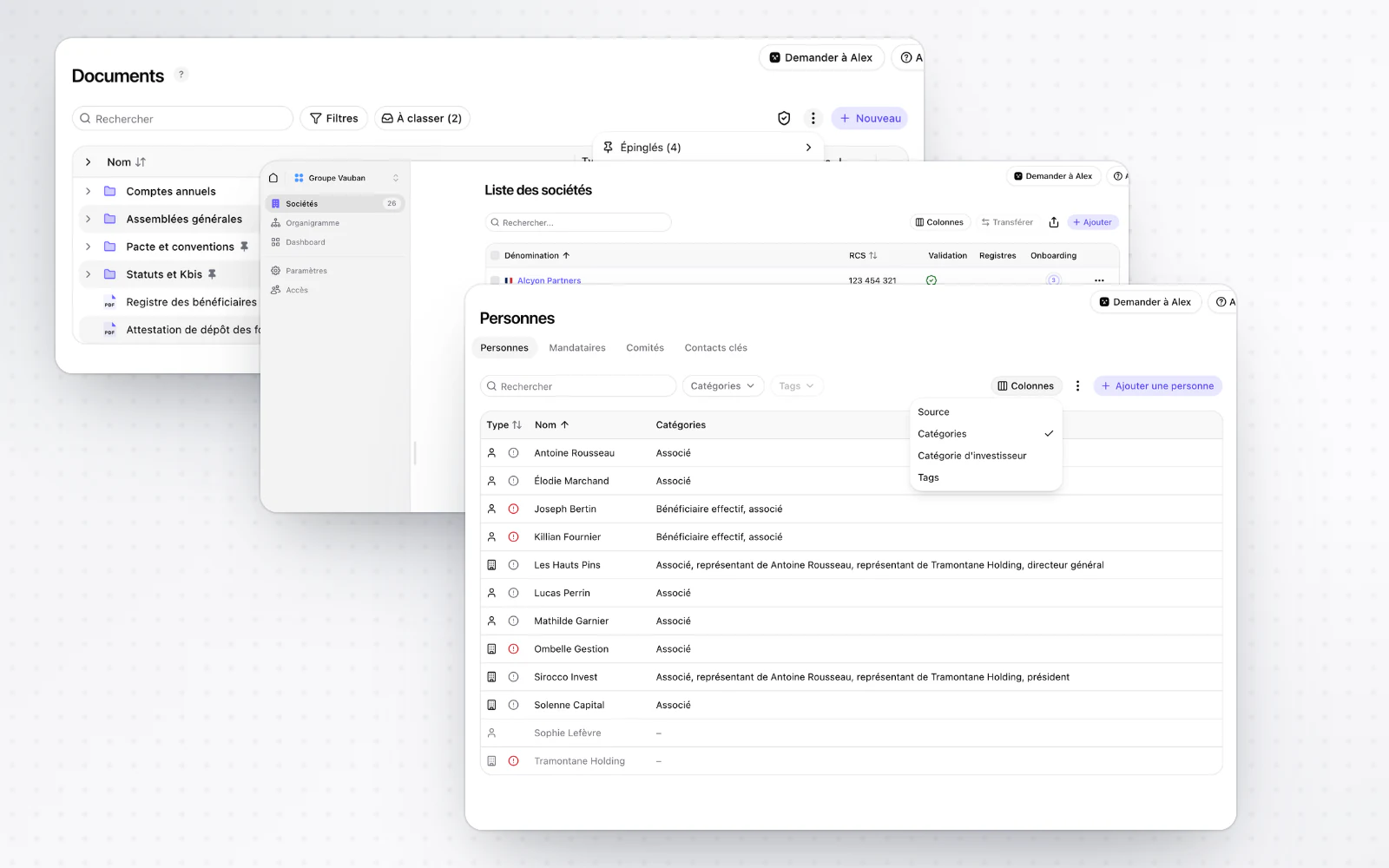
Your investor categories are managed right in the cap table. The source of your people's data is shown too.

  • Where your data comes fromKnow where each piece of data comes from. RNE or DOC badges show the source of the data on your people and their mandates. They sit in a Source column of the people table, which you can hide.
+ 5 improvements

A single sidebar to get around

Interface and navigation

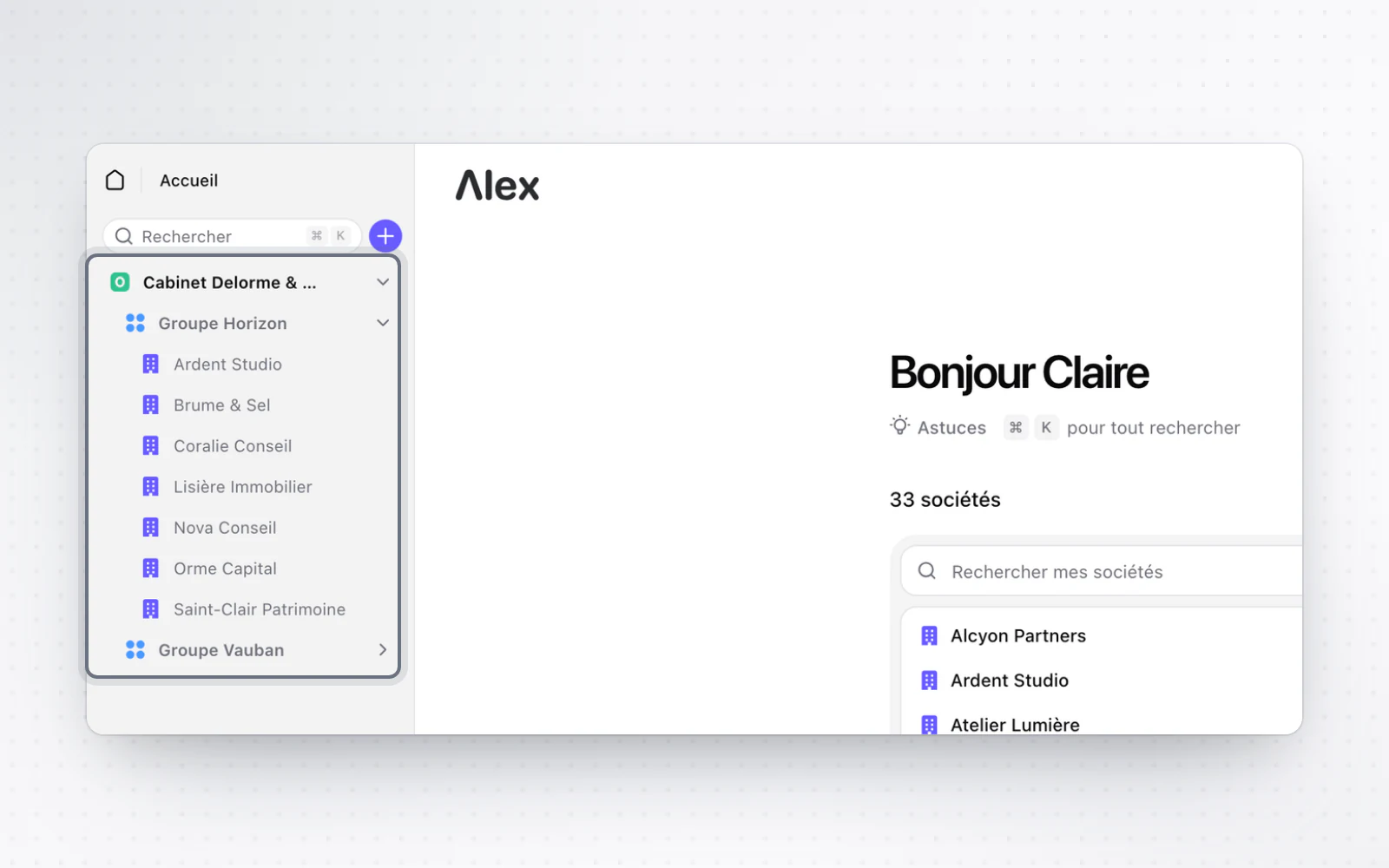
A single sidebar replaces the former navigation. A Shared with me entry also gathers what is shared with you and your pending invitations.

+ 4 improvements · 2 fixes

The company's documents, without leaving your draft

DocumentsCapitalOperations

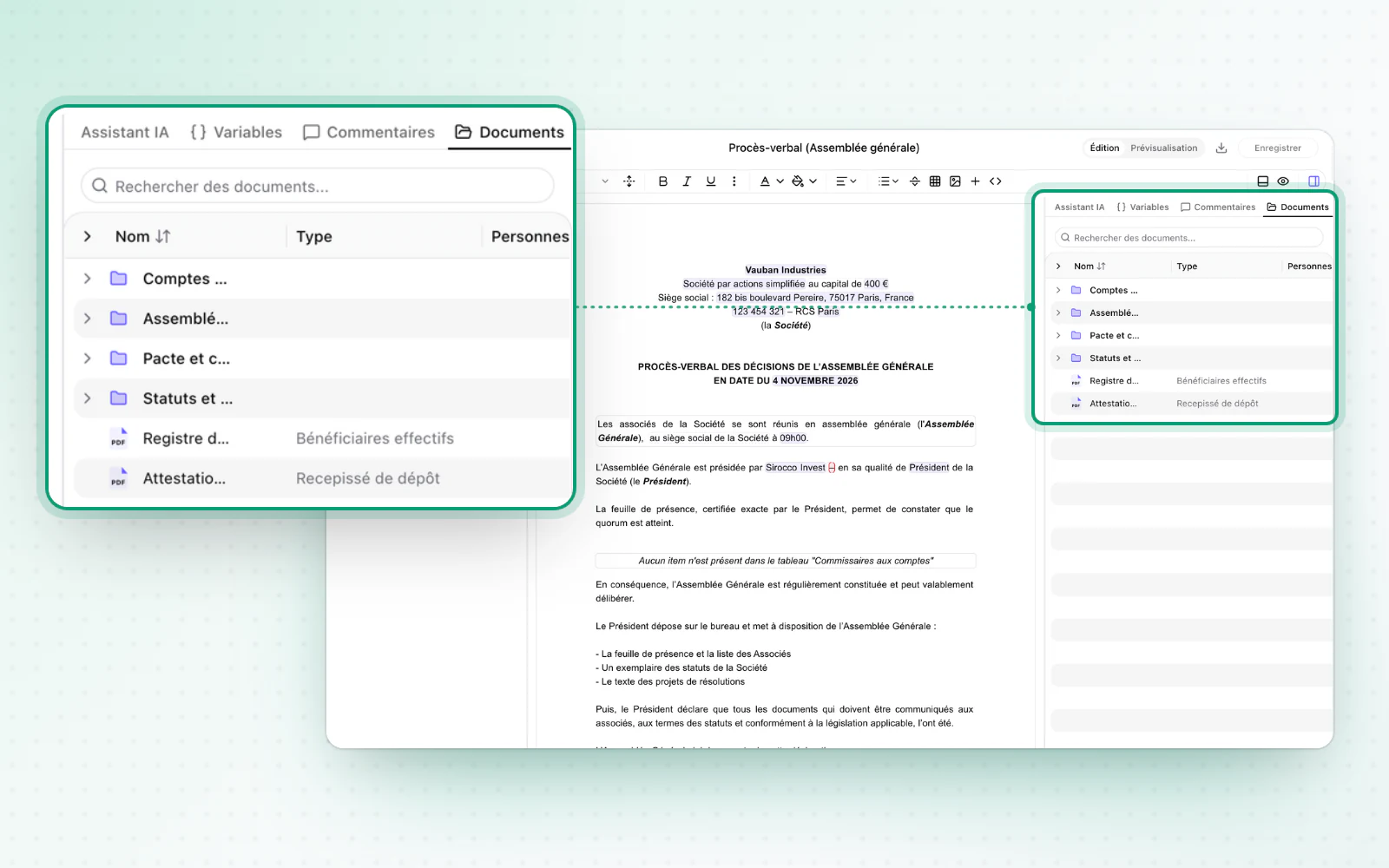
Browse the company's documents without leaving your draft. Capital history also brings you back to today in one click.

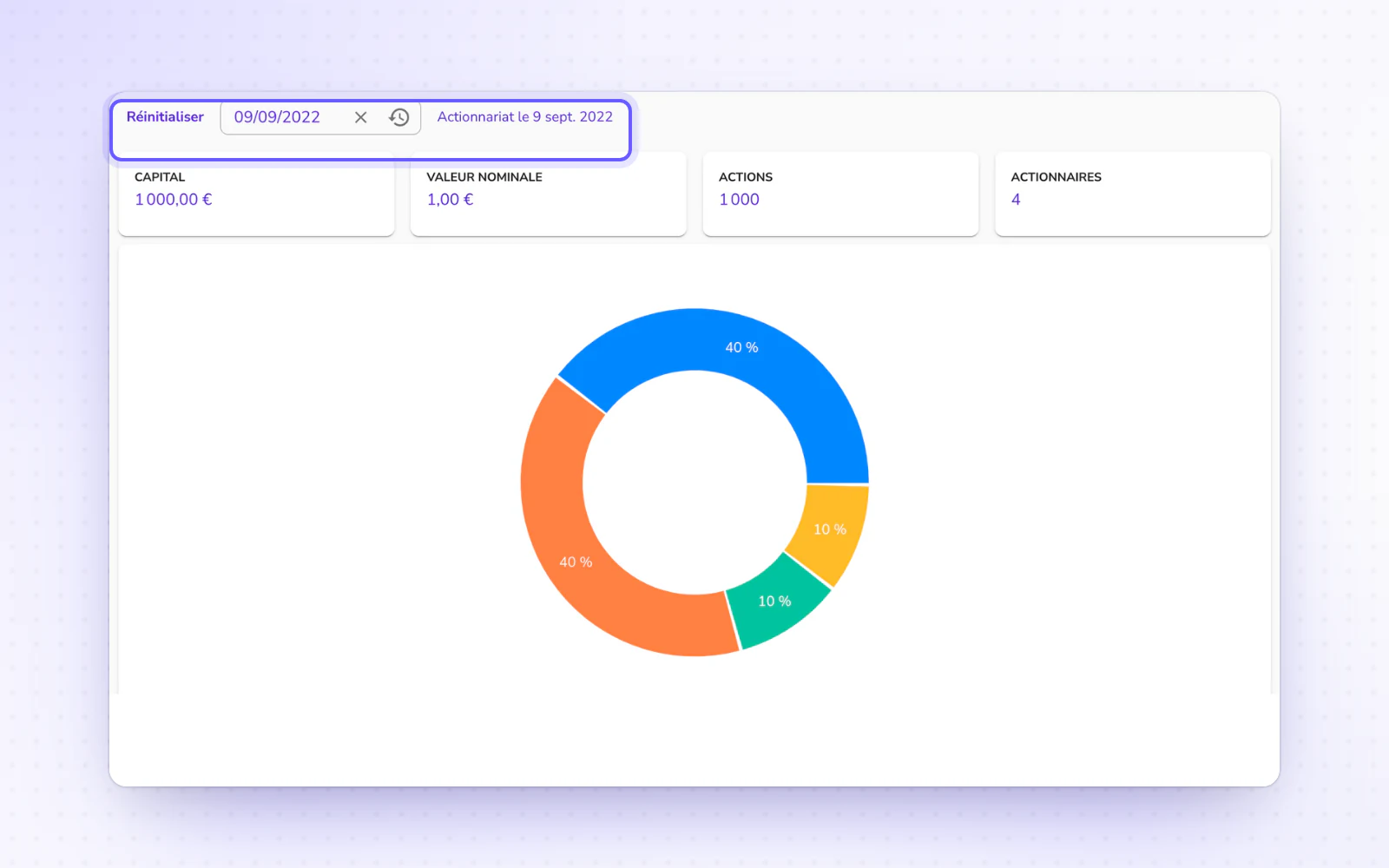
  • A simpler capital historyGo back in time in your capital, then return to today. Capital history has a single date picker, and one button brings you back to today. False inconsistency alerts no longer show when you look at a past date. Read the share ownership guide
+ 8 improvements · 1 fix

September 2026

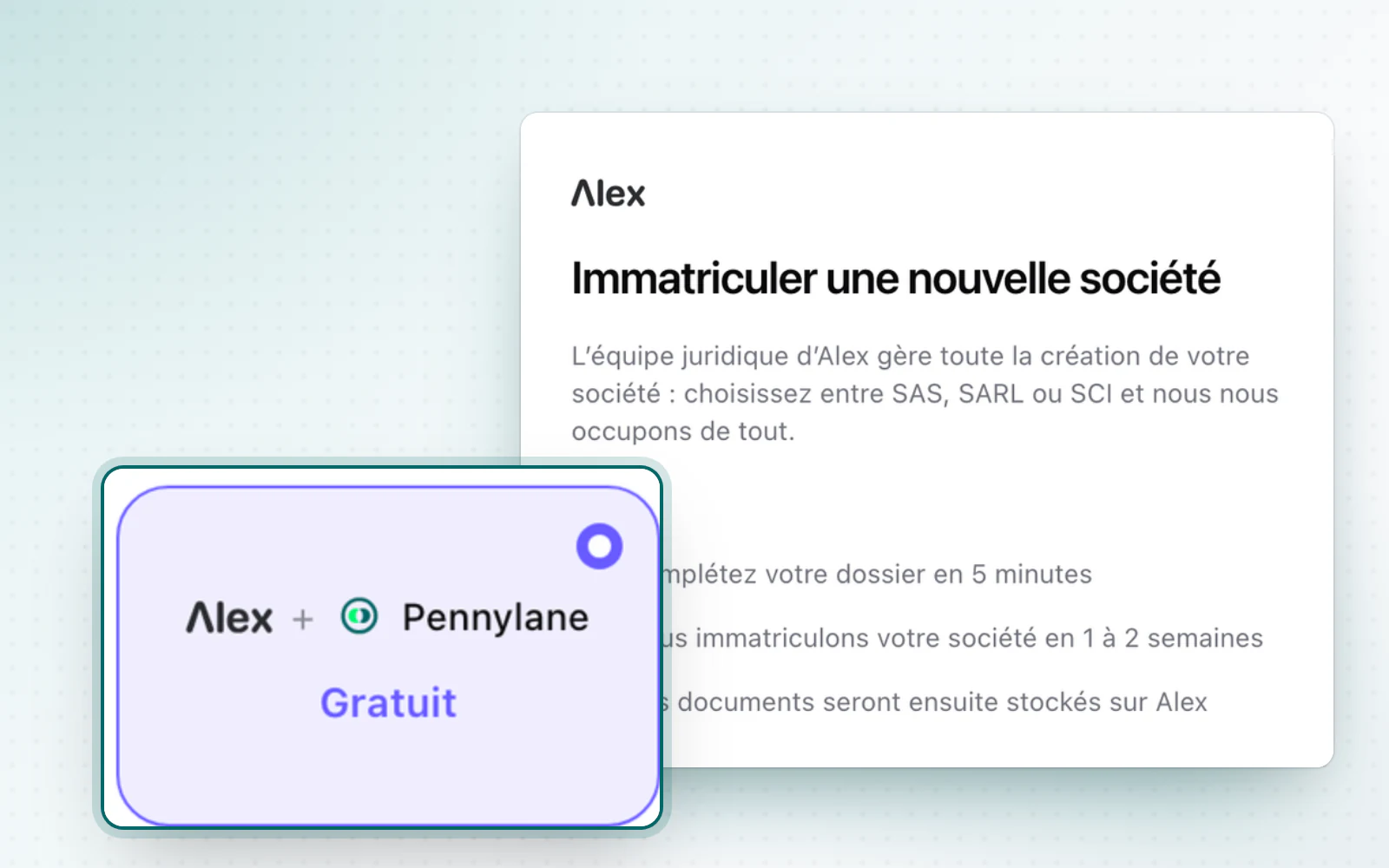
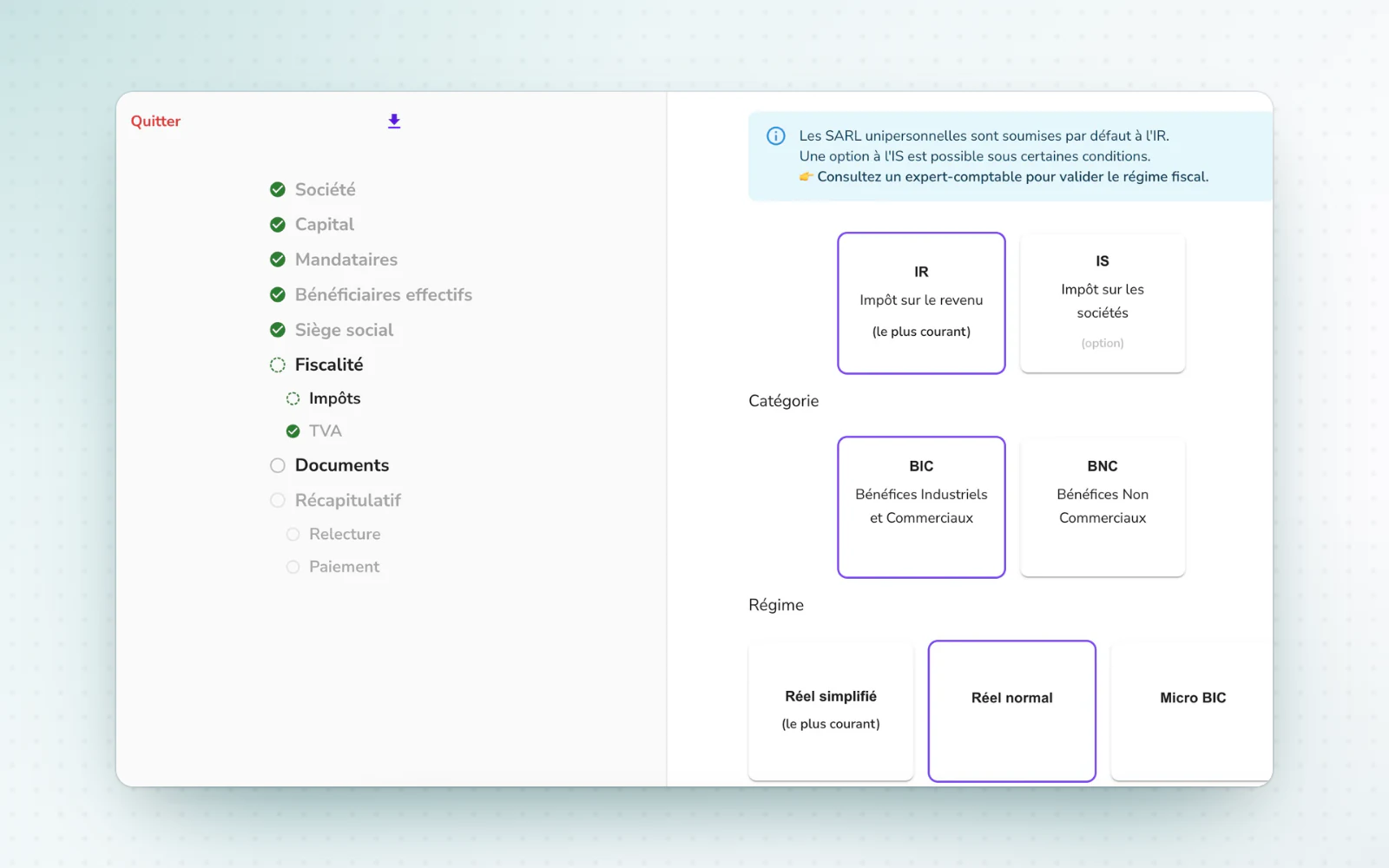
A French first: set up your company in 5 minutes, for free

Company creation

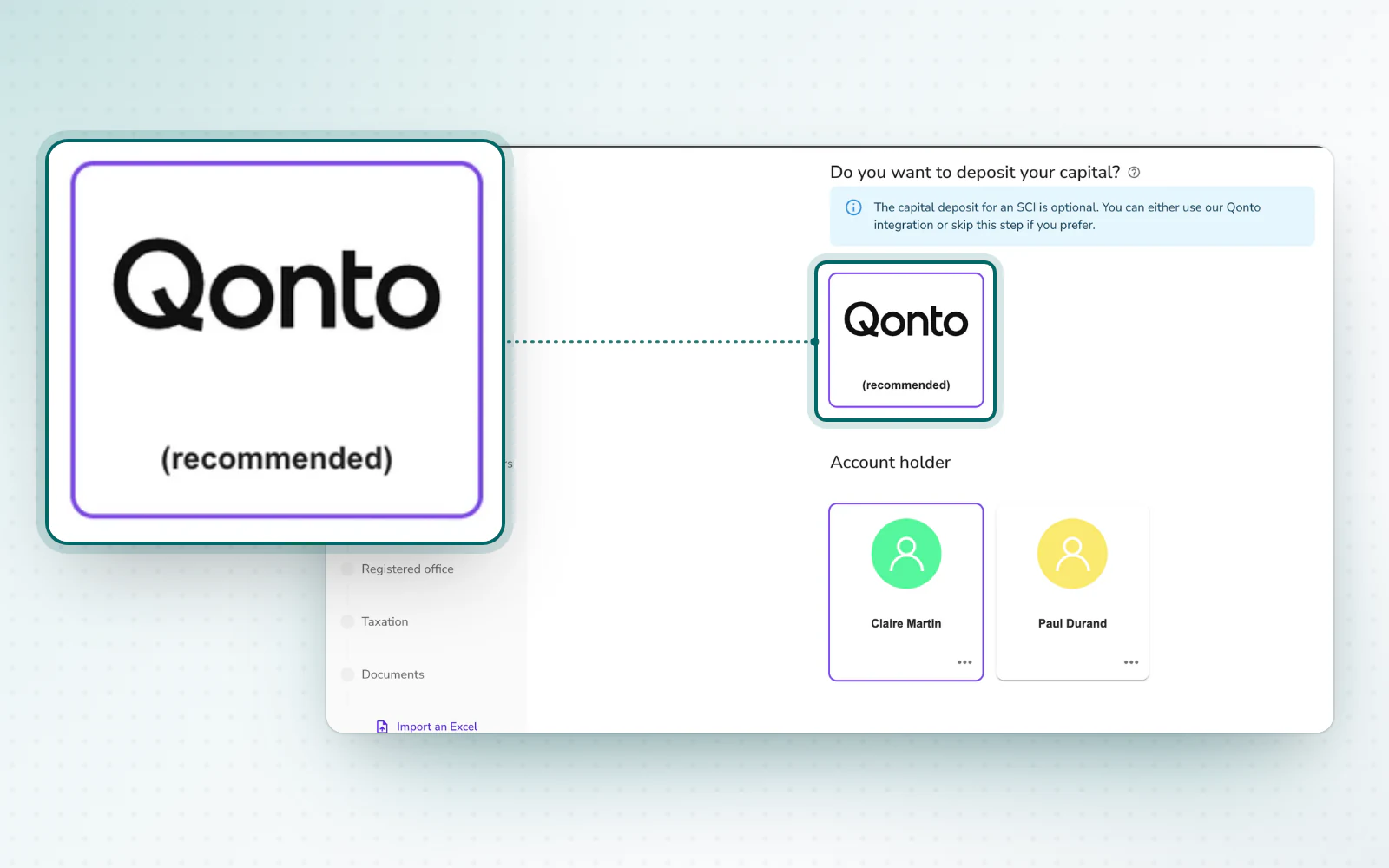
Alex and Pennylane bring company creation and the capital deposit together in one online process. Creation fees are waived for the first 500 companies.

  • Your Pennylane account, ready from day oneRun your business from the moment it is registered. Your Pennylane account is created automatically while the company is set up. Invoicing, cash flow tracking and accounting are available from day one.
  • Creation fees waived for the first 500 companiesCreation fees are waived for the first 500 companies registered through this process. The offer requires opening a Pennylane business account and completing the capital deposit on Pennylane. It ends once the quota is reached. Specific fees, such as registering with the trades register (CMA), are not included: they are quoted separately and must be accepted before any work starts.

Capital deposits through Pennylane, open to everyone

Company creationE-signatureOrganisation and access

Capital deposits through Pennylane are now open to everyone. Signatures are also easier to track up to closing.

  • Signatures tracked all the way to closingFollow up with a signer before the signature stalls. An email that could not reach a signer is flagged at once, with the likely reason. When an operation closes, choose the Documents folder where its files go. E-signature is now open on every paid plan. Read the e-signature guide
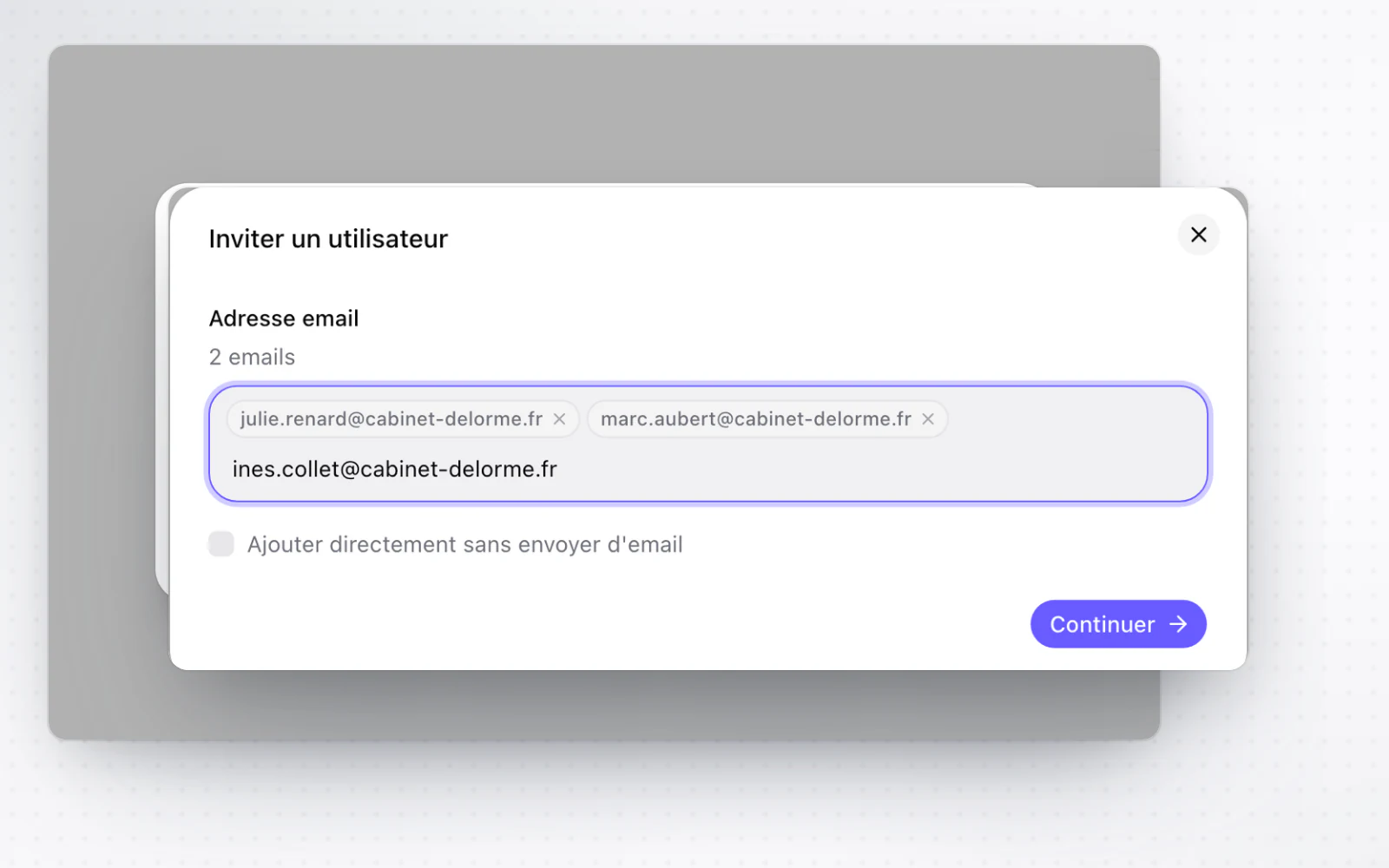
  • Clearer access, tracked invitationsSee who can access what, and why. Access is explained at three levels: organisation, group and company. Each invitation shows its expiry date, and an expired one can be renewed. A button your rights don't let you use tells you why. Read the workspace management guide
+ 2 improvements

Foreign companies, fitted to their country

CompaniesBilling

Foreign companies' profiles adapt to their jurisdiction. A banner also shows a company's subscription status.

  • Subscription status on the company pageSee at once whether a company is subscribed. A banner on the company page clearly flags a company with no subscription, a cancelled one, or one whose termination has taken effect. A subscription awaiting further validation, such as 3D Secure, is shown as such instead of looking confirmed.
+ 3 improvements · 1 fix

Fix a signature request you already sent

E-signatureTemplates and draftingOperations

Put a signature request you already sent back to draft. Shareholdings can also be edited from the editor.

  • Shareholdings, editable from the editorUpdate shareholdings without leaving the document. In the document editor, you edit the company's shareholdings line by line. Read the document drafting guide
  • A unified toolbarEvery editor command in one place. The toolbar now fits in a single band that brings together commands, fonts and shortcuts. It can also be driven entirely from the keyboard.
+ 4 improvements · 3 fixes
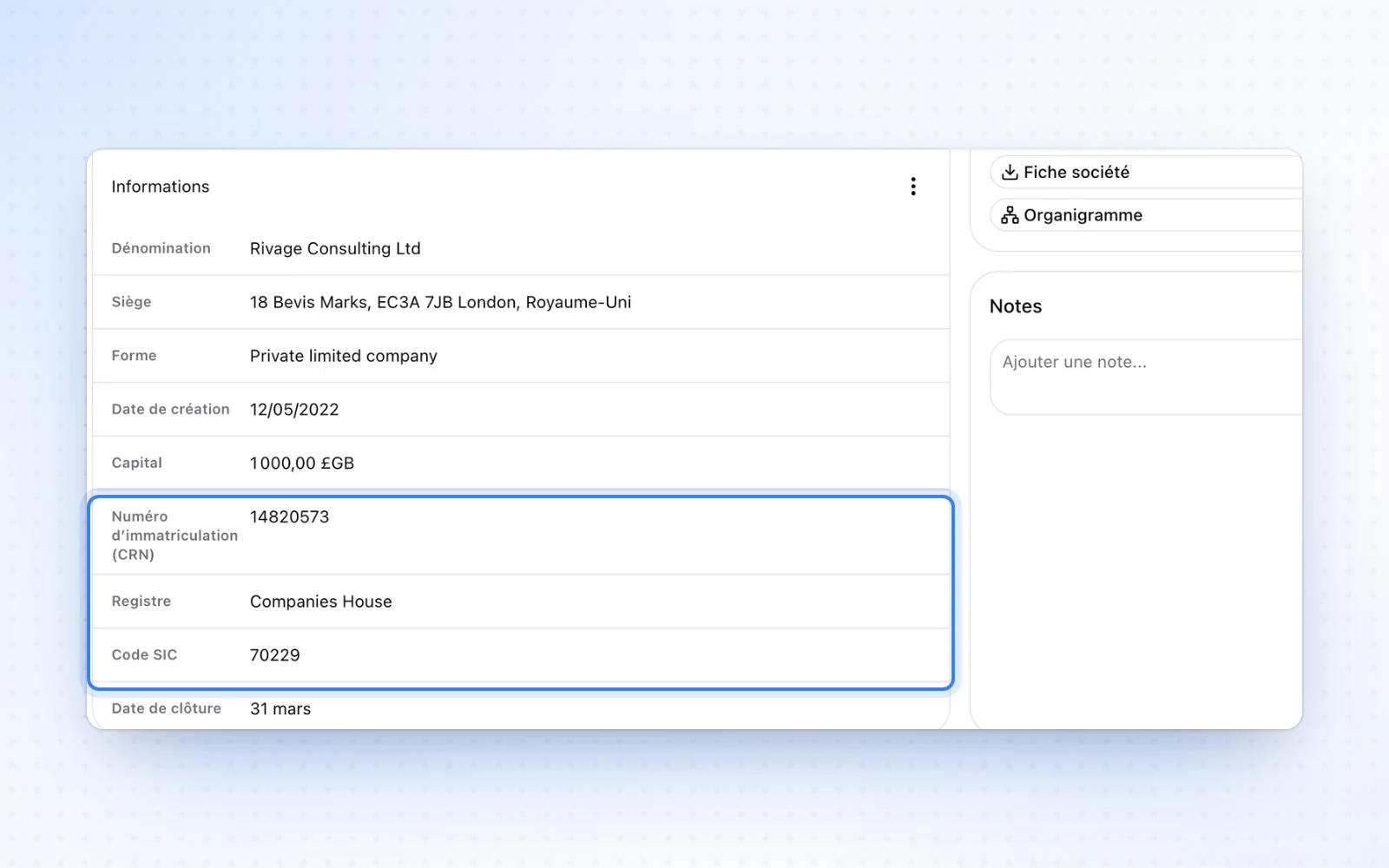
Your UK companies, from Companies House

CompaniesCompany creationE-signature

UK companies can be added from Companies House. Company creation also gets the new design.

  • Company creation, redesignedCompany creation now matches the rest of Alex. The flow moves to the platform's new design, with more consistent forms and navigation. When documents are missing for the registration, reply from the company page with several files and a message. Read the company registration guide
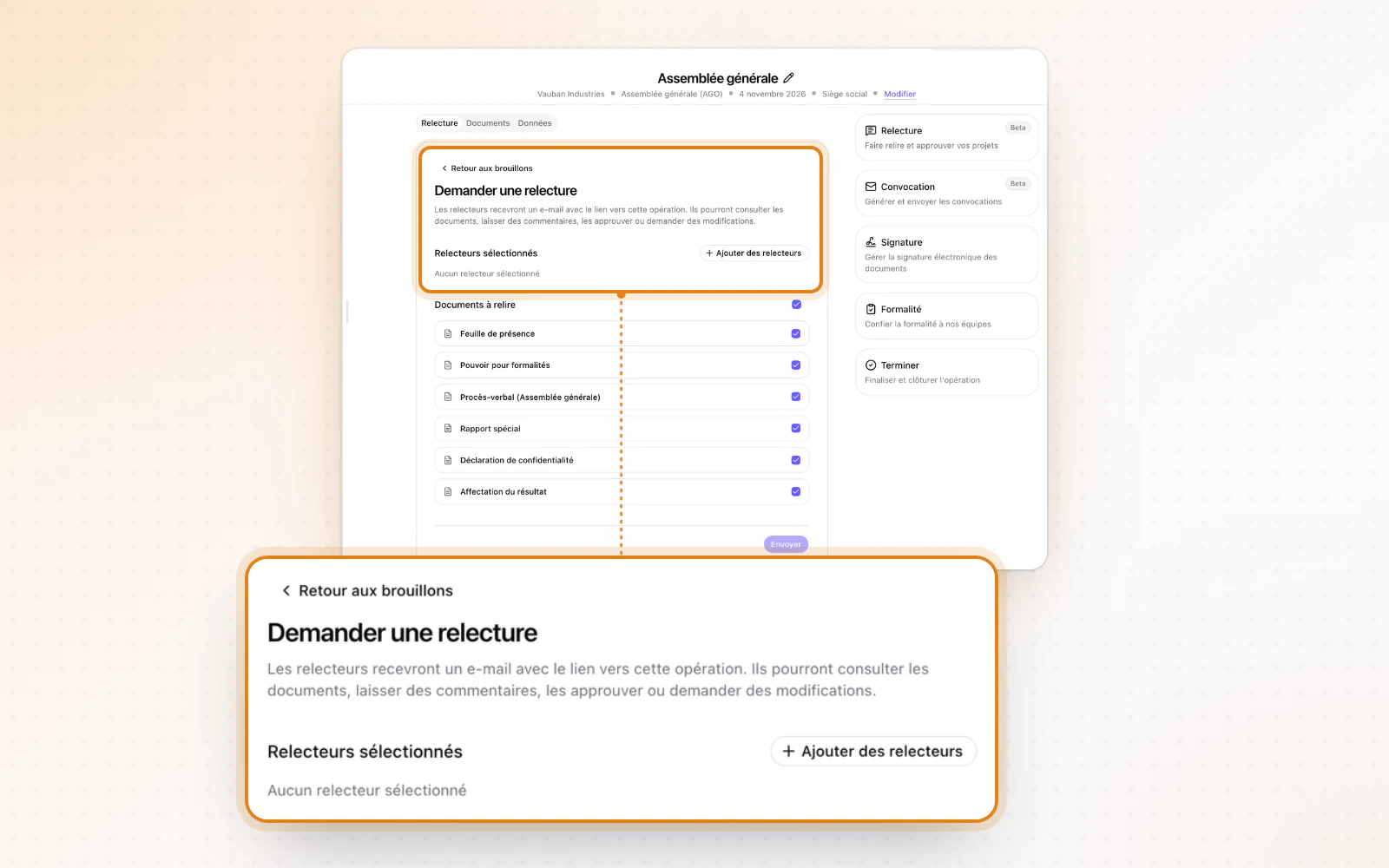
  • From review to signature, without a pauseGo from review to signature without waiting. When you ask Alex for a review, the email confirming its approval invites you straight to send for signature. The client signs in one click, without having to look for the operation. Read the e-signature guide
+ 3 improvements · 3 fixes

August 2026

A new interface, screen by screen

Interface and navigation

Alex moves to one design across the platform, starting with the navigation. Tables also get their filters and column choice back.

  • Tables your wayArrange your tables the way you like. Tables get column resizing and per-column filters back, and you choose which columns to show.
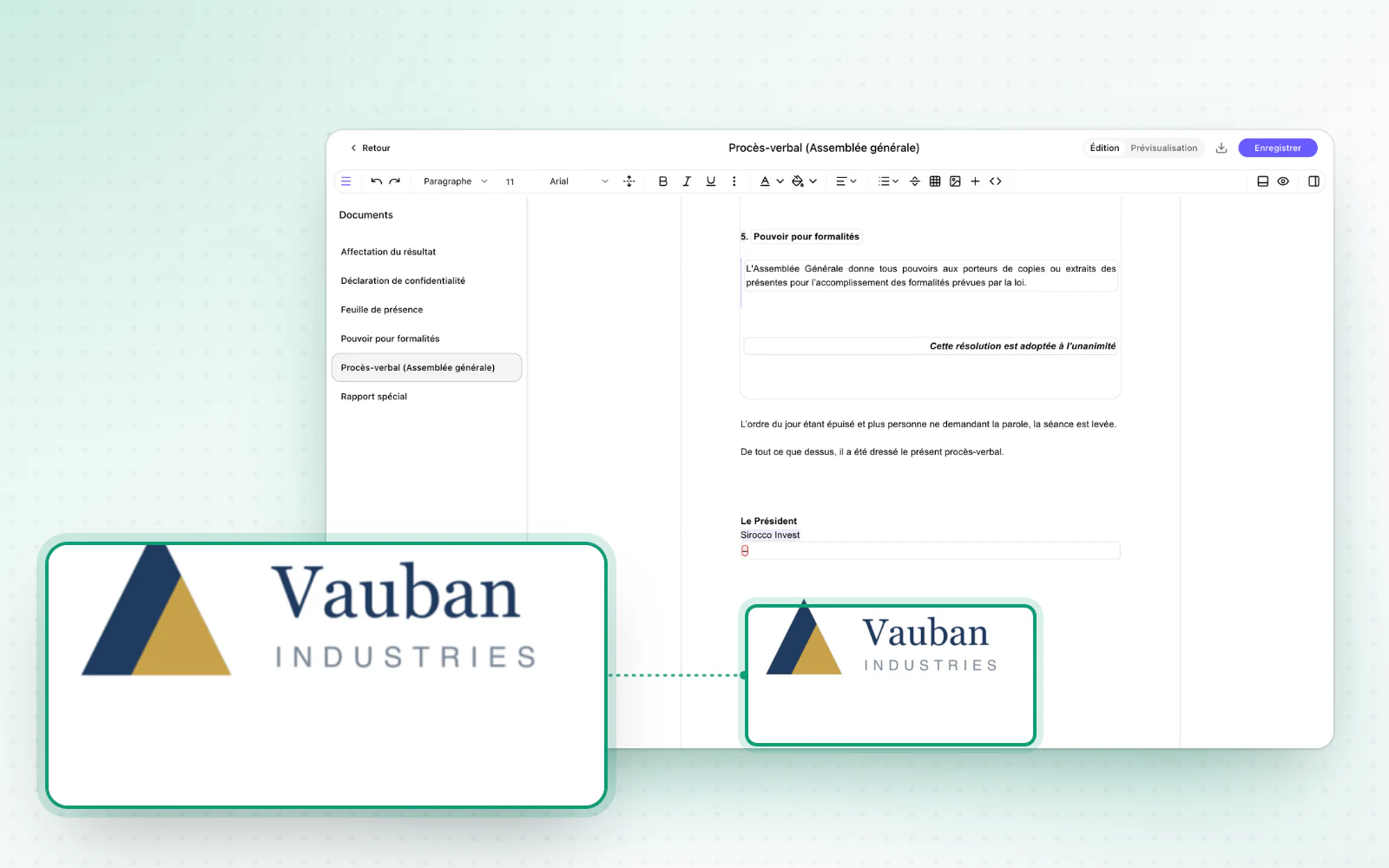
  • Crop your photos and logosMake your photos and logos look right. Before you save a profile photo or a logo, crop it, move it and zoom in. It then shows exactly as you framed it.
+ 2 improvements · 4 fixes

Images in your documents

Templates and draftingOperationsE-signature

Add images to an operation's documents. Signature and filing are also handled inside the operation.

  • The whole operation in one placeRun your operation end to end, in one place. The signature and filing steps are now handled inside the operation, without a separate page. With review and notices, the whole operation fits on a single page. Read the general meetings guide
  • Fuller notices of meetingAttach everything your notices need. Add documents already in the company's Documents space to a notice of meeting. The preview is wider and stays readable next to the list of attachments.
+ 5 improvements

Review and notices, inside the operation

OperationsE-signatureInterface and navigation

Review and notices of meeting open inside the operation. Pending signatures can also be chased from the dashboard.

  • Track and chase your signaturesSpot who still has to sign. Participants who have not signed yet now appear on the dashboard. Remind one person or everyone on a request, or cancel the request. Read the e-signature guide
  • Alex on mobileWork comfortably from your phone. On mobile, both navigation levels fit in a single panel instead of squeezing the page into one column. A company's or group's sub-sections are easier to read too.
+ 4 improvements · 2 fixes

Extracts of minutes in a few clicks

OperationsTemplates and draftingBilling

Produce an extract of minutes by hiding decisions. The preview also shows the very PDF you will download.

  • A preview true to the final documentWhat you see is what you download. An operation document's preview now uses the same PDF as the download. Forced page breaks are respected, and their editing marker no longer shows in your documents.
  • Clearer billingManage your subscription without detours. Your subscription summary shows your billing profile and payment method more clearly, and you can replace your card. Filter your invoices by recipient and type, and export them to Excel or PDF.
+ 4 improvements · 2 fixes

July 2026

Schedule your signature requests

E-signatureOperationsOrganisation and access

Schedule a DocuSign request for a later date. You also get notified when an operation is complete, and your companies and users export to Excel or PDF.

  • A notification when an operation is completeKnow right away when an operation is complete. When it is marked complete, a notification in Alex tells you, with a direct link to the operation. It goes first to the person who created the operation and to its assignee.
  • Export your companies and usersShare or file your lists as they are. Export the list of companies and users in your groups to Excel or PDF.
+ 7 improvements

A redesigned add-company page

CompaniesLegal registers

The add-company page is redesigned. The decision register also marks its changes.

  • Decision register changes, markedSee at a glance what has changed. In the decision register, additions and changes carry the same visual markers as in the share register.
  • Safer deletionsYour deletions are better protected. To delete a company or an organisation, type its name. The deletion areas are unified and fully redesigned.

A home page of your own

Interface and navigationTemplates and drafting

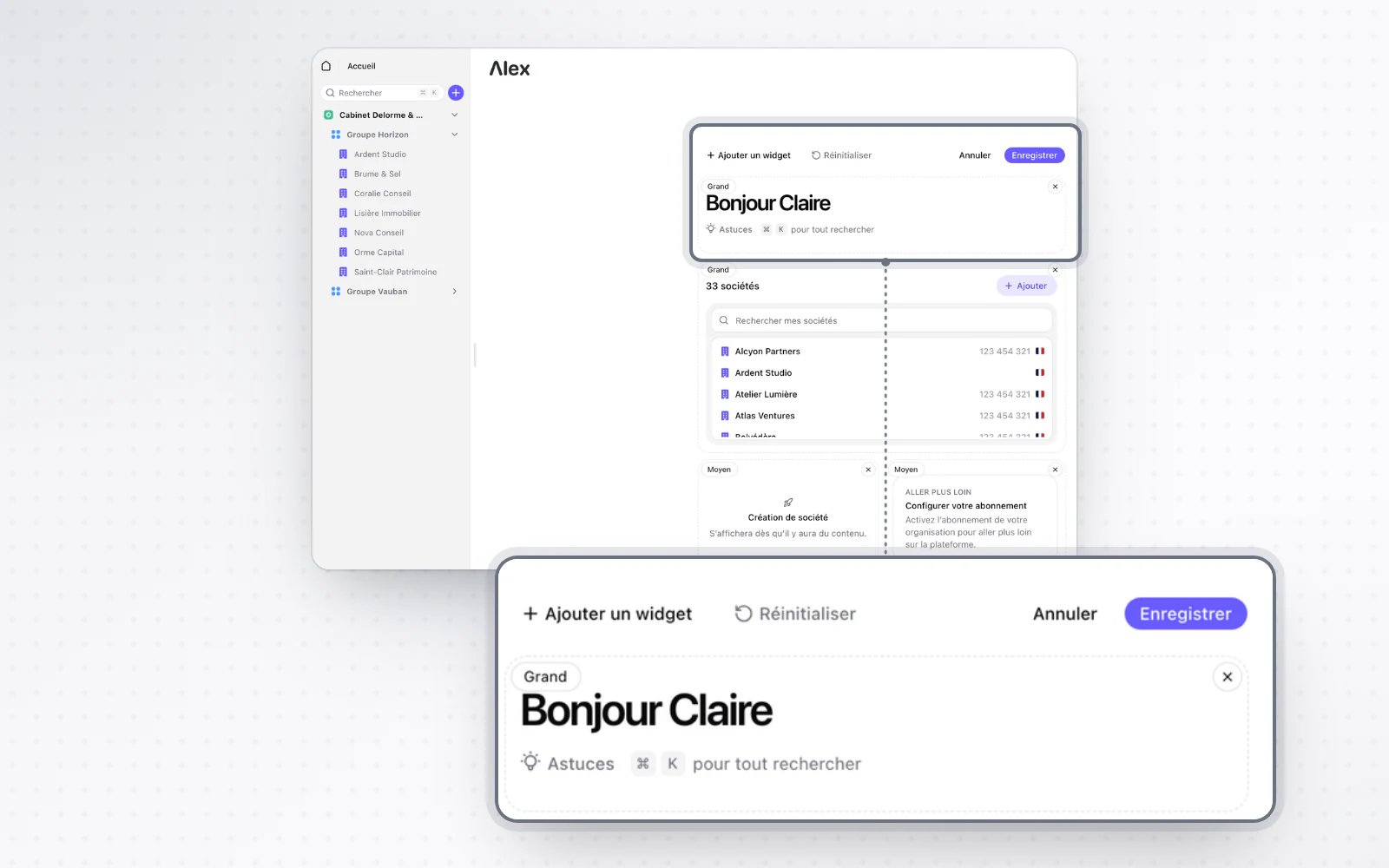
Build your home page from widgets. Variables can also be inserted and edited right in the editor.

  • Variables, one click away in the editorHandle your variables without leaving the text. In the operation editor, click a variable to see its value and format, and edit simple values in place. To insert one, use the + menu, the / command or a right-click, including in tables and headings. Read the document drafting guide
  • More readable amountsYour amounts are easy to read at first sight. In your documents, they now show in a more readable format, for example 1 234 € instead of 1 234,00 €. Decimals only appear when they matter.
+ 2 improvements

Chains of representation, written for you

People and mandatesLegal registersOperations

Alex writes out a legal entity's full chain of representation. Decision registers also open up to every paid plan.

  • Decision registers, open on every paid planYour decisions, on record and easy to consult. Decision registers are now available on every paid plan. You can open the details of each decision there.
+ 5 improvements · 3 fixes

June 2026

Tailor your signature requests

E-signatureOperations

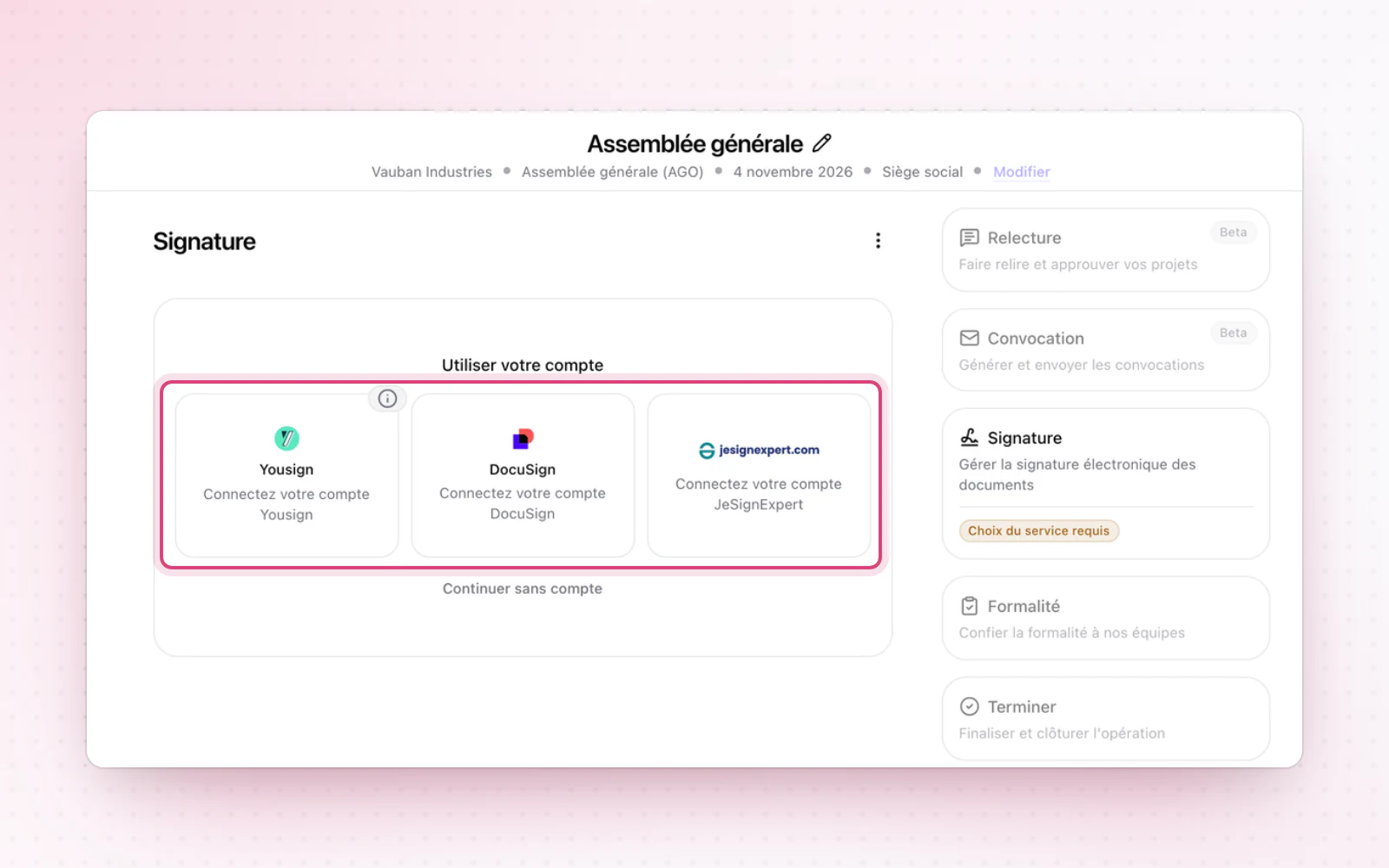
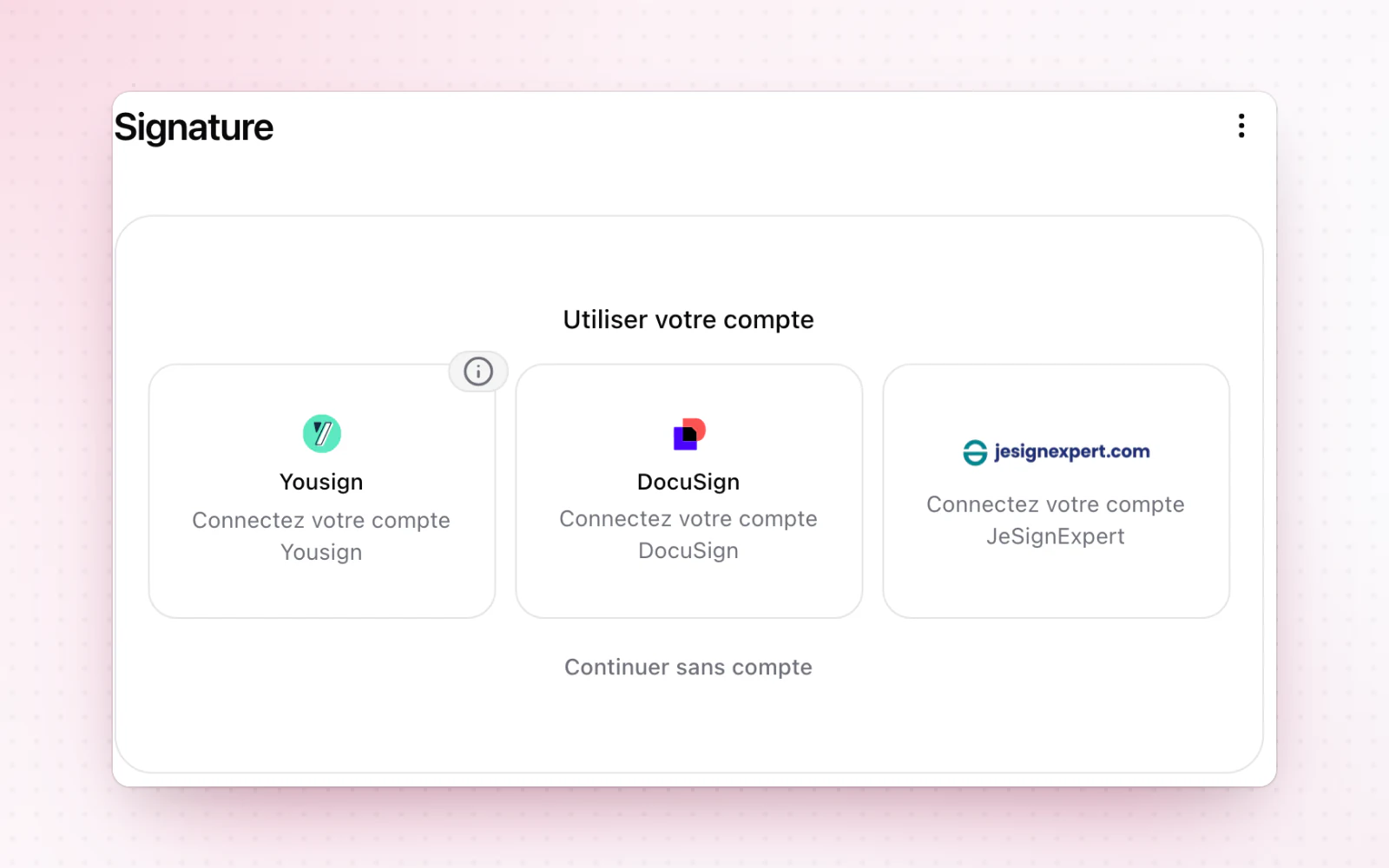
Pick your signature provider in one click and tailor the email signers receive. The add-decision window is simpler too.

  • A redesigned add-decision windowAdding a decision gets simpler. In the Operations module, the add-decision window is clearer and builds in all the voting thresholds. Read the general meetings guide
+ 2 improvements

Add your companies in a few moves
CompaniesCapitalInterface and navigation

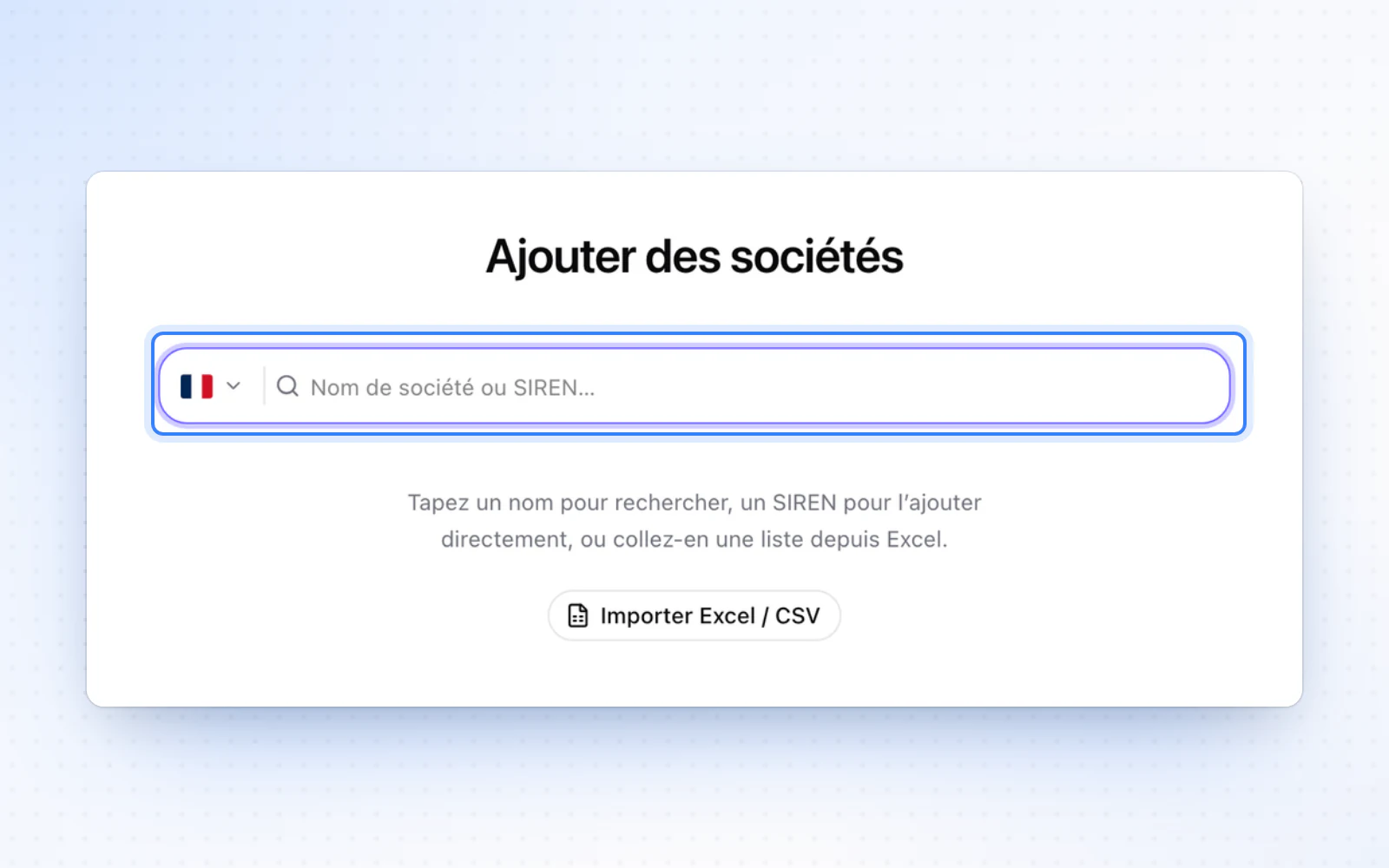
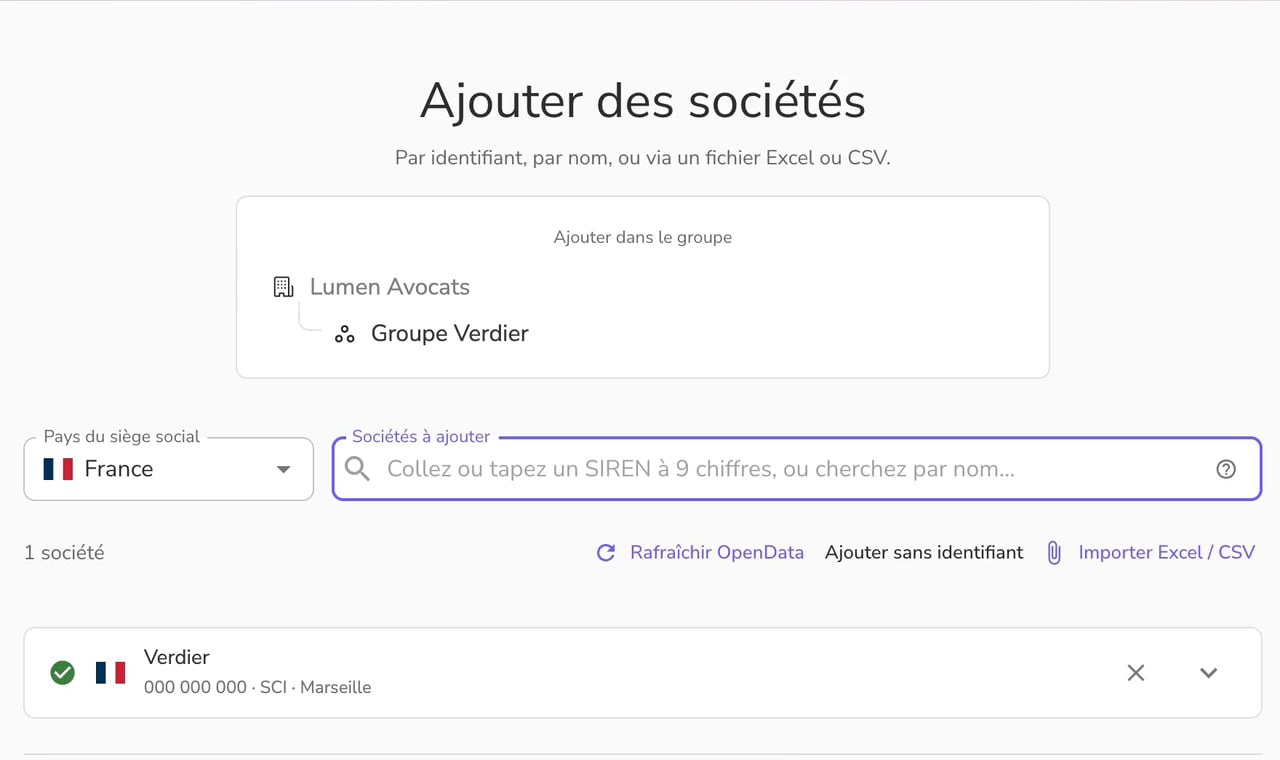
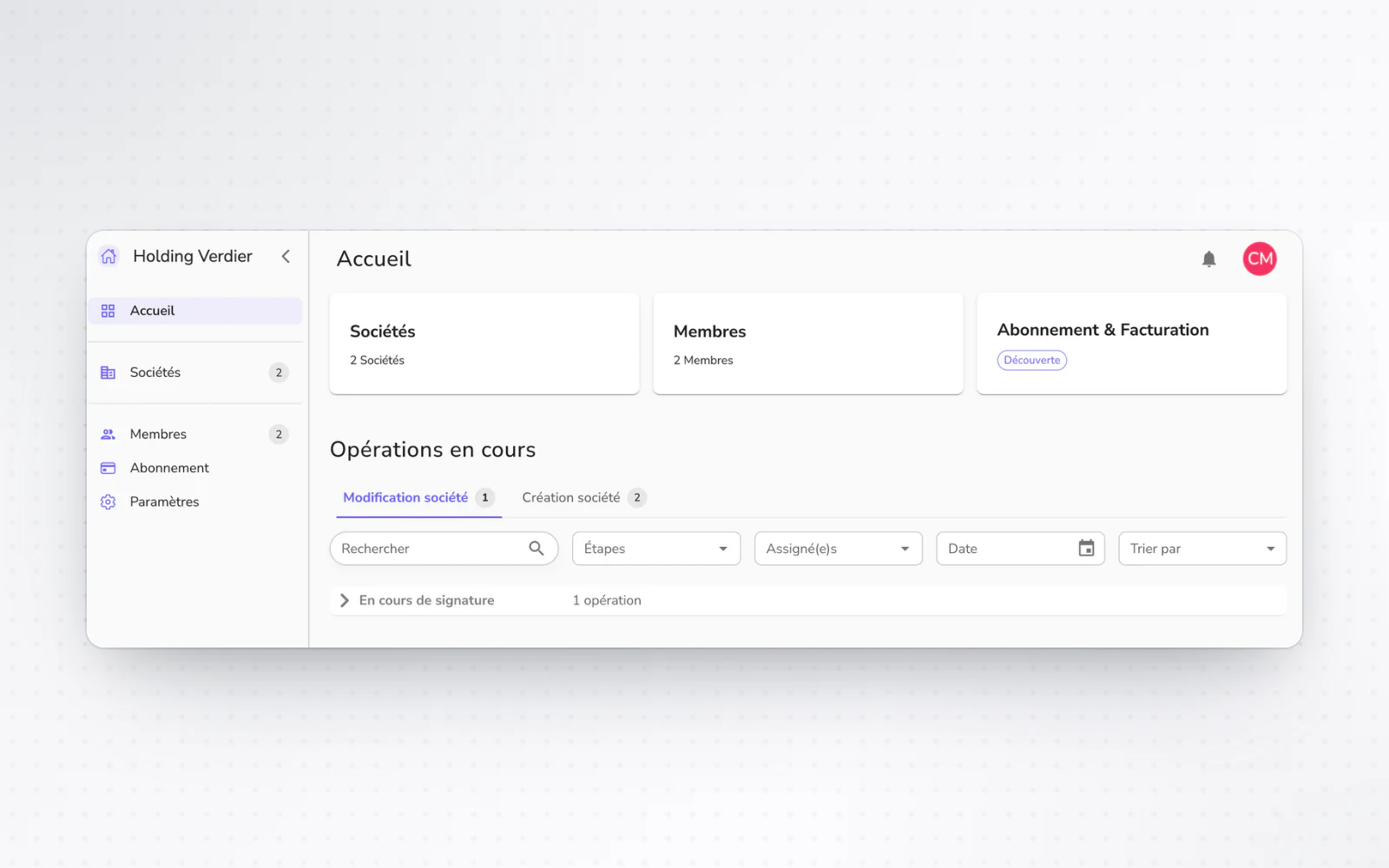
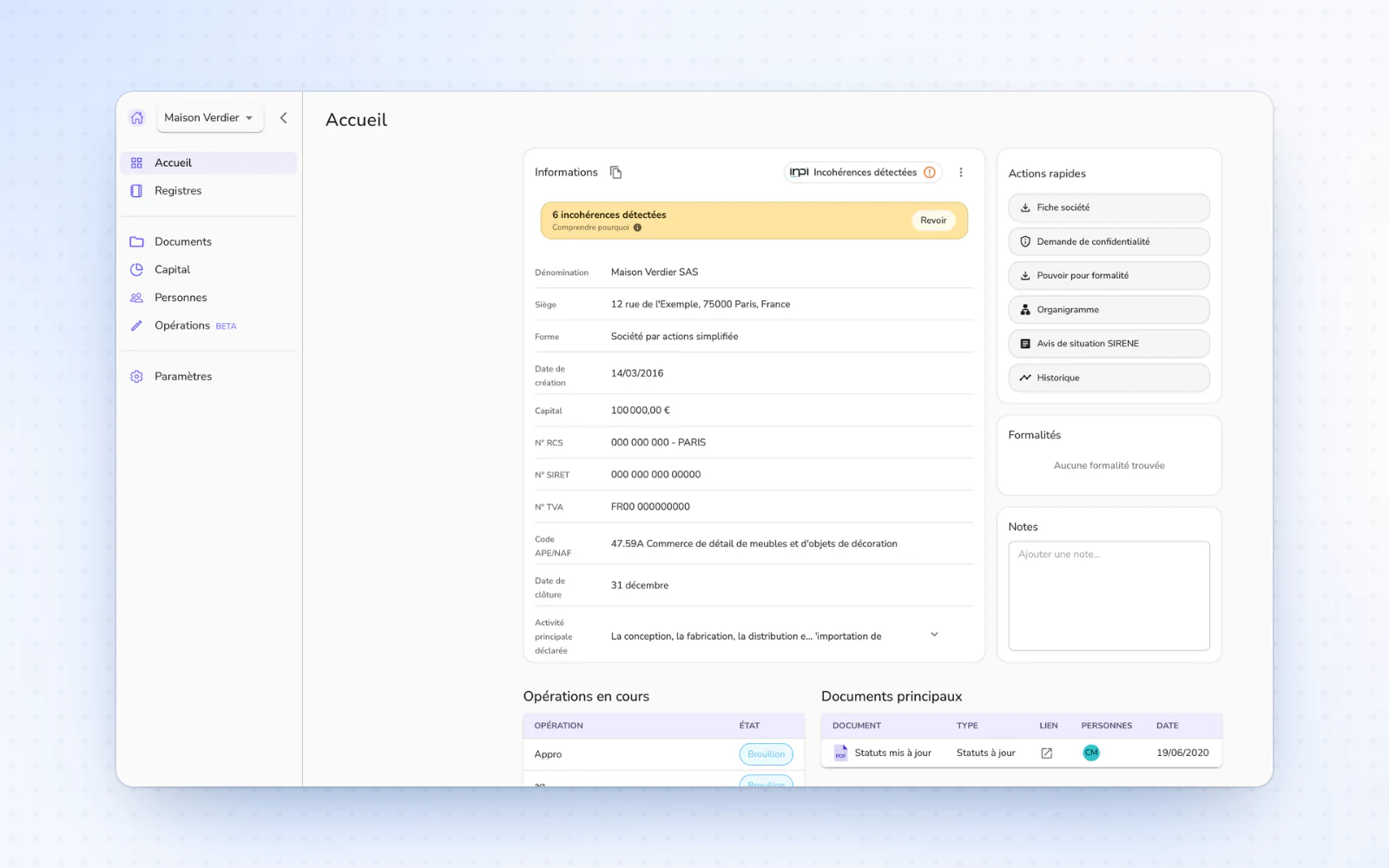
Adding companies is redesigned, from pasting a list to Excel imports. Variable capital also shows on the company profile.

  • Variable capitalVariable capital now has its place on the company's profile. Set a minimum and a maximum in the edit form. The minimum is taken from open data and can be updated.
  • A personal home pageA home page just for you. After you sign in, you land on a personal home page, designed to point you in the right direction and keep you informed.
+ 2 improvements

Your organisation's font in every document

Templates and draftingDocumentsOperations

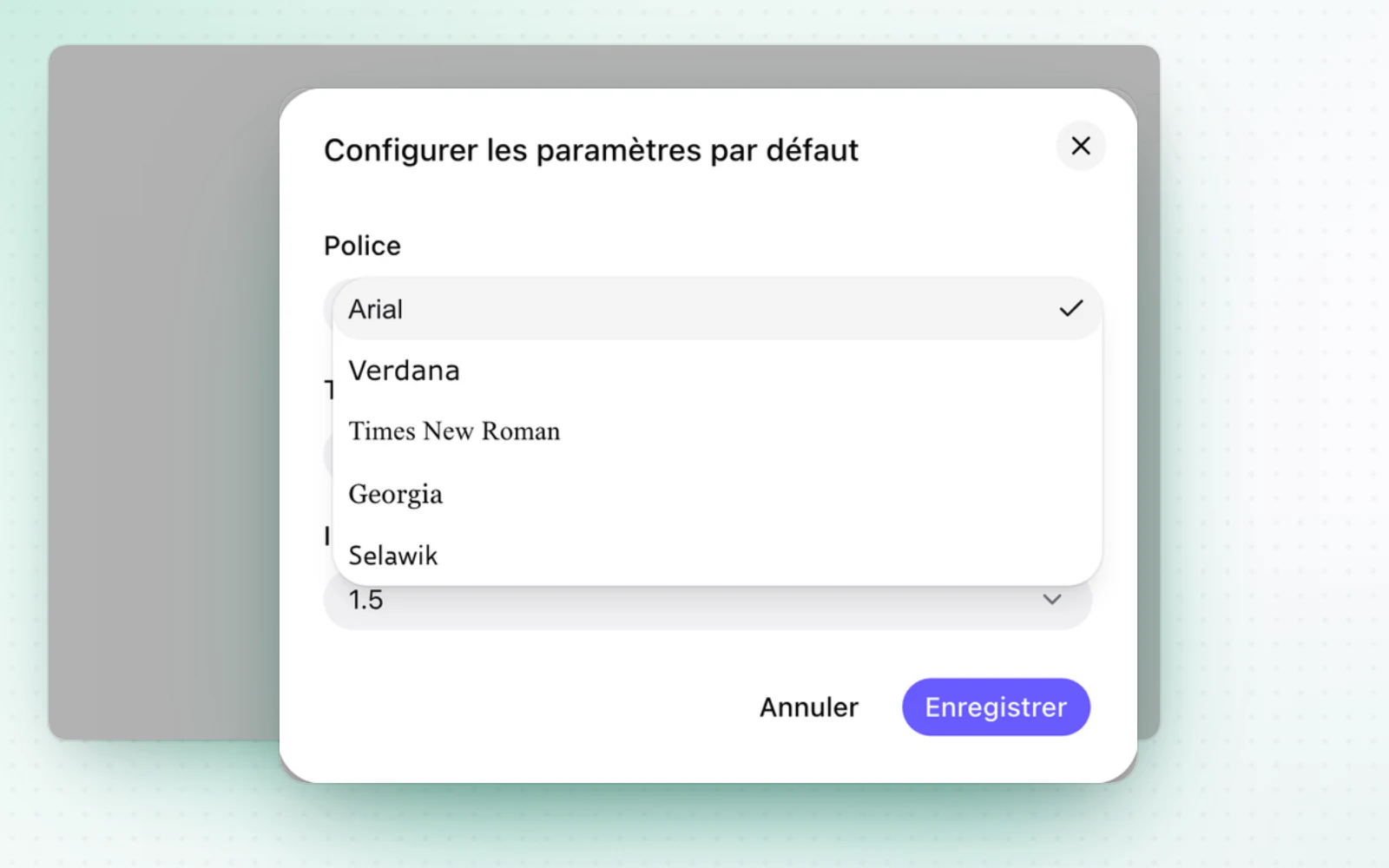
Your organisation picks one font for all its templates. Folders can also be dropped at the root of Documents.

  • Your folders, dropped at the rootImport a whole folder tree in one move. In Documents, drag and drop whole folders straight into the root, with their folder structure kept. Read the document storage guide
+ 2 improvements

May 2026

Your editors manage custom templates

Templates and drafting

Editors manage custom templates without going through an admin. Tables also keep their column widths when exported.

  • Tables that keep their layoutYour tables export just as you laid them out. In the Operations module, the column widths you set in a table are kept. They come out exactly the same in PDF and Word exports.
+ 2 improvements · 1 fix

April 2026

Your invoices in Alex, and customisable templates

BillingTemplates and drafting

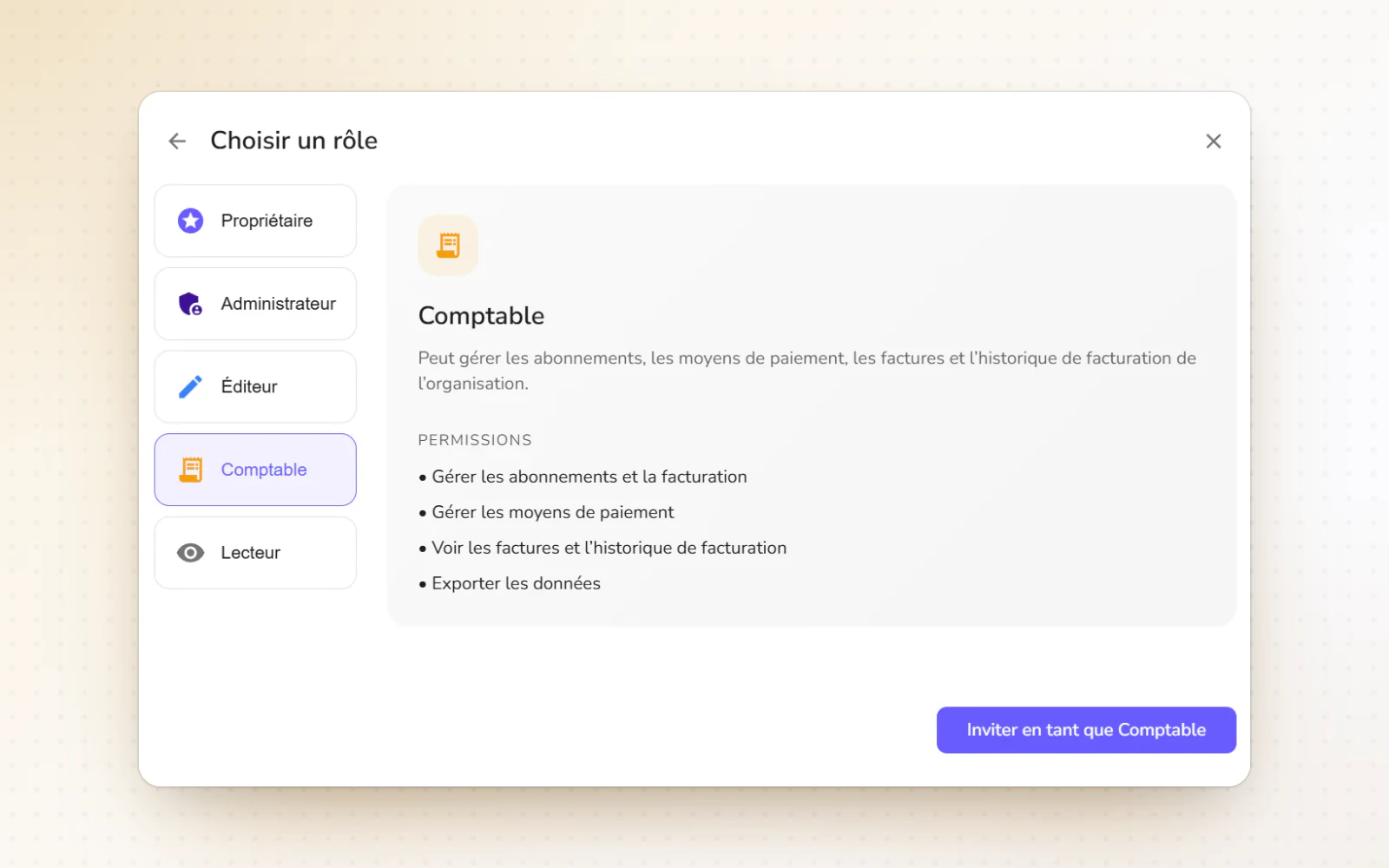
Your organisation's invoices are now available in Alex, with the new Billing role (formerly Accountant). Every part of a draft can also be edited in custom templates.

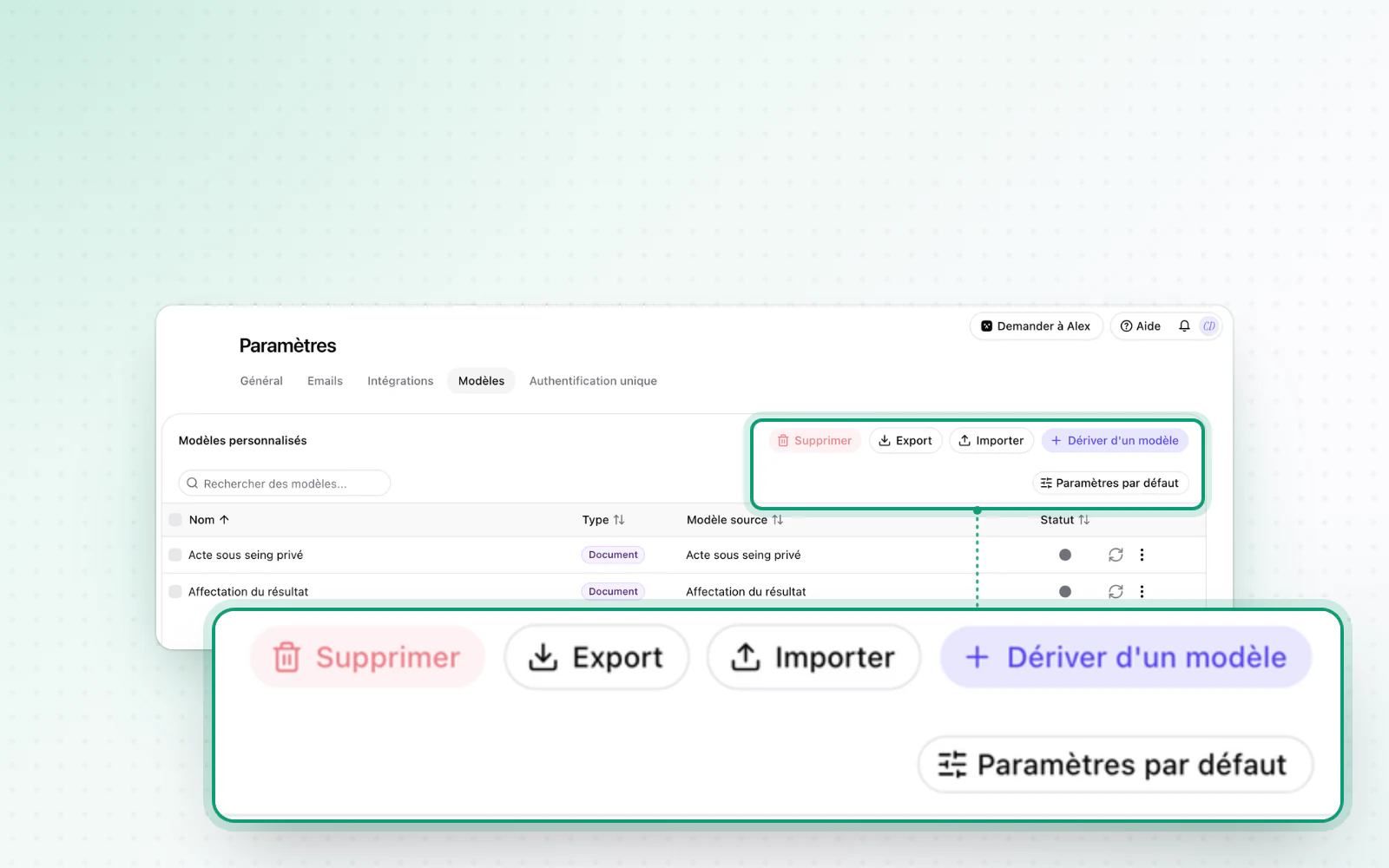
  • Templates you can customise end to endTailor your drafts down to the last detail. In custom template settings, you can edit every part of a draft: document, clause and snippet. A coloured badge tells each kind of element apart. Read the document drafting guide

The org chart on the date of your choice

Org chartOperations

See the org chart as it stood on a past date. The operations tracking board can also be filtered by service.

+ 1 improvement

All your new operations in the new module

Operations

Your new operations are created in the new module, open to every plan. A tracking board also brings your operations together.

  • A board to track your operationsTrack all your operations on a single board. A kanban tracking board, in beta, brings them together from your organisations and your groups. Assign operations, set their priority and add notes, then switch to a table view you can export to Excel.

March 2026

Workspaces become groups

Organisation and accessOperations

Workspaces become groups. The Operations module also opens with no setting to switch on.

  • The Operations module, no setting neededUse the Operations module without switching anything on. The new module no longer needs a setting: it is open by default to every organisation whose plan includes it.
+ 1 improvement

Certificates anyone can verify

CapitalOperations

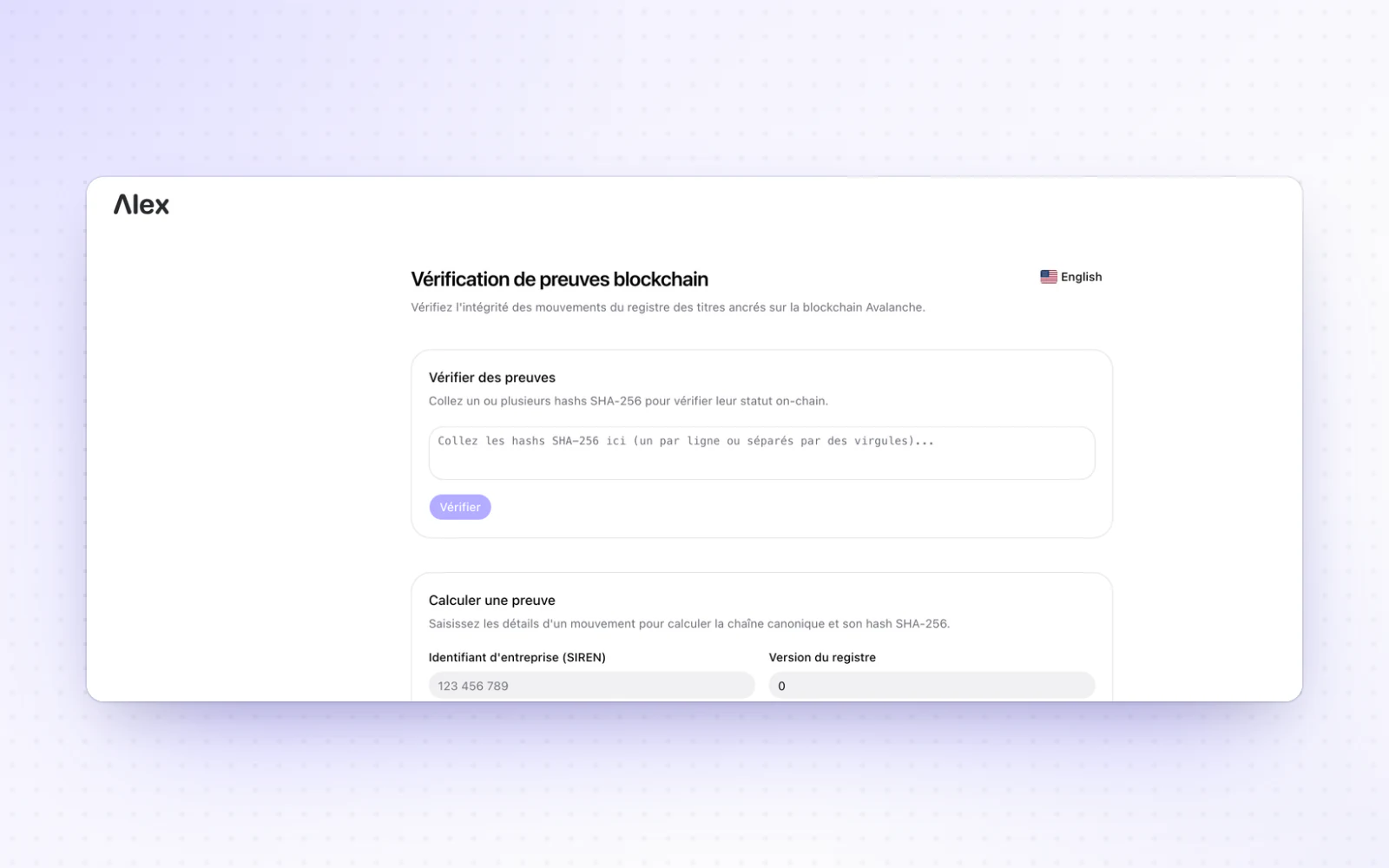
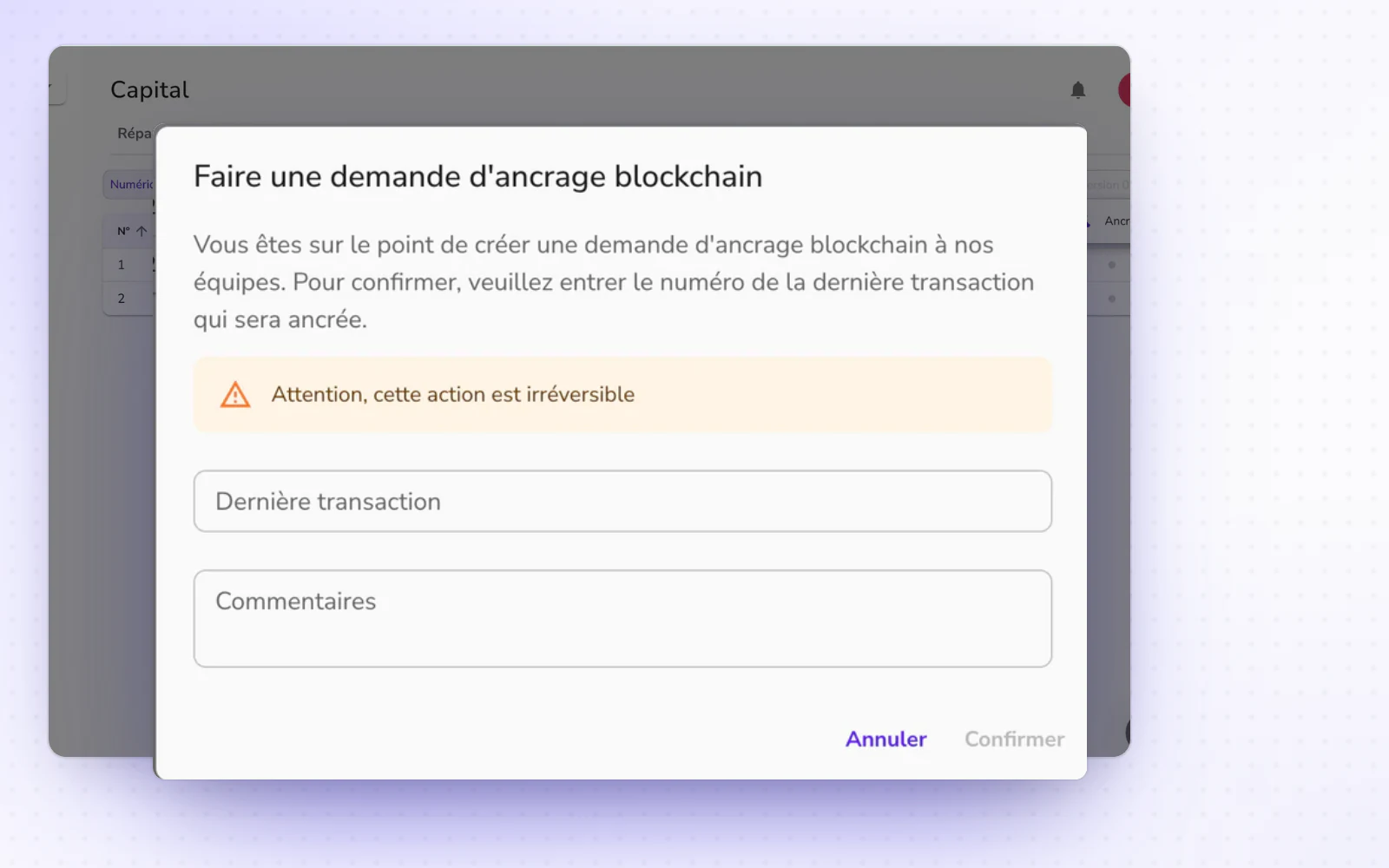
A public page lets anyone check the blockchain anchoring of your share movements. The Operations module also takes your files.

+ 3 improvements

February 2026

January 2026

A more forgiving search

Interface and navigation

Search ignores accents and special characters. The new navigation is also more comfortable, down to the Cmd + K shortcut.

+ 7 improvements

Organisations and a new navigation

Organisation and accessInterface and navigation

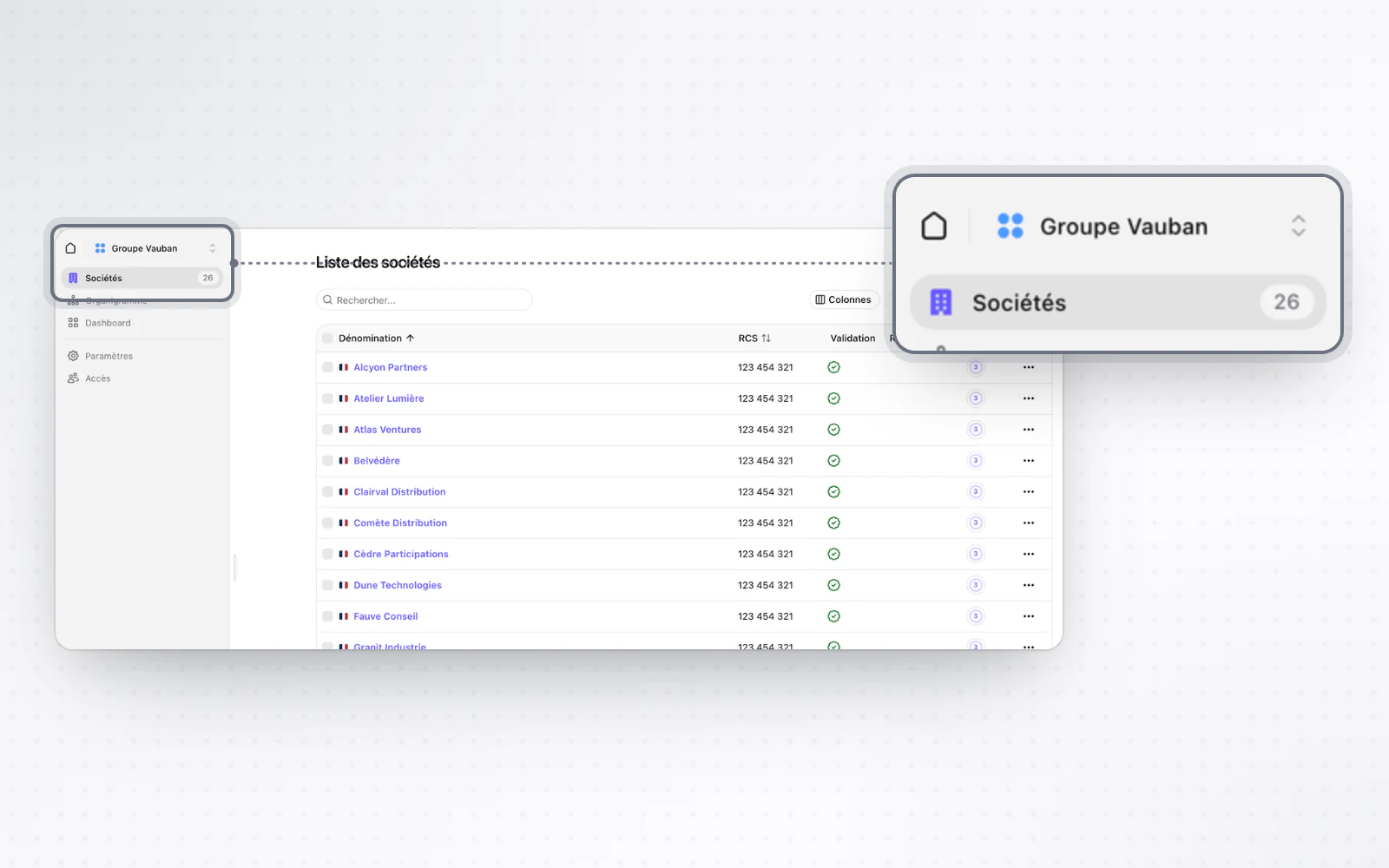
The organisation, a new level, brings your workspaces, users and subscription together. A new navigation also ties it all up.

  • A new navigationMove from one space to another more simply. The new navigation links organisation, workspace and company. The changes are big, and designed to make your day simpler.

December 2025

December 2025: simpler operations

OperationsDocuments

Operations get simpler after review. A document's pages can also be deleted from the viewer.

  • Delete pages from a documentClean up a document without leaving the viewer. Remove pages with a click or the Delete key. Undo with the dedicated button or Cmd+Z, then save your changes. Read the document storage guide

November 2025

November 2025: redesigned workspaces and BODACC notices

Organisation and accessCompanies

Workspaces get their own home page and an Add button that does it all. A company's overview also flags insolvency proceedings and BODACC notices.

  • Insolvency proceedings and BODACC noticesSpot a company in insolvency proceedings at a glance. Its overview flags them with a dedicated banner. A table there also lists the company's BODACC notices.

November 2025: a new interface and your plan at a glance

CompaniesBilling

A company's page gets a new layout. Your subscription plan also shows everywhere, one click away.

  • Your plan, visible and one click awayAlways know which plan applies. A badge shows the plan of each workspace, and a company's settings show the plan of its workspace. A feature outside your plan takes you to the subscription page, where you can also ask for a free trial.

October 2025

October 2025: access rights that explain themselves

Organisation and accessLegal registersOperations

When your rights block an action, Alex tells you why. The decision register also gets easier to use.

  • An easier decision registerOpen a document in one click from the decision register. A click on its row is all it takes, and from a document you see which decision register holds it. A search bar also helps you find a file in the add-documents window.
  • The operations tracking board is backSee where all your operations stand. The operations tracking board reopens for everyone, in beta, for the Signature and Filing steps.
+ 7 improvements

September 2025

September 2025: a more guided company creation

Company creationCompanies

Company creation now guides you sub-step by sub-step. A foreign company can also show its own currency.

  • The currency of your foreign companiesShow a foreign company in its own currency. Pick the display currency from the edit form on its overview. The choice is for display only: calculations, operations and invoices stay in euros.

August 2025

August 2025: a new overview for your companies

CompaniesDocumentsCapital

A company's overview gets a more modern, easier-to-read design. Whole folders also upload with their structure intact.

  • Upload whole foldersUpload a whole folder without reorganising anything. In Documents, use the upload button or drag and drop, and your subfolder structure is kept as it is. Read the document storage guide
  • Filter your share registerFind the right share movement fast. Filter the share register by security type, transaction type, account or date. After a partial anchoring, download both the anchored and the full version of the register. Read the share ownership guide
+ 2 improvements

July 2025

July 2025: your shareholding on any date

CapitalPeople and mandates

See a company's shareholding on the date of your choice. Unified alerts also flag missing information at a glance.

  • Clearer alertsSee at a glance what needs your attention. Alerts are unified: red for an inconsistency, grey for a warning. For each person, the missing information is listed in detail.
+ 5 improvements · 1 fix

July 2025: link share movements to their supporting documents

CapitalPeople and mandatesInterface and navigation

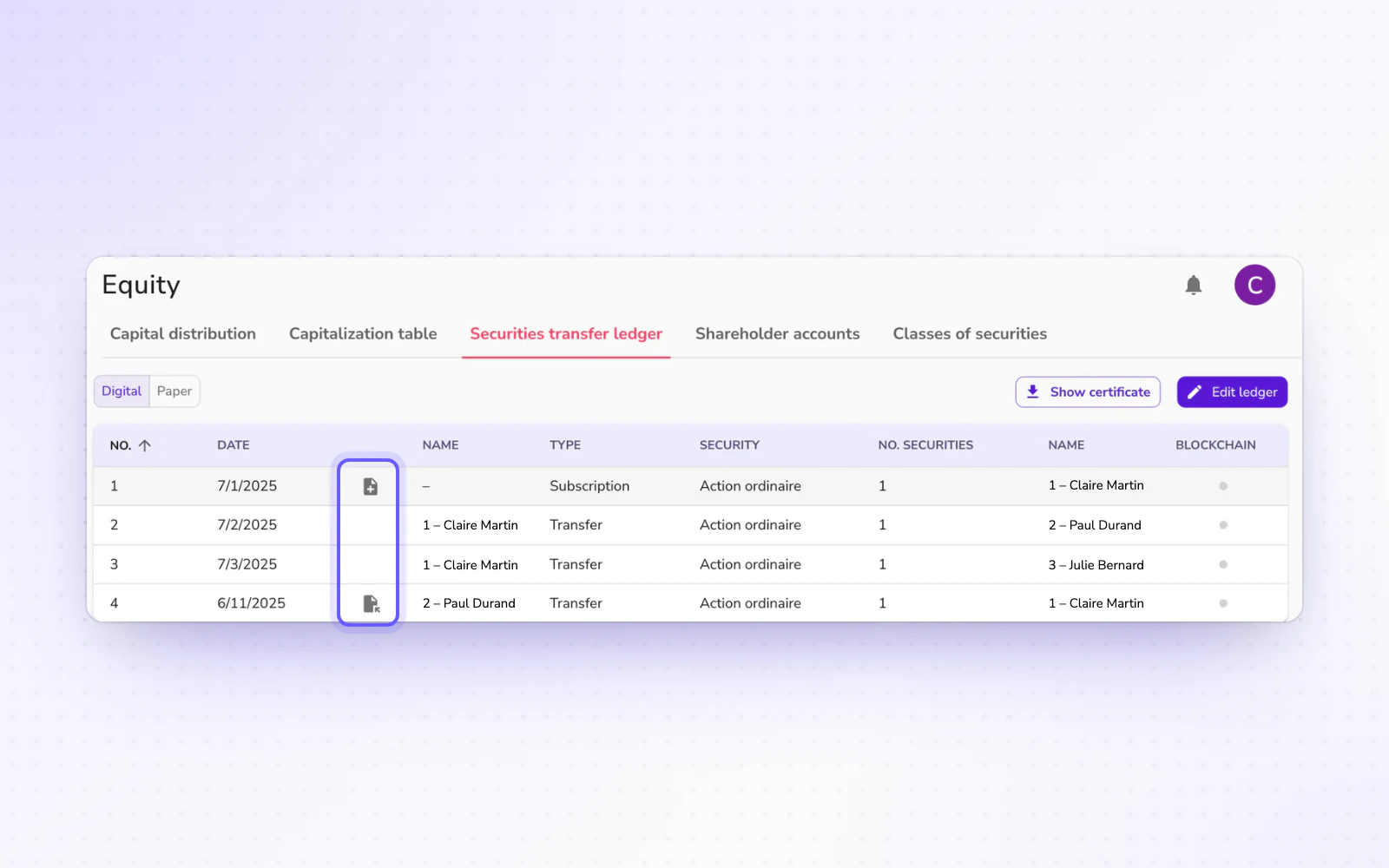
Link each share movement to its supporting document. Your committees also keep the deeds that created them.

  • Your committees' deedsKeep each committee's history at hand. Add the deed that created a committee and, where relevant, the one that dissolved it. Those deeds stay attached to the committee.
  • A lighter home pageGet straight to search from the home page. The home page is cleaner, with a centred, more compact search bar. A card previews some of your companies, and one click shows them all.
+ 5 improvements

June 2025

June 2025: an index of all your documents

DocumentsCapitalOperations

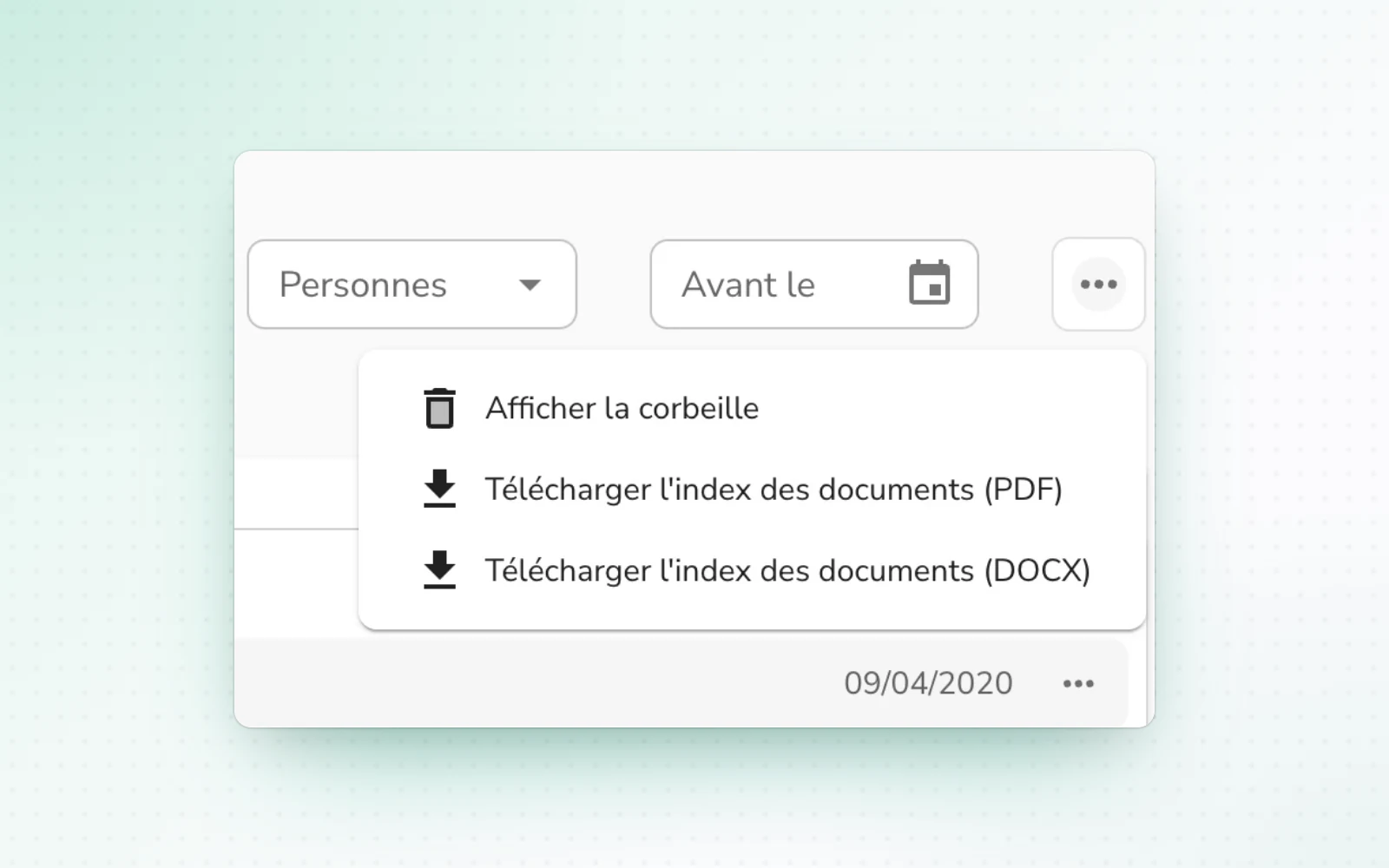
Download an index of all of a company's documents, laid out by folder. The share register also gets faster.

+ 5 improvements

June 2025: your corporate registers in Alex

Legal registersCompanies

Keep your registers of officers, shareholders and committees in Alex. A struck-off company is also flagged on its page.

  • Struck-off companies, flaggedSpot a struck-off company as soon as you open it. A banner flags it on its page.
+ 3 improvements

May 2025

April 2025

April 2025: your paper registers in Alex

Capital

Your paper share registers now have a place in Alex. The cap table also shows in full.

  • Your whole cap table at onceRead your cap table in one go. It shows in full, with no scrolling inside it, like the rest of the page. Read the share ownership guide
+ 1 improvement

March 2025

March 2025: a new Documents page

DocumentsOperationsOrganisation and access

The Documents page gets a new interface that brings your documents and their history together. An operation's documents can also be edited at review.

  • Edit an operation's documents at reviewFix a document without leaving the operation. At the review step, edit most of the generated documents right inside Alex. Only documents that contain tables stay locked at this step. Read the document drafting guide
  • A company in a workspace as soon as you add itFile a new company right away. At the end of adding it, put it straight into one of your workspaces, with no need to come back to it later. Read the workspace management guide
+ 3 improvements

Early March 2025: step-by-step anchoring and your mandate deeds

CapitalPeople and mandates

The share register can now be anchored step by step. Appointment and removal deeds also sit next to each mandate's dates.

  • Mandate deeds next to their datesFind a mandate's deed right where you need it. Appointment and removal deeds can be downloaded next to each mandate's start and end dates. When you edit a mandate, a dedicated field lets you pick its removal deed.

February 2025

February 2025: archive your committees

People and mandatesOrg chart

Your committees take a start and end date, and are archived once they end. The org chart also lets you select several entities at once.

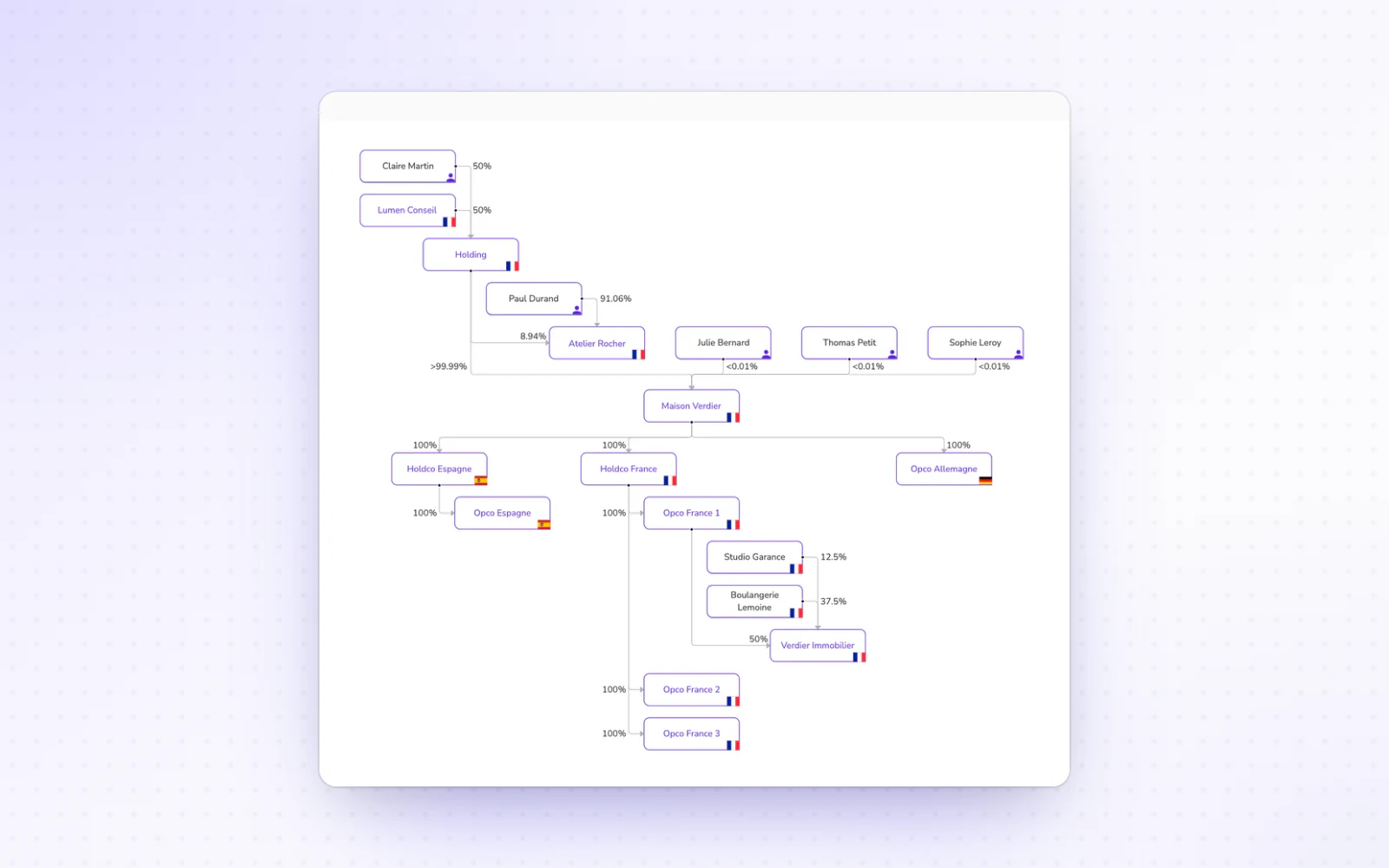
  • Select several entities in the org chartAct on several entities at once. Hold Cmd or Ctrl to select several entities in the org chart, then hide or group them in one go. Read the org chart guide

January 2025

January 2025: workspaces

Organisation and accessOrg chart

Workspaces bring your companies and their access together. The org chart also filters by country.

  • A more flexible org chartFocus on the part of your structure that matters. Filter entities by country, straight from the org chart's toolbar. You can also hide selected shareholders for a more focused view. Read the org chart guide

December 2024

December 2024: Alex in English

Interface and navigationOrg chart

The platform is available in English. The org chart also exports as SVG.

  • The org chart as SVGPut sharp org charts in your presentations. Export them as SVG, a high-quality format that is easy to edit and fits neatly into your presentations and documents. Read the org chart guide
+ 1 improvement

November 2024

November 2024: notifications and a redesigned open data update

Interface and navigationCompanies

Alex reminds you of mandate and accounts deadlines. Updating from open data also gets simpler and more reliable.

  • A redesigned open data updateUpdate your companies more simply and more reliably. Updating from open data has been completely reworked: related people are recognised straight from the open data, and you approve updates in a new window. Sources are also cross-checked with INSEE and the INPI for better reliability.

October 2024

October 2024: group your companies in the org chart

Org chartCompanies

The org chart groups your companies with a new toolbar. A company's page also gets straight to the point.

  • A company page that gets to the pointFind what matters faster on a company's page. Action buttons move to the right and key contacts can be collapsed. Its business activity shows next to its NAF code, and the SIRENE status notice is open to every user.

September 2024

August and September 2024: the org chart of your companies

Org chartDocumentsCompanies

The org chart opens to every user and builds itself from the share register. A document can also be edited while in view.

  • Edit a document while you look at itCheck every detail without leaving the document. Edit a document's details while it stays in view.
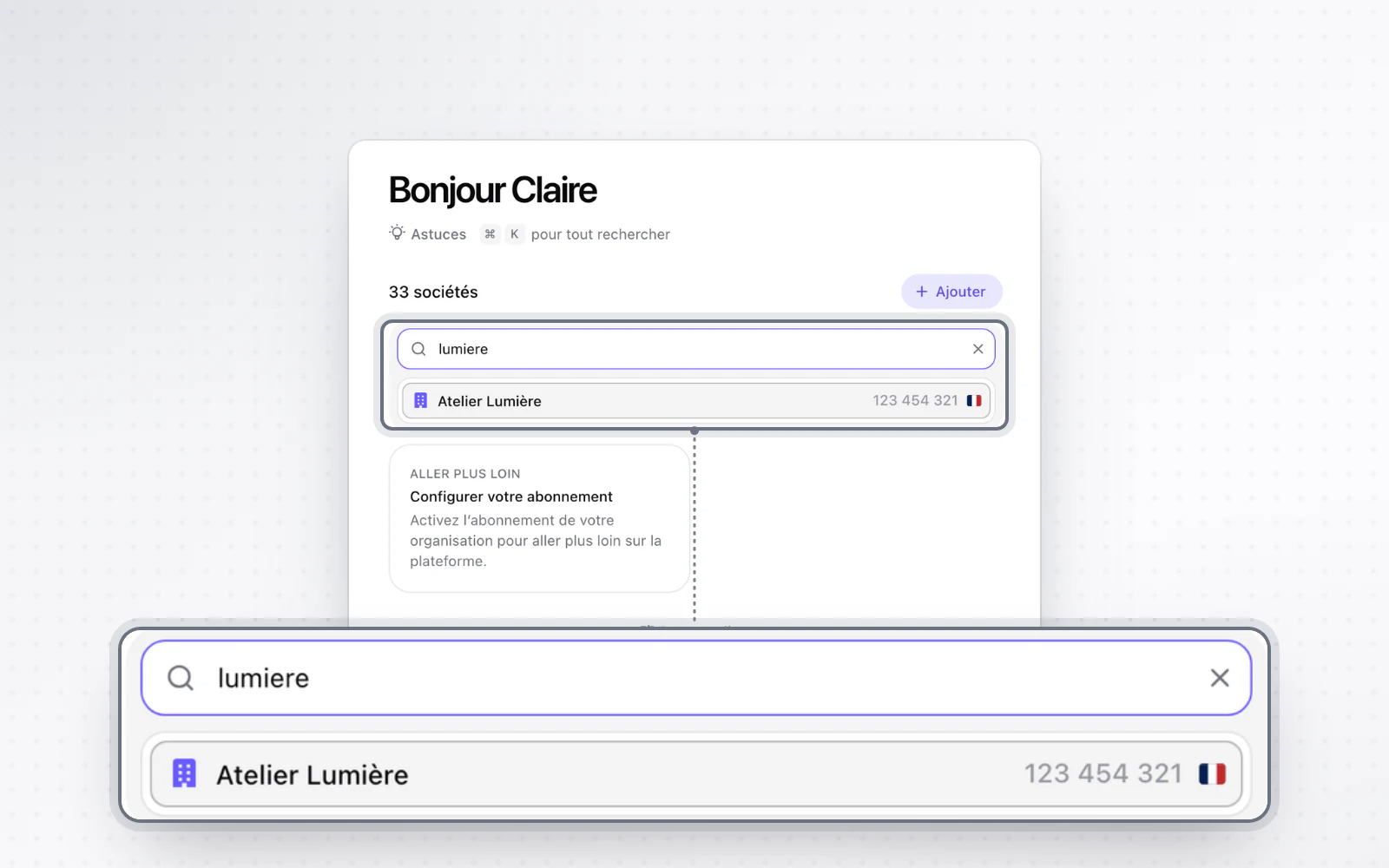
  • Find a company from another oneMove from one company to another without going back to the home page. From a company's page, a search takes you straight to another of your companies.
+ 1 improvement

July 2024

June and July 2024: a summary before you create your company

Company creationCompaniesCapital

A summary covers your whole company creation before you submit it. The company page gets richer too.

  • A fuller company pageFind what matters about your company in one place. Its page shows its business activity and the history of its establishments, and its profile downloads in one click. You can also copy its party details in one click once its address and officers are set.
  • Select a range of movementsSave time on long runs of movements. In the share register, tick one movement, then hold Shift and tick another further down to select the whole range. Delete dozens of lines in one go. Read the share ownership guide

May 2024

May 2024: a more complete company search

CompaniesCompany creation

Search finds a company by any part of its name or by its RCS number. An Excel form also speeds up company creation.

  • An Excel form to create your companyCreate a company faster with an Excel form. Have your client fill in the Excel form, then import it straight into the creation draft. All the information goes in at once. Read the company registration guide
+ 1 improvement

April 2024

January to April 2024: a redesigned dashboard

Company creationCapitalPeople and mandates

The dashboard now tracks your registrations step by step. Shareholding charts are clearer too.

  • Clearer shareholding chartsYour shareholding charts read at a glance. Hover over a holder's name to see their share on the pie chart, and the other way round. Read the share ownership guide
  • A mandate right after you create a personAdd a mandate without hunting for it. Once you create a person, a message at the bottom of the screen takes you straight to adding their mandate. In each person's details, a button also opens the Officers section, with their information prefilled.
+ 1 improvement

January 2024

Welcome to the Alex changelog

The pioneering Alex team has been building the platform since 2021. From here on, this changelog tells you, release after release, what changes for you.