A new interface, screen by screen
Alex moves to one design across the platform, starting with the navigation. Tables also get their filters and column choice back.
One design, across the whole platform. Screen after screen, Alex moves to one visual language: the same navigation, the same layout and the same landmarks everywhere. This week the main navigation switches to the new design, keeping search and pinning.
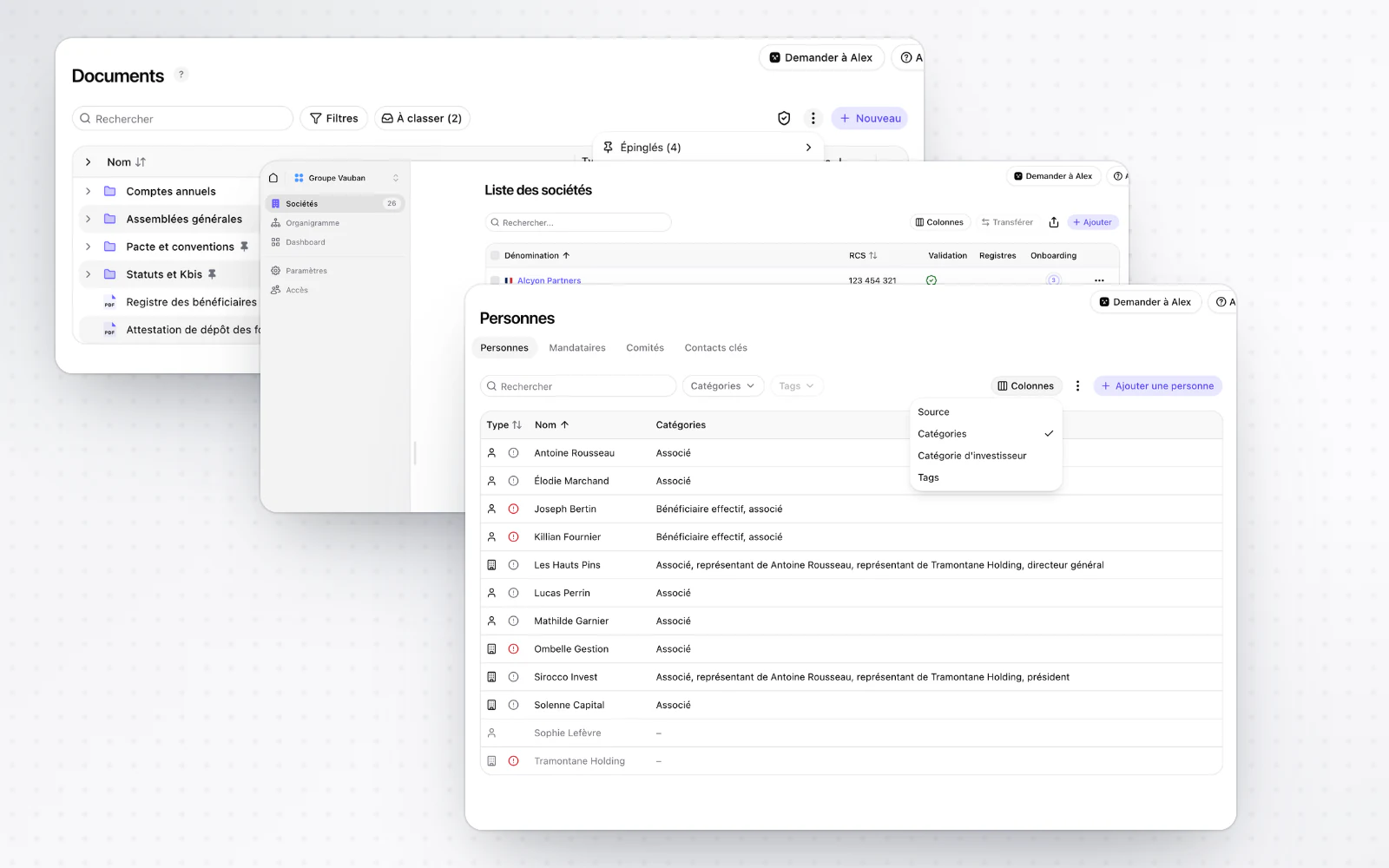
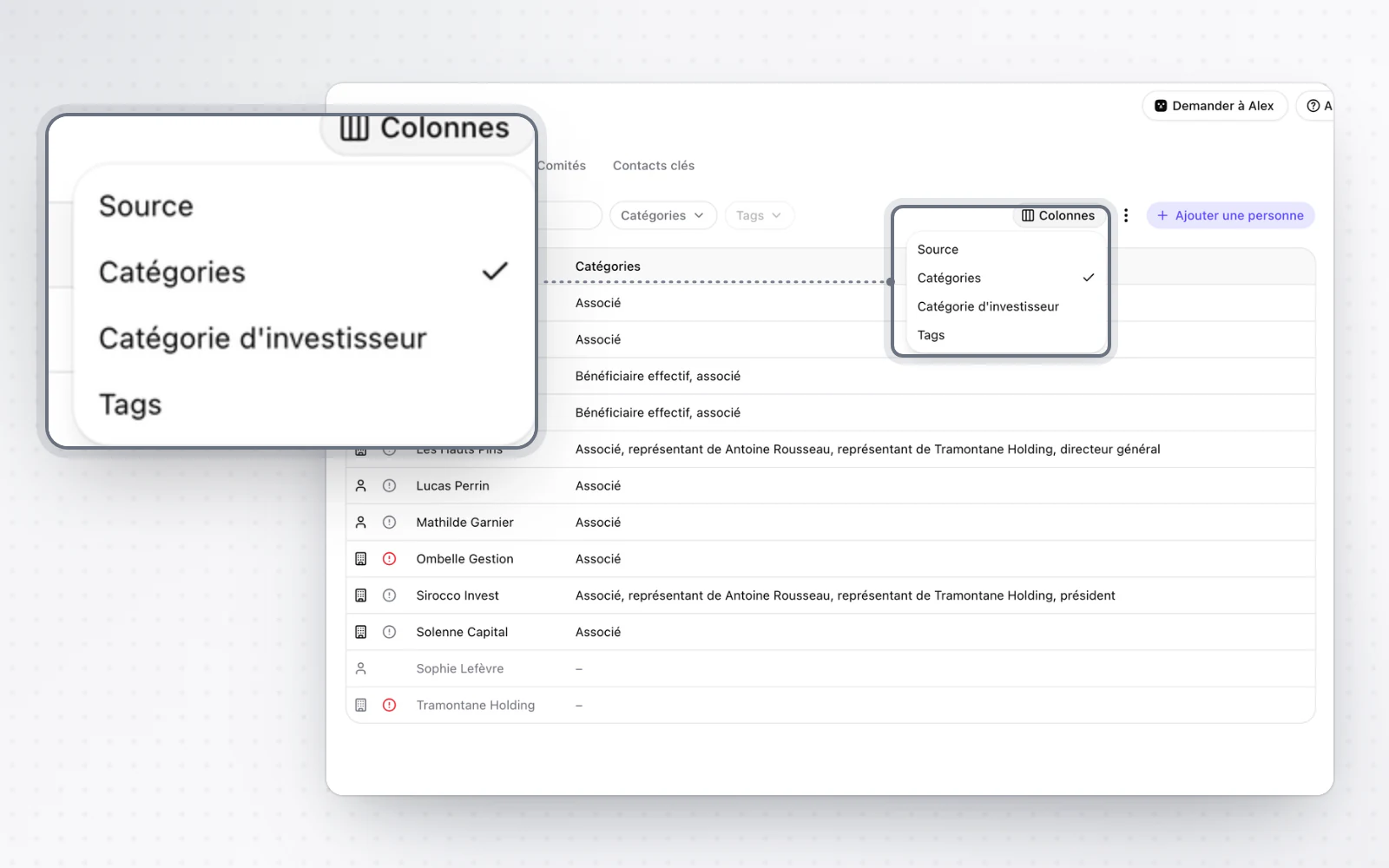
Tables your way
Arrange your tables the way you like. Tables get column resizing and per-column filters back, and you choose which columns to show.
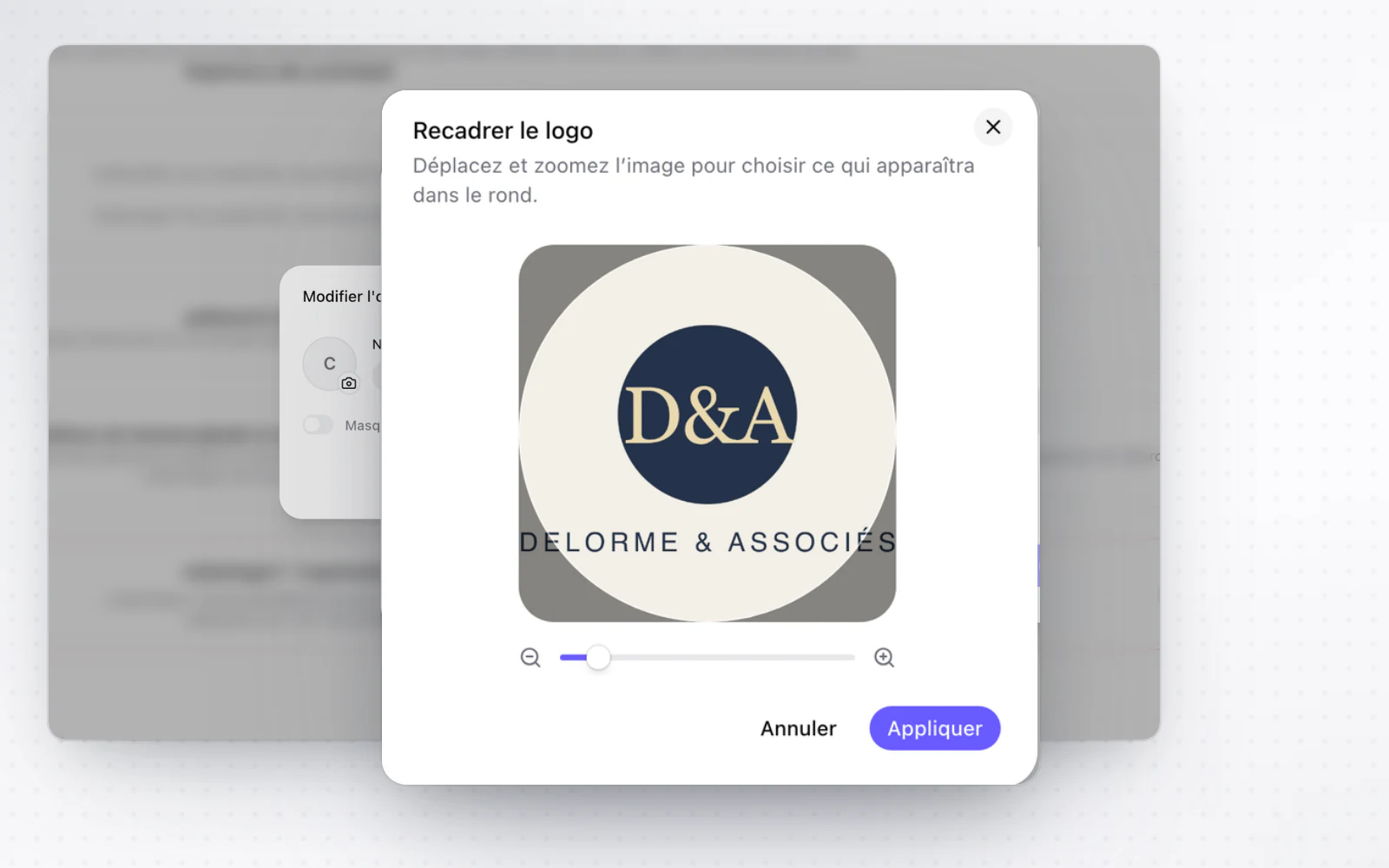
Crop your photos and logos
Make your photos and logos look right. Before you save a profile photo or a logo, crop it, move it and zoom in. It then shows exactly as you framed it.
All changes
The full list for this release, fixes included. Only changes our customers can see are listed.
New
- Interface and navigationA new interface, screen by screen
- Interface and navigationTables your way
- Interface and navigationCrop your photos and logos
Improved
- Interface and navigationCharts, payments and sign-in screens are easier to read in the dark theme.
- BillingThe group billing page is modernised.
Fixed
- OperationsHiding a resolution also hides the sentence giving the vote result.
- BillingA payment still awaiting confirmation no longer shows as an active subscription.
- CapitalLong shareholder names no longer hide the holding columns.
- E-signatureA double click no longer sends two reminders to the same signer.