Images in your documents
Add images to an operation's documents. Signature and filing are also handled inside the operation.
Illustrate your operation documents. Add images with the dedicated button, by drag and drop or by pasting. PNG, JPEG, WebP and SVG files are supported.
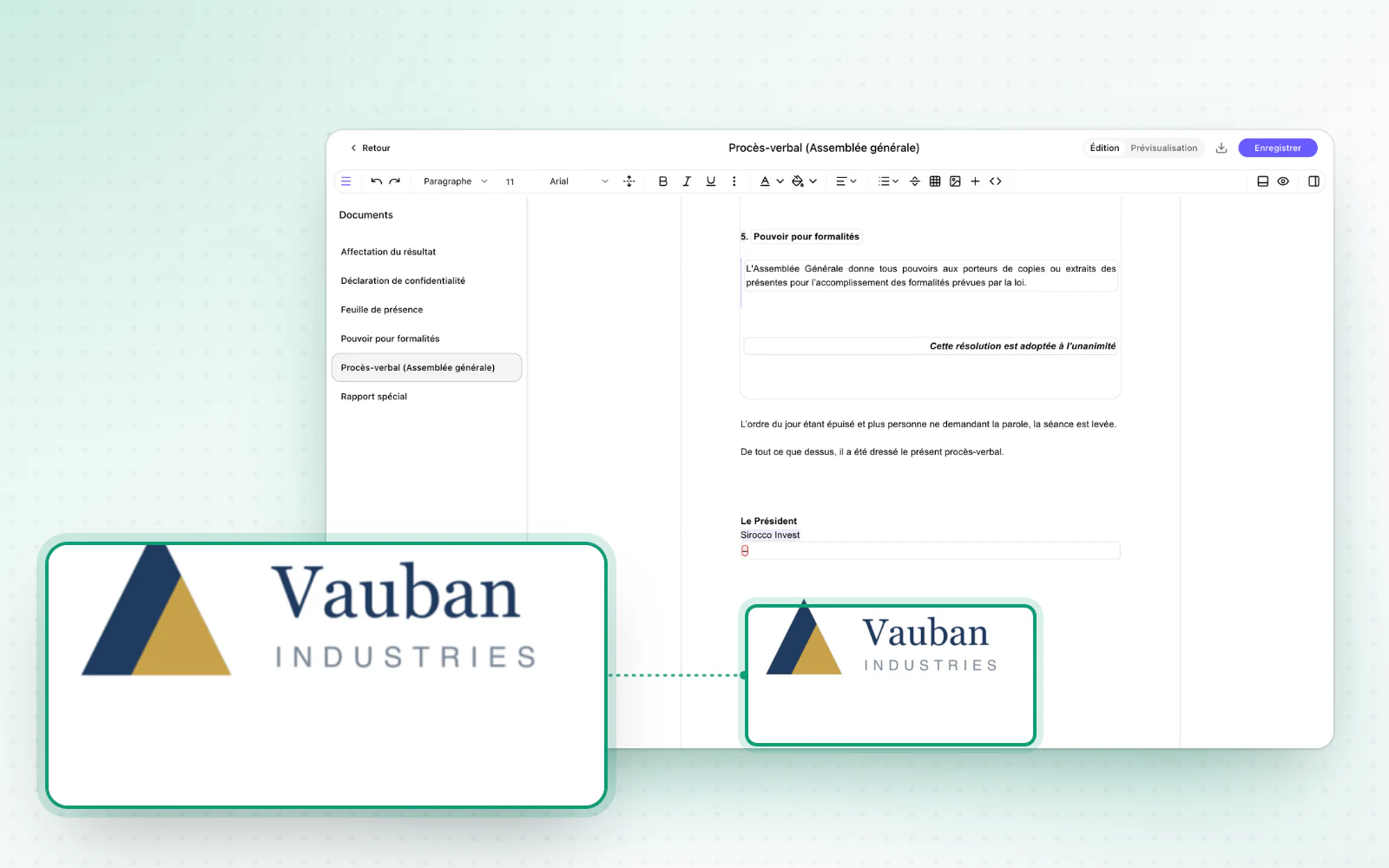
Highlight
The whole operation in one place
Run your operation end to end, in one place. The signature and filing steps are now handled inside the operation, without a separate page. With review and notices, the whole operation fits on a single page.
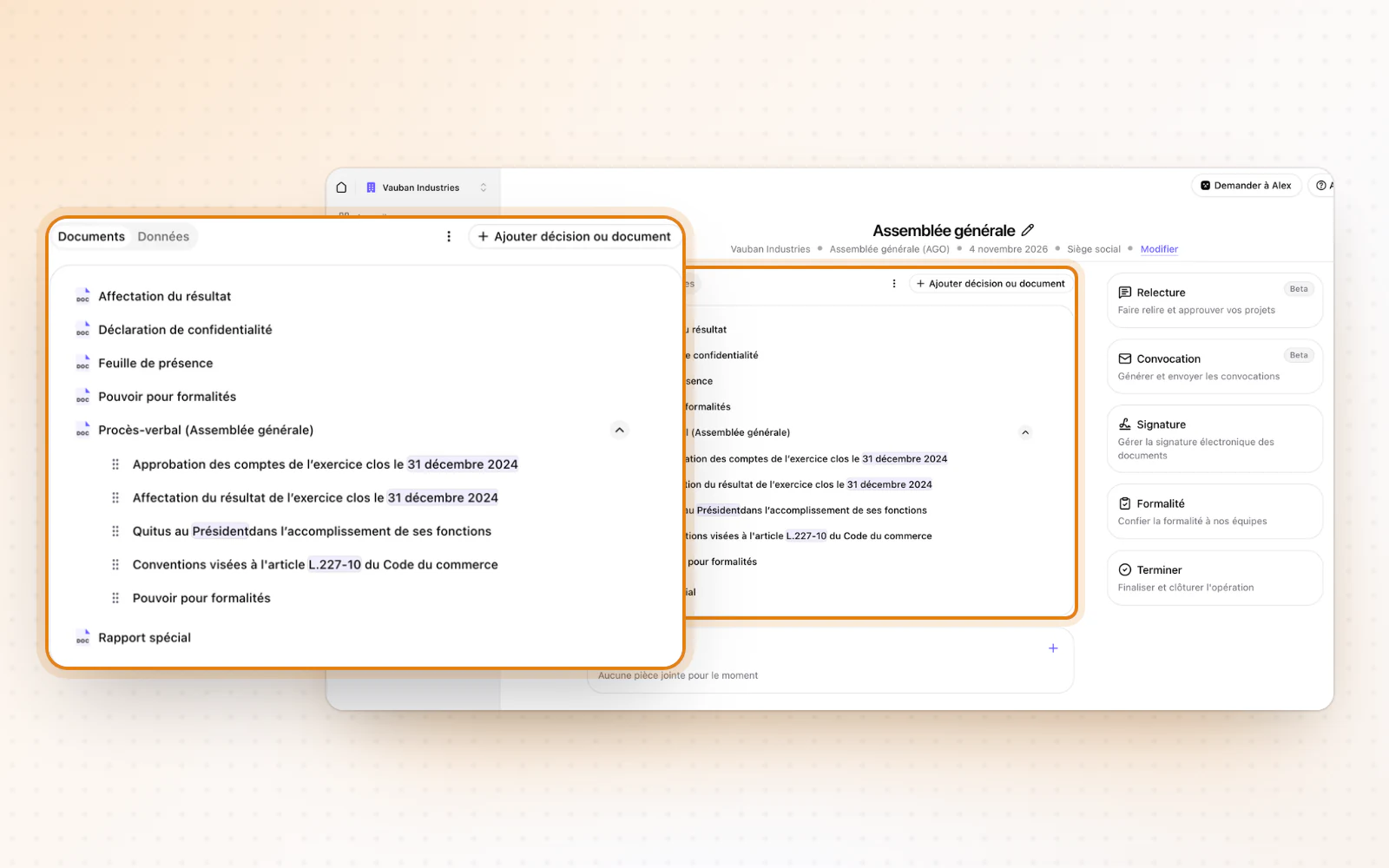
Highlight
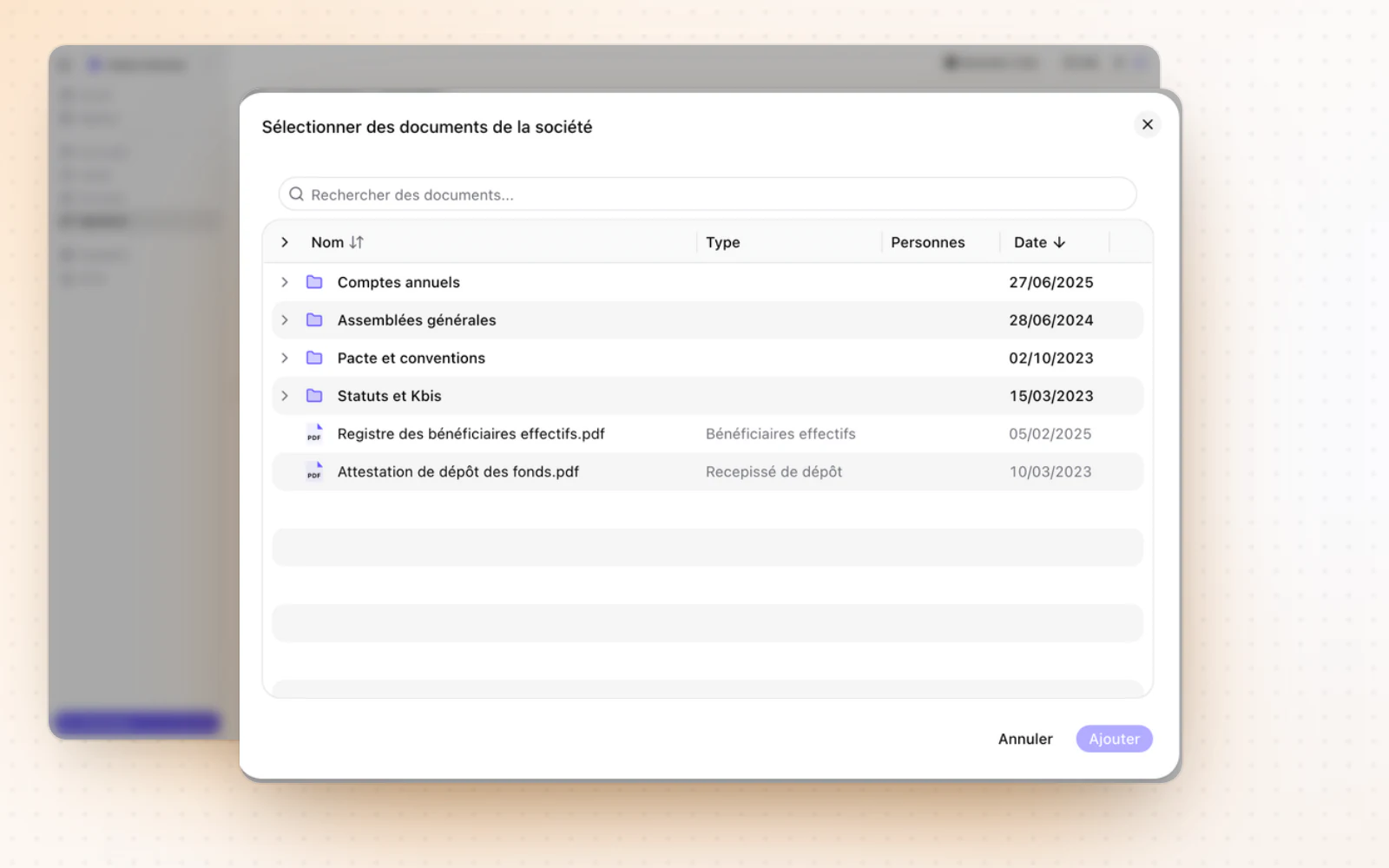
Fuller notices of meeting
Attach everything your notices need. Add documents already in the company's Documents space to a notice of meeting. The preview is wider and stays readable next to the list of attachments.
All changes
The full list for this release. Only changes our customers can see are listed.
New
- Templates and draftingImages in your documents
- OperationsThe whole operation in one place
- OperationsFuller notices of meeting
Improved
- E-signatureWith DocuSign, signature fields can be optional.
- E-signatureAn absent signer can be excused without cancelling or restarting the request.
- Templates and draftingA list's values can be edited straight from the document.
- Templates and draftingWhen you choose a legal representative, every representative is listed and saving is clearly shown.
- Interface and navigationA partial failure tells you how many items failed, and why.