Open data differences, fully redesigned
Open data differences are reviewed in a single window. Every shareholder also gets a page, and operations move into a table.
Spot and settle open data differences in a single window. On the company page, a single banner highlights each value that differs, and the review window lets you ignore or apply. UK companies are compared with Companies House, with current officers imported.
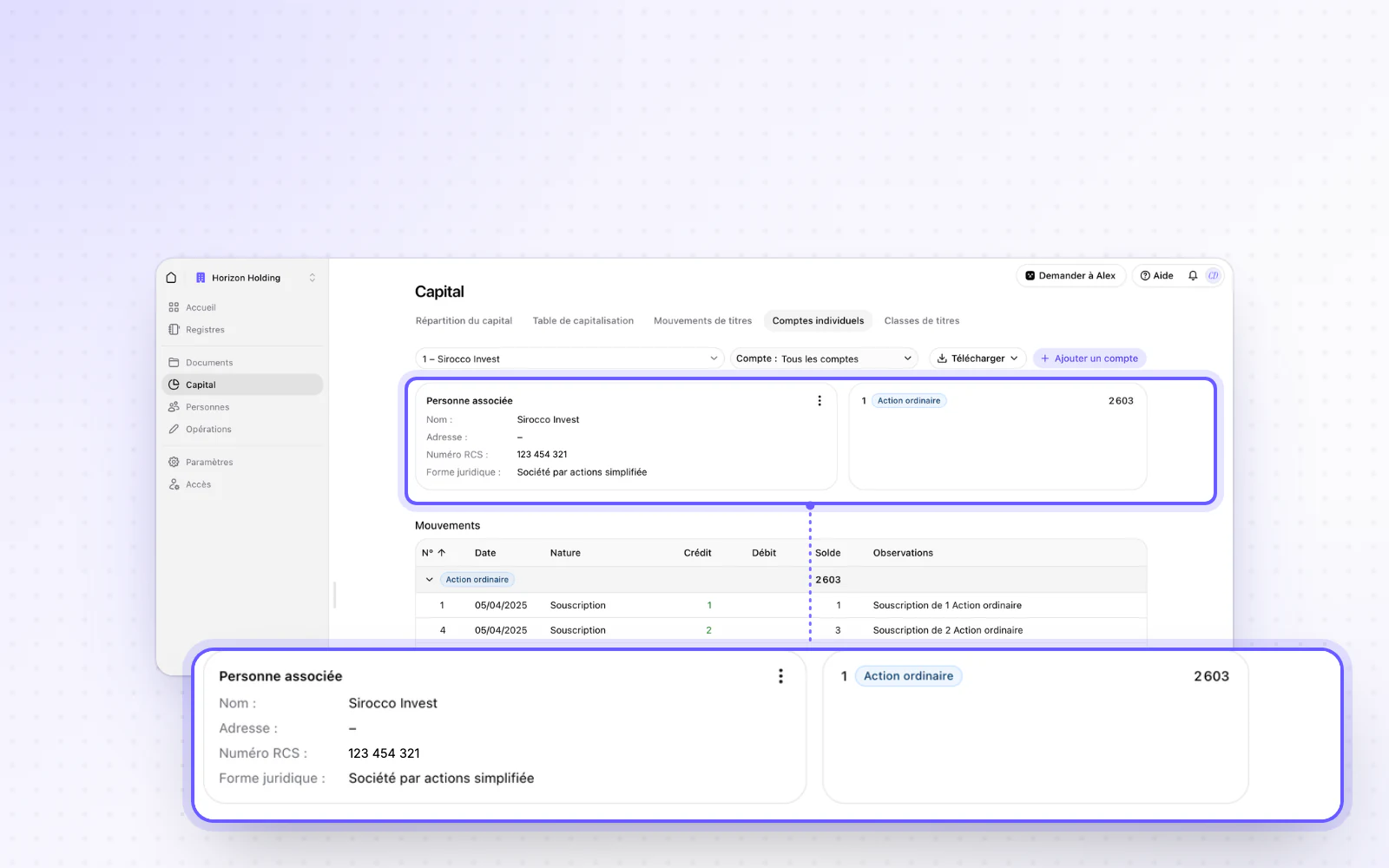
A page for every shareholder
Everything about a shareholder fits on one page. Find their movements grouped by share class, their stake before and after dilution, and PDF and Excel exports. A user who is only a shareholder lands straight on their holdings.
Your operations in a table
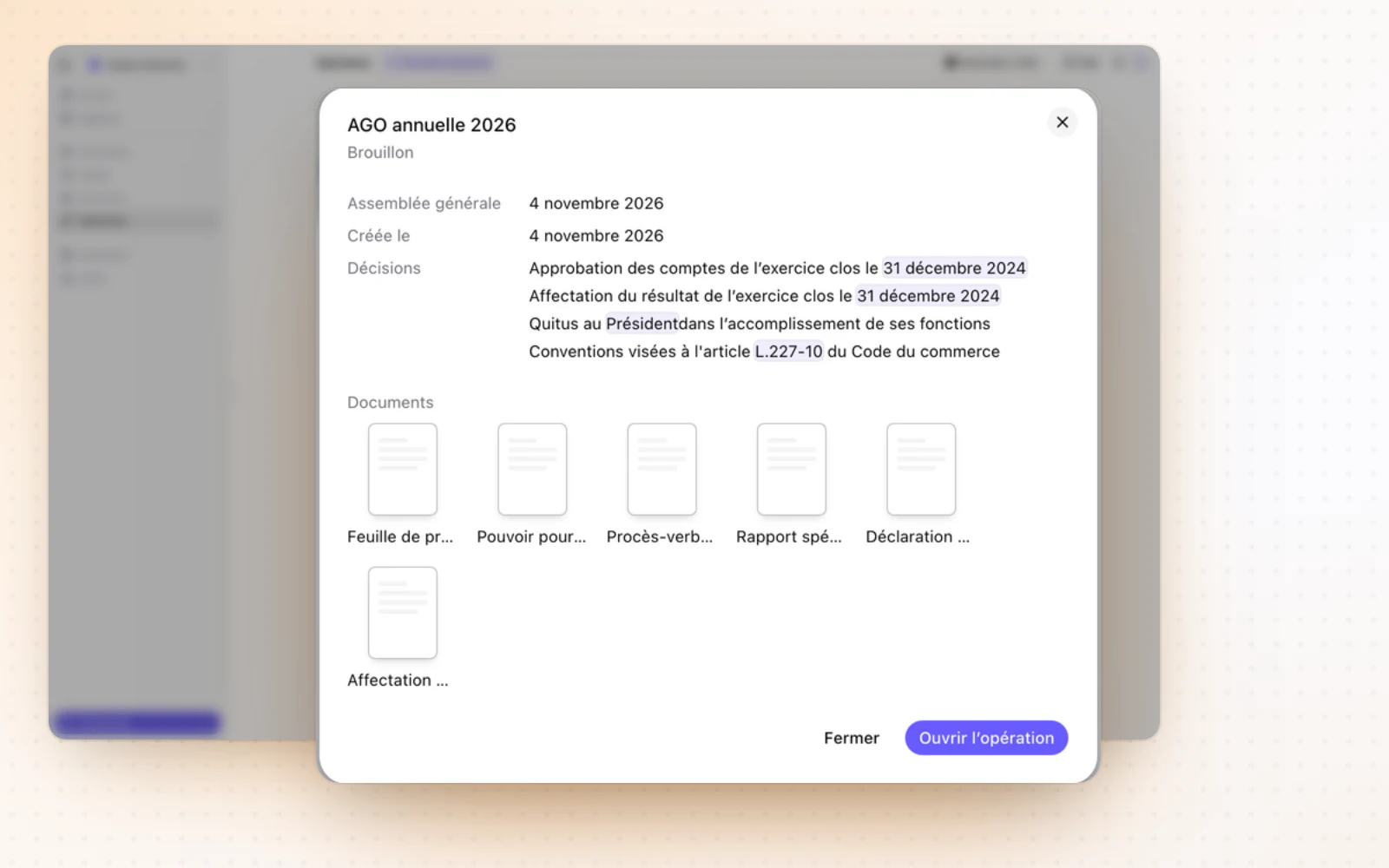
Scan a company's operations at a glance. They now show in a table, and one click opens their preview. The New operation button moves to the top of the page, and past operations join the Done column.
All changes
The full list for this release. Only changes our customers can see are listed.
New
- CompaniesOpen data differences, fully redesigned
- CapitalA page for every shareholder
- OperationsYour operations in a table
Improved
- DocumentsDocuments move with search and cut and paste from the keyboard, and your folder sort is remembered.
- DocumentsDOCX, XLSX and CSV files open right in Documents.
- CapitalSeveral selected movements can be moved at once.
- E-signatureA signer with an invalid email is flagged on their card, with a way to fix it.
- Interface and navigationEmails go out in the recipient's language.
- CompaniesA company opens at once with its section menu.