Set up single sign-on (SSO) yourself
Organisation owners set up SSO themselves, and your members sign in through your identity provider. SSO remains a paid option.
Set up SSO without going through our team. Once the option is on your subscription, owners set up SSO with SAML or OpenID Connect themselves, from the organisation settings. Step-by-step guides cover Microsoft Entra ID, Okta and Google Workspace. Verify your email domains with a DNS record, then switch SSO on.
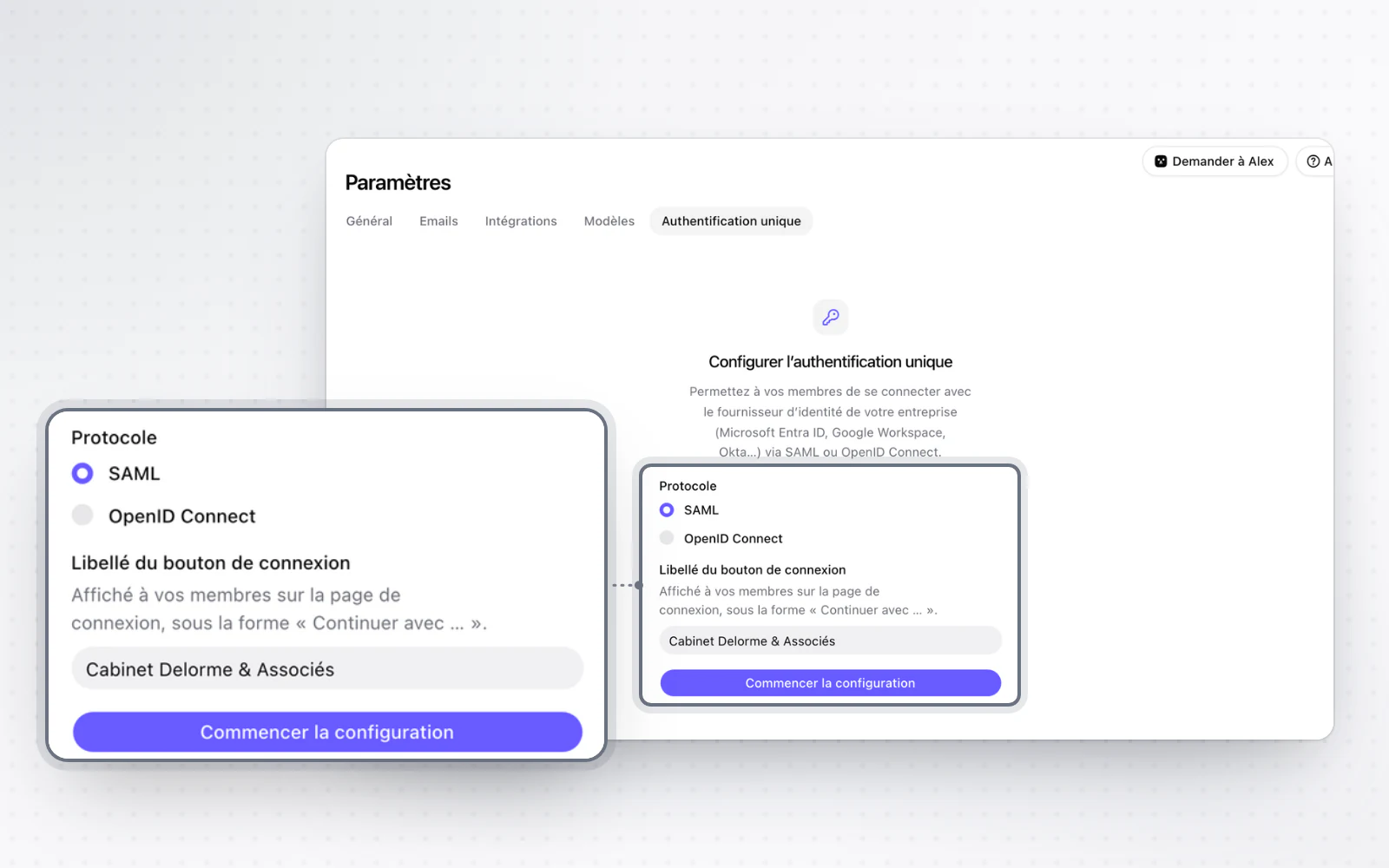
Your members go through your identity provider
Your members sign in with your organisation's account. On the sign-in page, an email address on a verified domain is offered to continue with your organisation straight away. You can also require SSO: password, Google or Microsoft sign-ins are then refused for those domains, and existing accounts simply carry on with SSO.