March 2025: a new Documents page
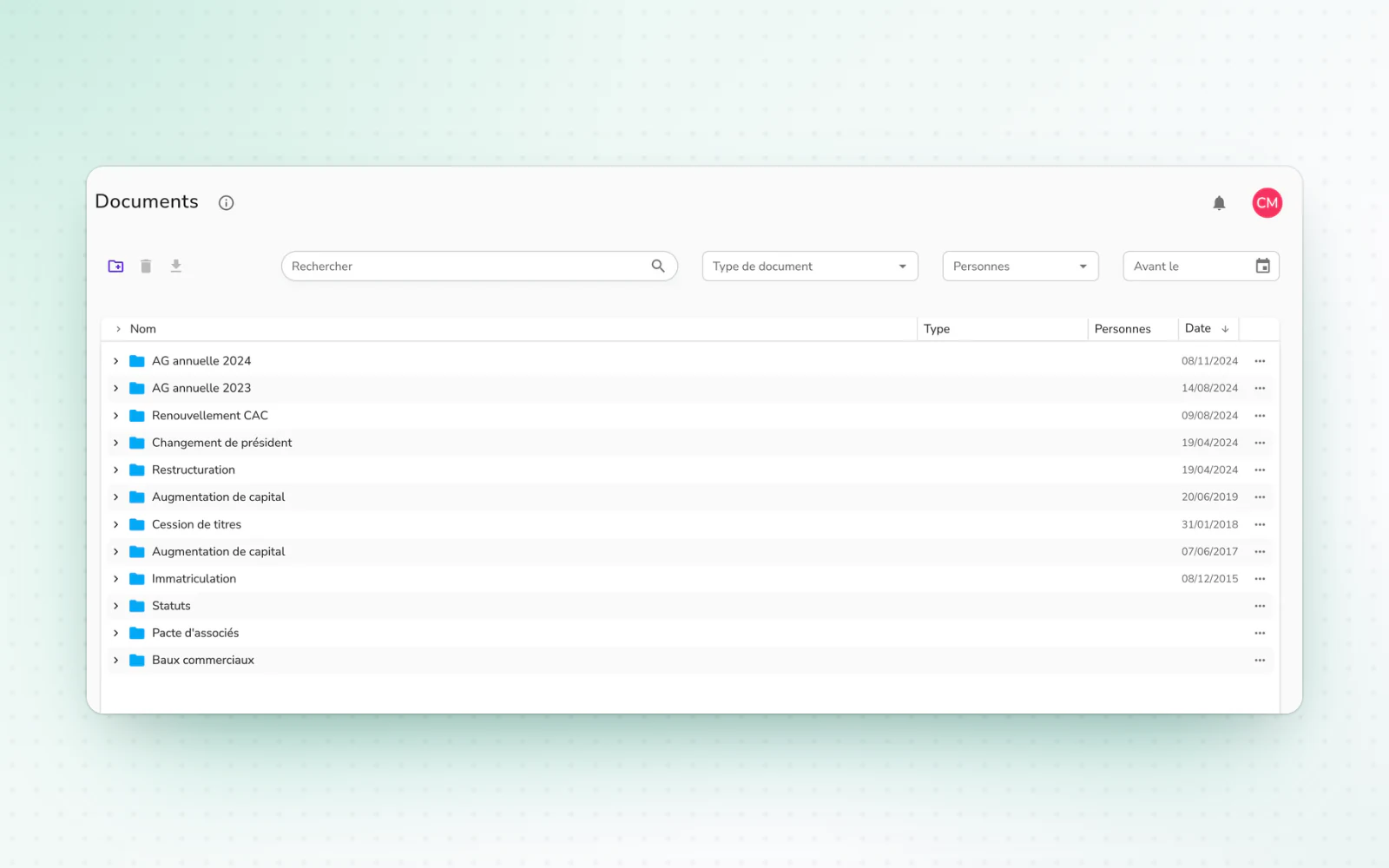
The Documents page gets a new interface that brings your documents and their history together. An operation's documents can also be edited at review.
Find all your documents and their history in one place. Fully redesigned and open to every user, the Documents page brings event history and documents together, filed in folders by event, and stays fast with thousands of documents. Add files by drag and drop or with a click, and Alex detects their type, their signers and the related event.
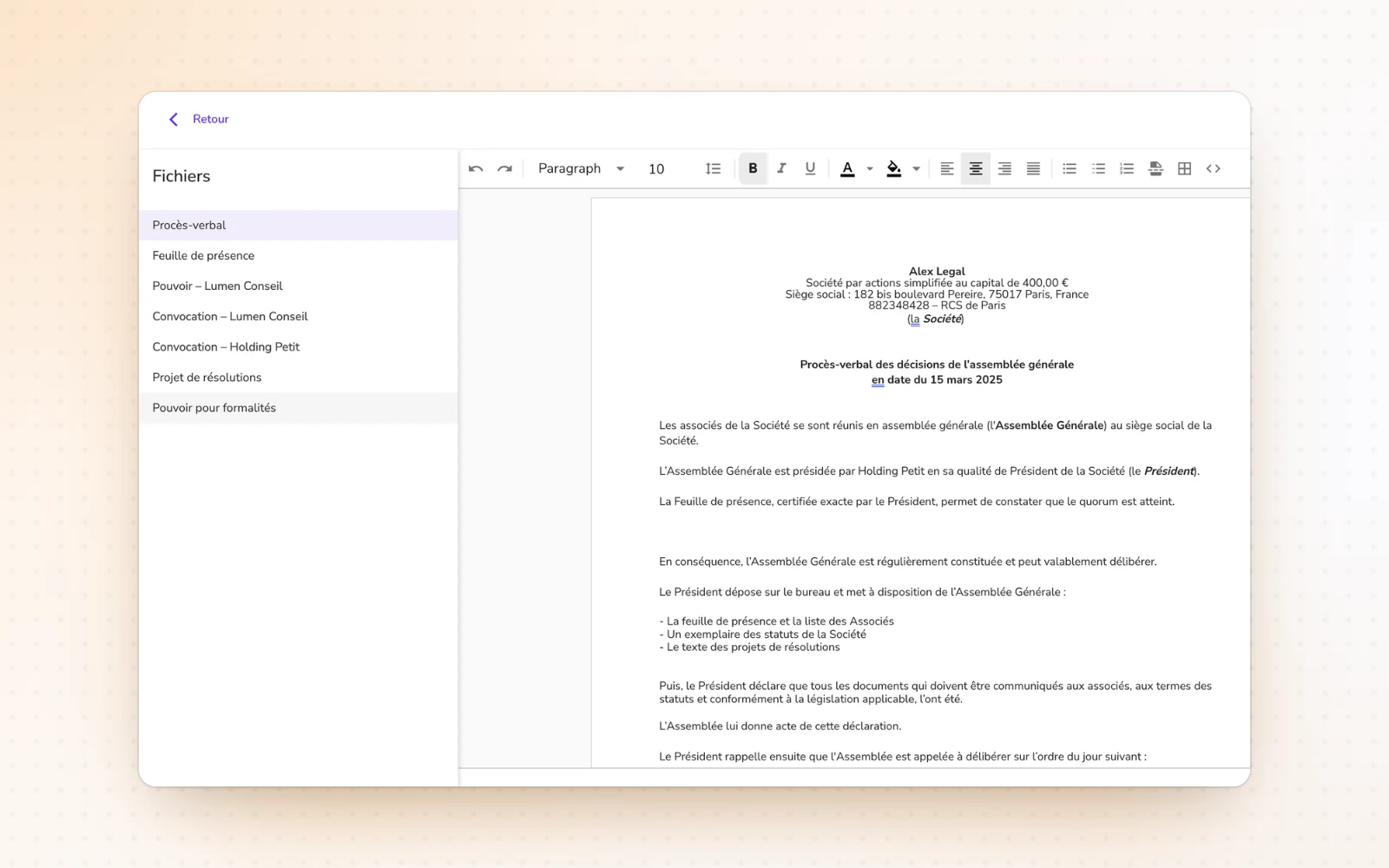
Edit an operation's documents at review
Fix a document without leaving the operation. At the review step, edit most of the generated documents right inside Alex. Only documents that contain tables stay locked at this step.
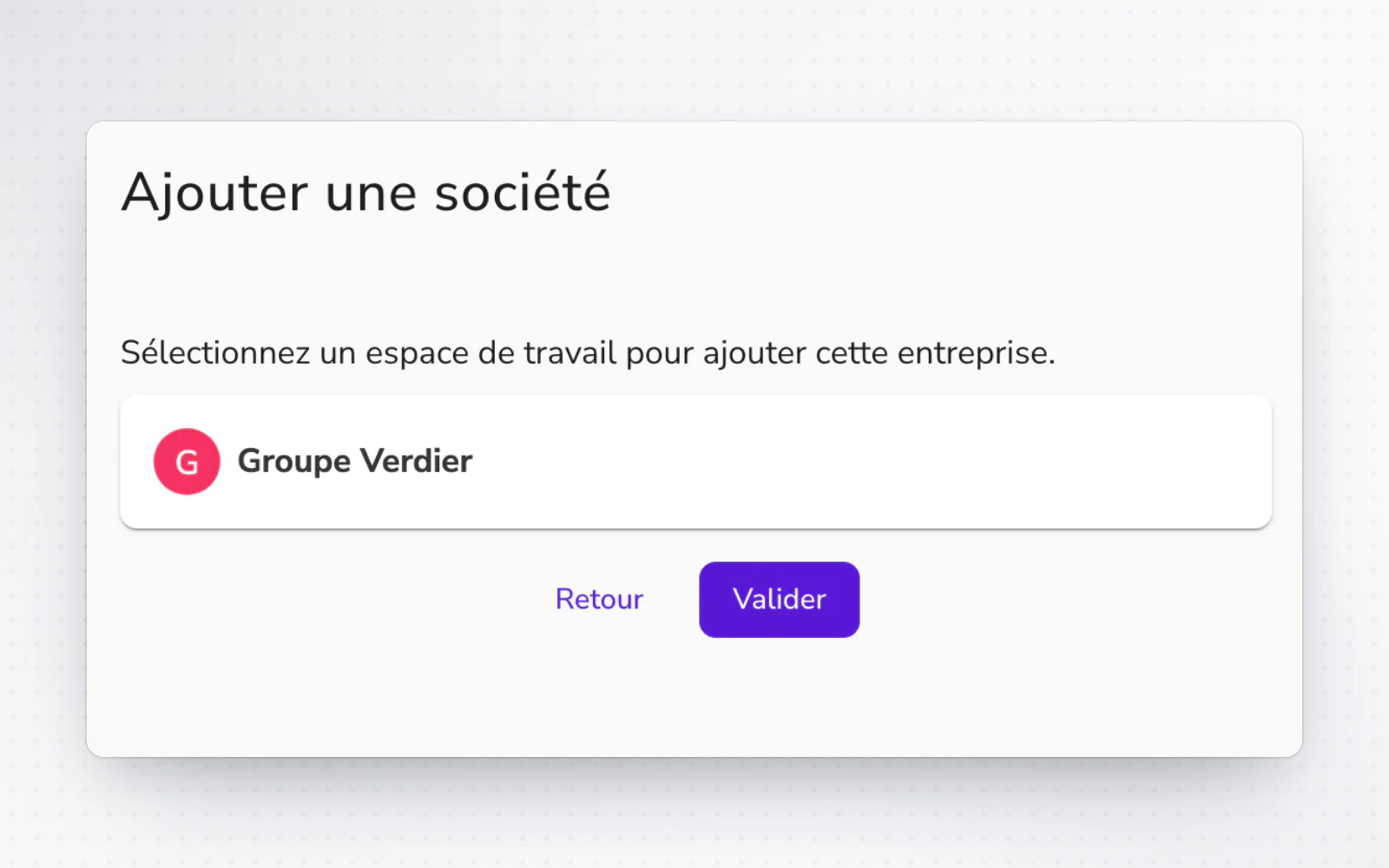
A company in a workspace as soon as you add it
File a new company right away. At the end of adding it, put it straight into one of your workspaces, with no need to come back to it later.
All changes
The full list for this release. Only changes our customers can see are listed.
New
- DocumentsA new Documents page
- OperationsEdit an operation's documents at review
- Organisation and accessA company in a workspace as soon as you add it
Improved
- DocumentsFiles are renamed automatically from their content, such as those received from the commercial court.
- Company creationAlex suggests a corporate purpose that fits the company's business.
- Company creationUploaded IDs are checked automatically for document type, name and expiry date.