A home page of your own
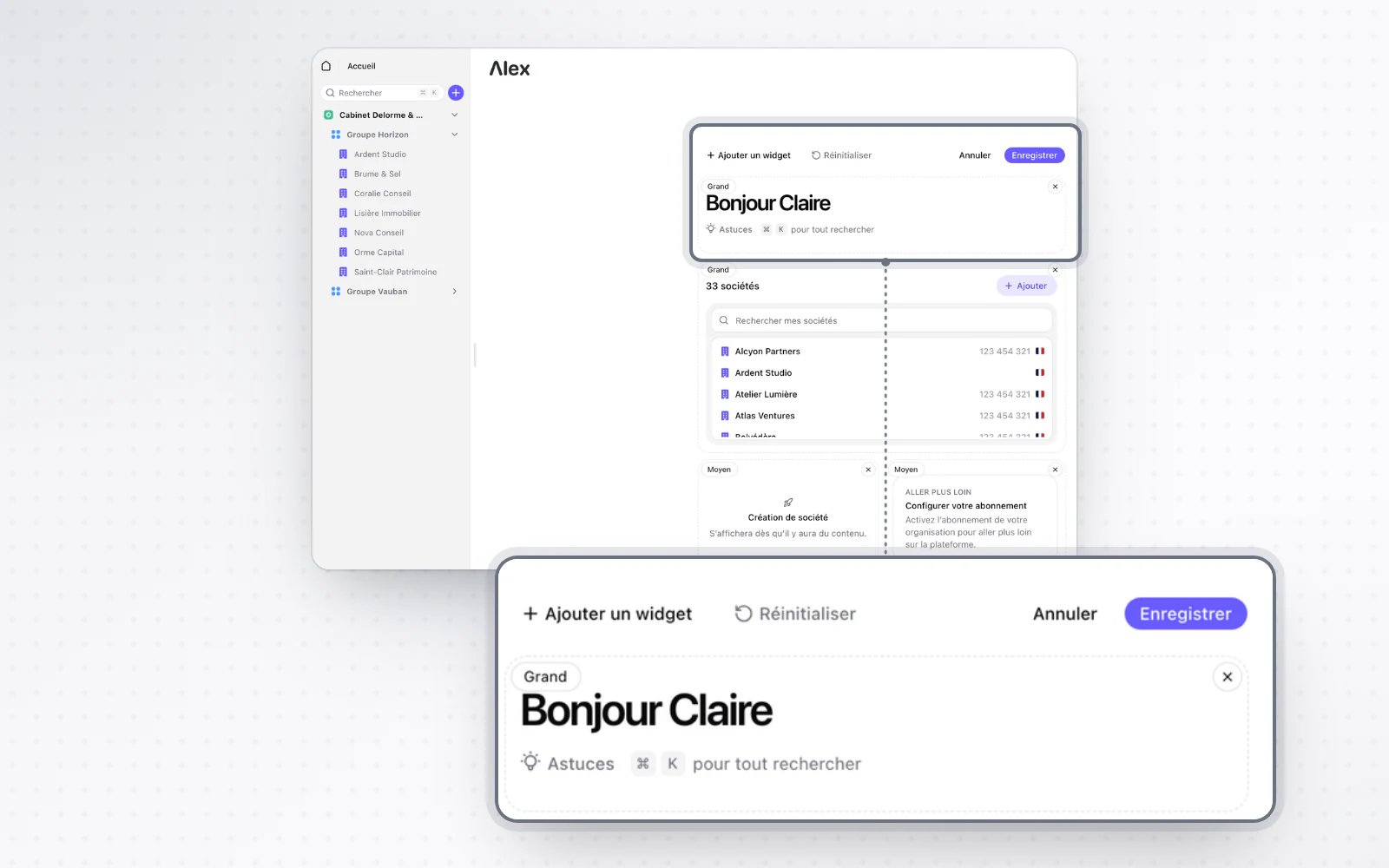
Build your home page from widgets. Variables can also be inserted and edited right in the editor.
Keep what matters to you in view. Your home page is now made of widgets you add, remove and move around as you like.
Highlight
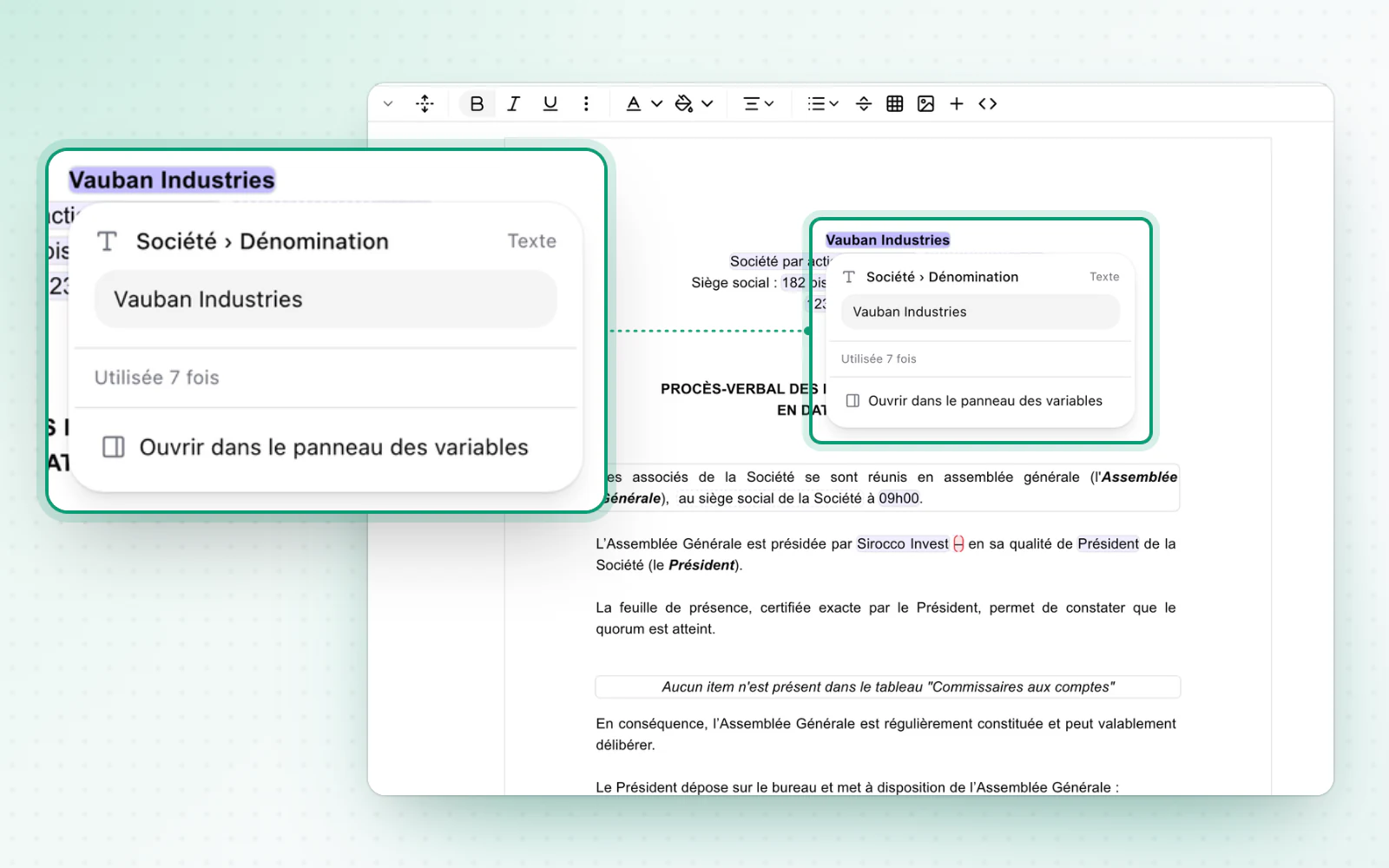
Variables, one click away in the editor
Handle your variables without leaving the text. In the operation editor, click a variable to see its value and format, and edit simple values in place. To insert one, use the + menu, the / command or a right-click, including in tables and headings.
Highlight
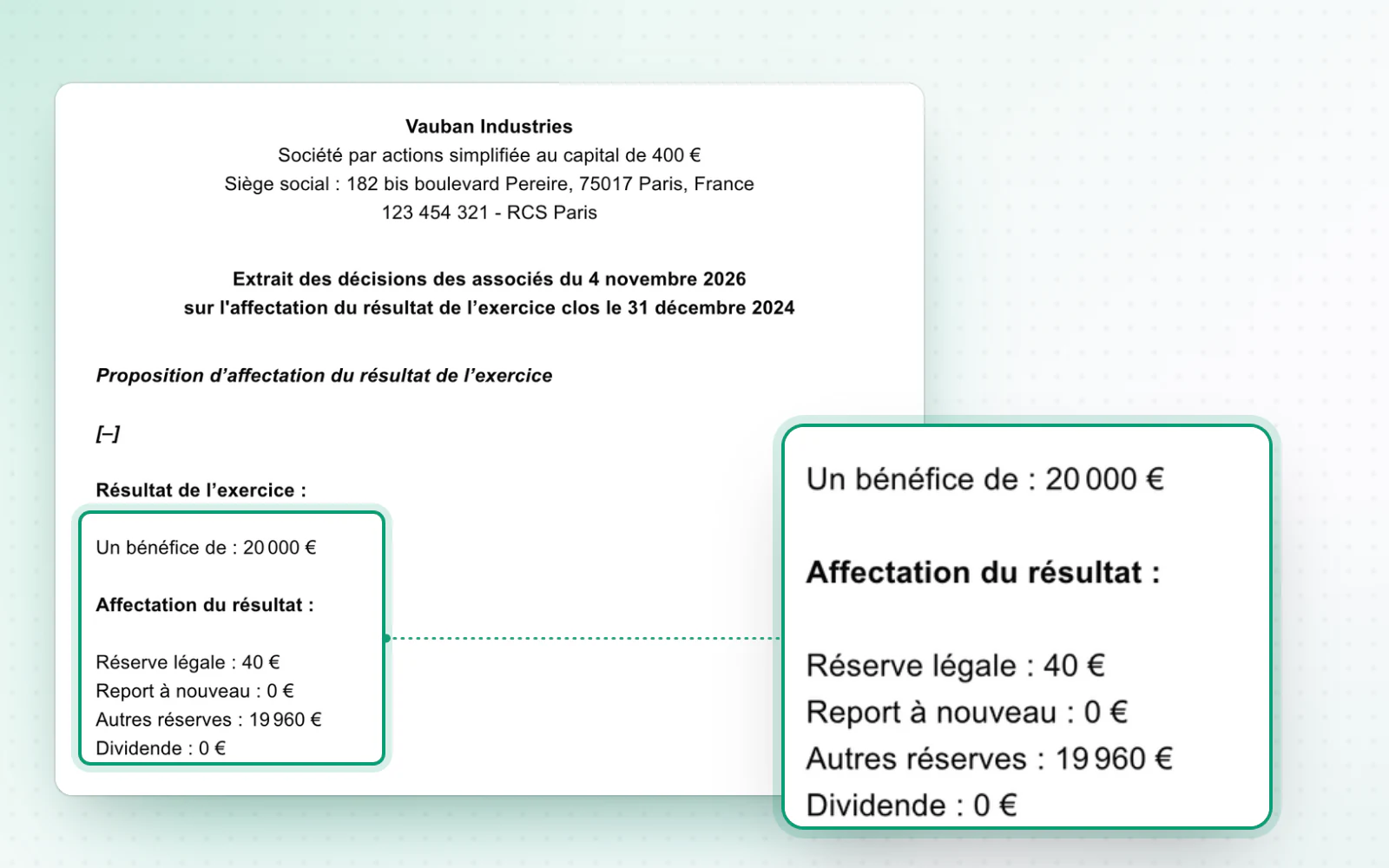
More readable amounts
Your amounts are easy to read at first sight. In your documents, they now show in a more readable format, for example 1 234 € instead of 1 234,00 €. Decimals only appear when they matter.
All changes
The full list for this release. Only changes our customers can see are listed.
New
- Interface and navigationA home page you can customise
- Templates and draftingVariables, one click away in the editor
- Templates and draftingMore readable amounts
Improved
- E-signatureObservers can be added when preparing signatures.
- CompaniesFor a foreign company, the field now works like a search.