A more forgiving search
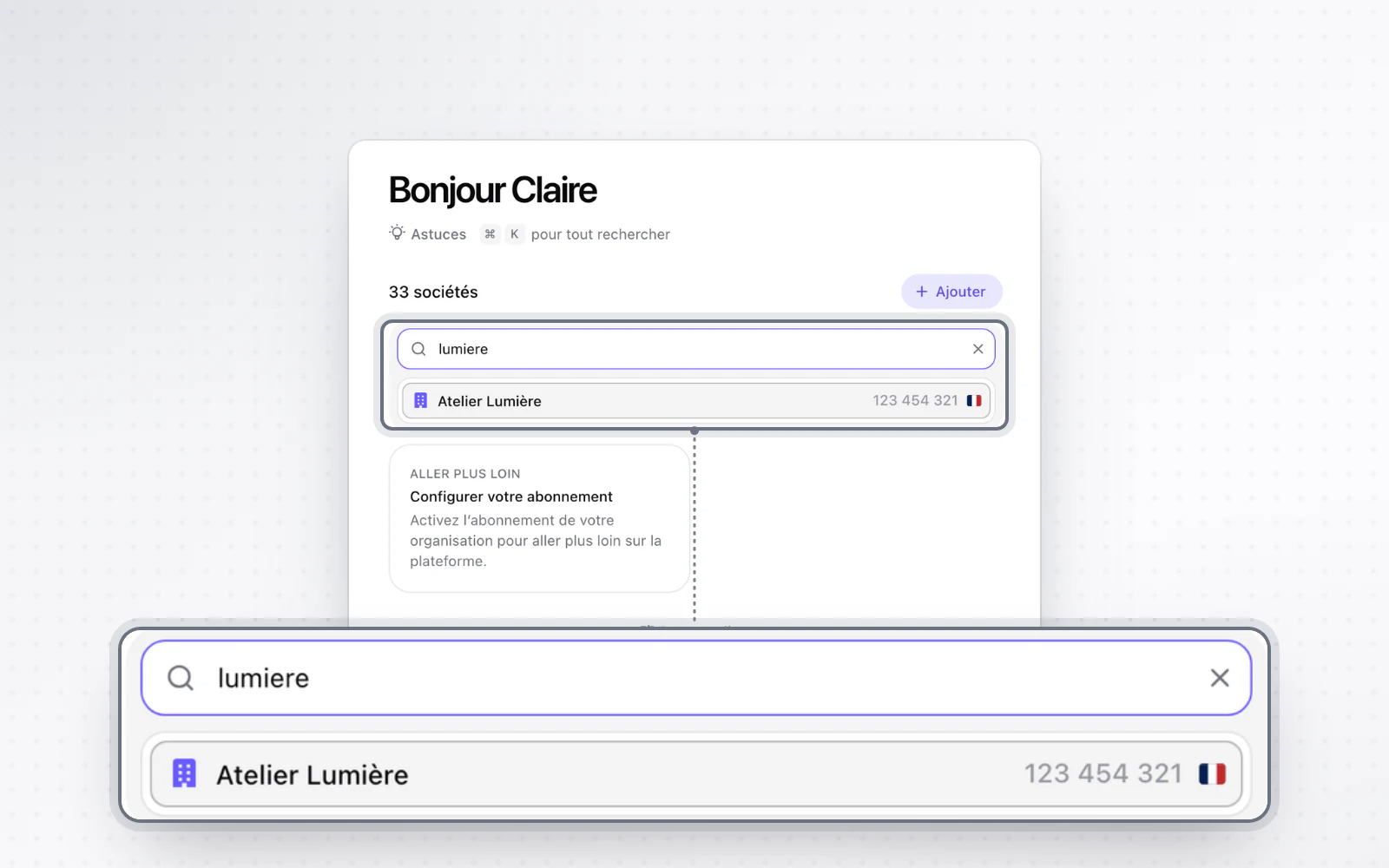
Search ignores accents and special characters. The new navigation is also more comfortable, down to the Cmd + K shortcut.
Find a name without worrying about accents. Search ignores accents and special characters, and finds a name without you typing its first word. A clear message shows when nothing matches, and long names can be read on hover.
All changes
The full list for this release. Only changes our customers can see are listed.
New
- Interface and navigationA more forgiving search
Improved
- Interface and navigationSpaces and companies are always listed alphabetically.
- Interface and navigationCmd + K brings up the navigation; Escape or a click outside closes it.
- Interface and navigationSpaces can be expanded even while searching.
- Interface and navigationWith the bar collapsed to icons, the space you are in stays visible.
- Interface and navigationThe add dialog fits every screen size.
- Organisation and accessA company can be added from inside a workspace without picking the space again.
- Org chartThe org chart opens from the workspace menu, with clear empty states.