Your capital, easier to read
The capital breakdown reads better, with small stakes grouped and former shareholders hidden. Your groups can also manage their own companies.
See what matters in your capital at a glance. In the capital breakdown, small stakes are grouped under Others. A cap table switch hides former shareholders with no shares left, and the Excel export adds the legal representative and their email.
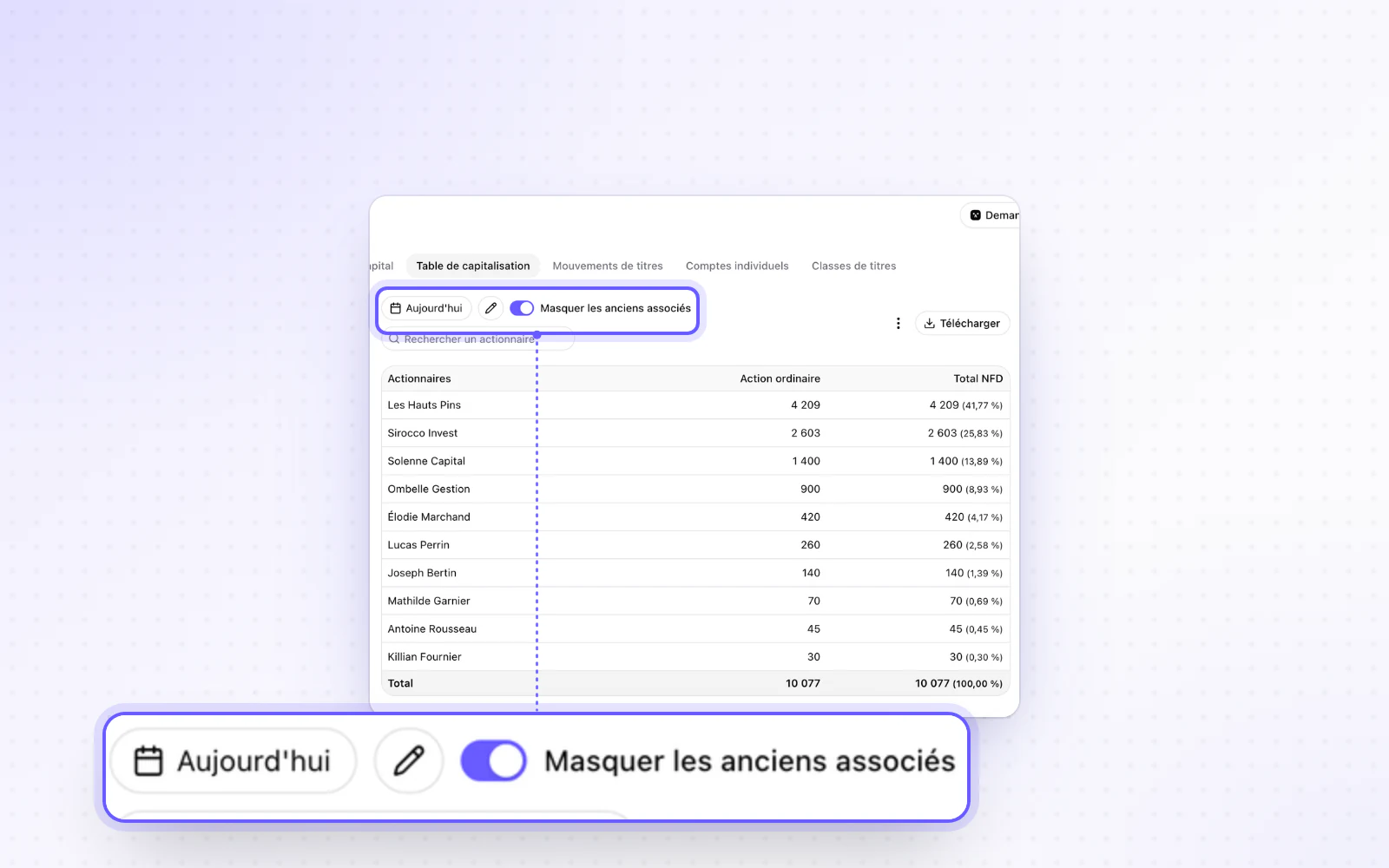
Highlight
Your groups manage their companies
Let your groups add their own companies. An organisation setting lets a group's admins and editors add or register companies in their group. Without it, adding a company takes editor access to the organisation.
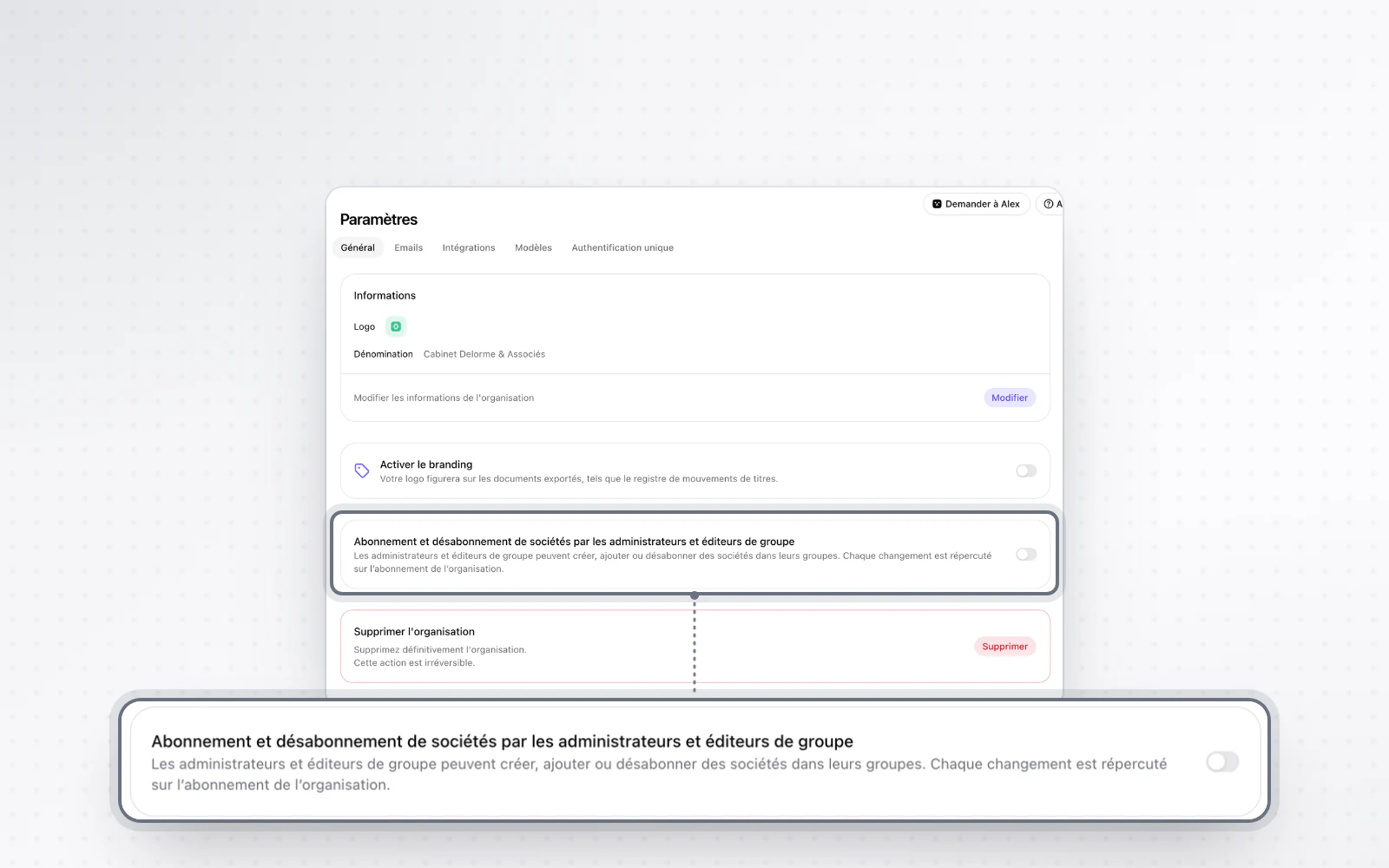
All changes
The full list for this release, fixes included. Only changes our customers can see are listed.
New
- CapitalYour capital, easier to read
- Organisation and accessYour groups manage their companies
Improved
- People and mandatesOfficers sit in a single table with Active, Inactive and All tabs.
- People and mandatesThe people table can be sorted and filtered by investor category.
- Company creationOne window is used to choose the group, with search and the current group preselected.
- BillingThe invoices export gives one net line per company added.
Fixed
- Templates and draftingAn edited draft asks for confirmation only once when you leave it.